
Data are raw facts, databases store those facts in a structured way, and information systems use both to turn numbers, names, dates, and transactions into something people can act on. That sounds abstract until you look at a phone contacts app, a school records system, or an online store that tracks 1 order, 1,000 orders, and every return in between. A contact name by itself is data. A database can store that name with a phone number, email, and birthday in separate fields. An information system goes further. It collects the data, checks it, stores it, and shows you the right screen when you search for “Maya” or sort orders from 2025. That extra layer matters because business and school systems deal with huge amounts of records every day. People mix these terms up all the time, and that causes bad choices. A spreadsheet can hold data, but it does not always act like a real database. A database can store records well, but it does not become an information system until software, users, rules, and reports join the setup. Once you see the difference, the whole field of computing gets less fuzzy and more practical.
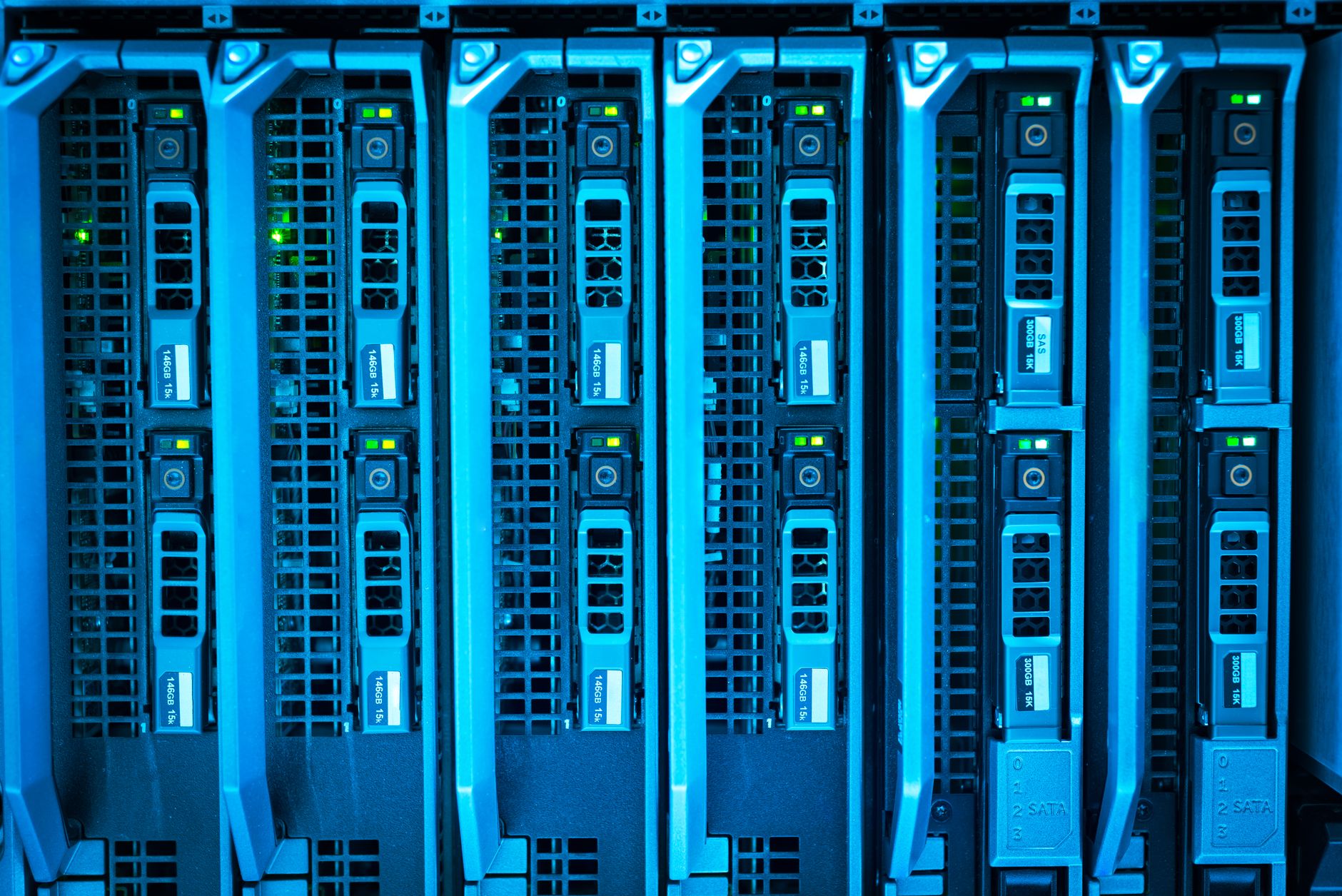
What Are Data, Databases, and Information Systems?
Data are raw facts like 23, “Alex,” 04/18/2026, or $19.99, while databases store those facts in ordered fields, tables, and records. An information system sits wider than both, because it collects the data, processes it, stores it, and shows it back in a useful form.
A contacts app makes the difference easy to see. One phone number alone is data. A contact entry with a name, number, email, and birthday inside a database becomes organized storage. The app itself, with search, sync, alerts, and backups, acts like an information system because it helps you use the stored records.
An online store works the same way at a bigger scale. It may hold 50,000 product records, 2 million customer records, and thousands of daily orders. The database keeps those records in tables. The information system adds the checkout page, inventory alerts, order history, and shipping updates.
The catch: A database does not think for you. It stores and retrieves records well, but the software around it decides what people see, what gets checked, and how the data turns into reports.
A school records system gives another clean example. Grades, attendance, class lists, and graduation dates all count as data. The database stores them. The information system lets staff search, update, print transcripts, and track a student’s status across 8 semesters or more.
People often blur these terms because all 3 live inside the same screen. I think that mistake hides the real power of computing. Data are the pieces, databases are the shelves, and information systems are the whole office that uses the shelves to do work.
How Do Data Become Useful Information?
Data become useful information through 6 steps: collection, cleaning, validation, organization, analysis, and reporting. A temperature reading of 72 means little by itself, but 72 over 30 days, tied to a room number and timestamp, can show a pattern.
Collection starts the chain. A store might gather 1,200 checkout records in a day, a hospital might record patient visits at 9:00 a.m., and a learning app might log quiz scores from 3,000 users. That raw input can be messy, so cleaning removes duplicates, typo errors, and blank fields.
Validation checks whether the data make sense. A birth date in 2099 or a price of -$8 fails that test. After that, organization groups the data into tables or categories, which lets software sort by date, customer, product, or score. Reality check: Bad input stays bad even inside a fancy system.
Analysis asks questions. Which product sold 4,000 units in March? Which class had an 88% pass rate? Which city returned 17% of orders? Reporting then puts the answers into charts, dashboards, or summaries that managers and teachers can read fast.
Context changes everything. A single sale of $500 might mean almost nothing. Ten sales of $500 each on a Friday may show a pattern worth acting on. That is why raw numbers alone feel flat, while grouped and checked data start to speak.
Why Are Databases Essential for Storage?
A database keeps records organized so a system can store thousands or millions of items without chaos. A decent relational database also makes search faster, cuts down mistakes, and supports many users at once.
- Databases store data in tables with rows and columns, which keeps records neat and easy to read. A customer table might hold 100,000 names without turning into a mess.
- Primary keys give each record a unique ID, like CustomerID 1042 or OrderID 8891. That stops two records from getting mixed up.
- Queries pull out only what you need, so a manager can find last month’s sales in seconds instead of scanning 20,000 lines by hand.
- Indexes speed up retrieval by pointing to where records live. That matters when a search must find 1 item inside 1 million rows.
- Multi-user access lets 5 or 500 people work at the same time without overwriting each other’s data. That is a huge deal in banking, retail, and school systems.
- Security tools like passwords, roles, and audit logs help limit who can see grades, payroll, or card details. A spreadsheet cannot match that well.
- Databases scale better as data grows from 10,000 records to 10 million records. Spreadsheets usually start to wobble long before that.
Learn Fundamentals Of Information Technology Online for College Credit
This is one topic inside the full Fundamentals Of Information Technology course on UPI Study — a self-paced, online class that earns real college credit. Credits are ACE and NCCRS evaluated and transfer to partner colleges across the US and Canada. Courses start at $250 with no deadlines and lifetime access.
Browse IT Fundamentals Course →Which Parts Make Up an Information System?
An information system is bigger than a database, and that is where a lot of students get tripped up. It includes hardware, software, data, people, procedures, and networks, all working together so a company can take 1,000 records and turn them into actions, alerts, and decisions. A retail inventory system, a banking app, and a shared calendar all use this same setup, even though they look very different on the screen. Worth knowing: The parts matter as a group, not as isolated pieces.
- Hardware includes servers, laptops, phones, and scanners. A warehouse scanner can read 1 barcode in under 1 second.
- Software includes the database program, the app, and the report screen. Without software, stored data just sits there.
- Data includes names, dates, prices, IDs, and status codes. A bank may store 14 fields for one account.
- People include clerks, managers, analysts, and customers. A system fails fast if users enter sloppy data.
- Procedures tell people what to do, such as approving refunds before 5 p.m. or backing up files every night.
- Networks connect branches, cloud servers, and mobile devices. A 4G or Wi‑Fi link lets updates move in real time.
The pieces only work because they fit together. A calendar app that stores dates but cannot send reminders feels weak. A banking app that shows balances but cannot verify identity would be reckless. I like systems that do one job cleanly before they try to do 12 things badly.
How Do Databases Support Business Decisions?
Businesses use databases to track customers, orders, sales, performance, and trends, then turn that record trail into decisions. A store can check 90 days of sales, a hospital can review 12 months of visits, and a school can compare enrollment across 4 terms.
The difference between storage and decision-making matters. Storage answers “Where is the record?” Decision-making asks “What does this pattern mean?” A manager might see that refunds rose from 2% to 7% after a new product launch. That number can point to a sizing problem, a shipping delay, or a bad listing.
Databases also help teams spot errors fast. If 38 orders show the wrong shipping address, staff can fix the pattern instead of chasing each case one by one. If a sales dashboard shows that March beat February by $18,000, leaders can study what changed and repeat what worked.
Bottom line: Good databases do not just store history; they make history readable. That is why companies spend real money on clean records, fast searches, and reports that arrive before the meeting starts.
The opinion I hold here is simple: a business that ignores its data usually guesses too much. Guessing can feel cheap for a week, then it gets expensive fast when returns, delays, and missed sales pile up.
Why Does Understanding Data Systems Matter?
Understanding data, databases, and information systems matters because they sit at the center of fundamentals of information technology, and the same ideas show up in business software, school platforms, and mobile apps. A 6-week online course or a 3-credit college class can cover the basics, but the real win comes when you can explain how a record moves from input to report.
Students who study online do better when they know why a quiz score, an attendance log, or a payment record sits in a table with a unique ID. That makes tools less mysterious. It also helps with transferable credit and ace nccrs credit programs, since many courses in this area focus on database basics, records management, and system components.
The phrase "fundamentals of information technology course" sounds dry, but the content has real weight. You learn how systems store data, how teams query records, and how hardware, software, and networks work as a set. That knowledge helps in business, health care, retail, and public offices.
What this means: If you understand the basics, you read tech tools with a sharper eye. You stop treating a dashboard like magic and start seeing the tables, rules, and reports behind it. That habit pays off whether you are taking a class, training for work, or comparing online options.
Frequently Asked Questions about Data And Databases
You make bad choices, because raw numbers, stored records, and the tools that process them all do different jobs. A sales total, a customer table, and a dashboard are not the same thing, and mixing them up can wreck reports, planning, and class work.
Data is raw facts, a database stores those facts in rows and columns, and an information system uses software, hardware, and people to turn that data into useful output. A bank might store 10,000 account records in a database and use an app to show balances.
Most students memorize the words, but real understanding comes from tracing one example from start to finish. A store records 500 daily orders as data, keeps them in a database, then uses an information system to show sales by hour and product.
The biggest wrong guess is thinking a database and an information system mean the same thing. A database holds the facts, but an information system also includes the screens, reports, rules, and people that use those facts in a real setting.
Start with one everyday example, like a school gradebook or a grocery app. Label the raw data, the database where it sits, and the information system that helps you search, sort, or report it, then compare all three.
This applies to anyone taking a fundamentals of information technology course or a business class that covers data systems, and it doesn't stop at tech majors. A nurse, accountant, or store manager can all use the same basic ideas.
Most students are surprised that people matter as much as software, because an information system includes users, rules, and decision steps, not just code. A hospital may store lab results in seconds, but staff still decide who sees them.
An information system is a setup that collects data, stores it, processes it, and gives you useful information. A basic online banking system can take a deposit, update the database, and show your new balance right away.
Databases keep information organized so you can store, search, update, and delete records fast. A well-built database can find one customer in a table of 1 million rows much faster than a paper file or spreadsheet.
In business, data databases and information systems work together to track sales, customers, payroll, and inventory. A retailer can store 20,000 product records in a database and use an information system to order more stock before shelves run empty.
Yes, you can study online through a fundamentals of information technology course and earn college credit through ACE NCCRS credit at cooperating schools. That setup helps students build a base in data, databases, and information systems without sitting in a classroom.
Databases handle bigger and messier data than spreadsheets, especially when many people need the same records at once. A spreadsheet works for a class budget, but a database fits 50 users, login rules, and linked tables much better.
Understanding data databases and information systems helps you see the path from raw facts to useful action. Data becomes organized in a database, then an information system turns it into reports, alerts, and choices for work or daily life.
Final Thoughts on Data And Databases
Data, databases, and information systems form a simple chain once you strip away the jargon. Data are the raw pieces. Databases organize those pieces. Information systems wrap the storage with software, people, rules, and networks so the records can actually do work. That chain shows up everywhere. A contact list, a course registration system, a checkout page, a bank app, and a hospital record system all depend on the same basic idea: clean input goes into structured storage, then software turns it into something usable. Once you spot that pattern, you start seeing why some tools feel fast and tidy while others feel messy and slow. The strongest systems do not just hold information. They help people search, compare, report, and decide. That is why databases matter so much in business and everyday computing. They cut confusion, keep records stable, and make it possible to handle growth without turning every task into a manual chore. If you want to keep learning, look at one real system you use this week and trace its data flow from input to output. That one exercise can teach you more than a stack of definitions.
How UPI Study credits actually work
Ready to Earn College Credit?
ACE & NCCRS approved · Self-paced · Transfer to colleges · $250/course or $99/month