
HTML gives a page its structure, and CSS gives it color, spacing, type, and layout. That is the whole trick. If you want to know how to create a styled web page with HTML and CSS, start with simple HTML tags like headings and paragraphs, then attach CSS rules that change how those tags look in the browser.
A clean first page does not need 40 files or fancy code. You can build one with 2 files: an HTML file and a CSS file. The HTML file holds the content, and the CSS file tells the browser what that content should look like. That split keeps your code easier to read and easier to fix.
The basic workflow is plain: write your HTML, save a CSS file, link the files in the <head>, and refresh the browser to see the changes. If the page looks off, the problem usually sits in the selector, the file path, or the spelling of a class name. Small mistakes matter here. A missing dot in a class selector or one wrong folder name can stop the whole style sheet from loading.
Once you get the pattern, creating a styled web page with CSS and HTML feels less like magic and more like building with blocks. You place the content first, then shape the look with a few rules. That habit pays off fast, whether you are making a class project, a portfolio page, or your first practice site.
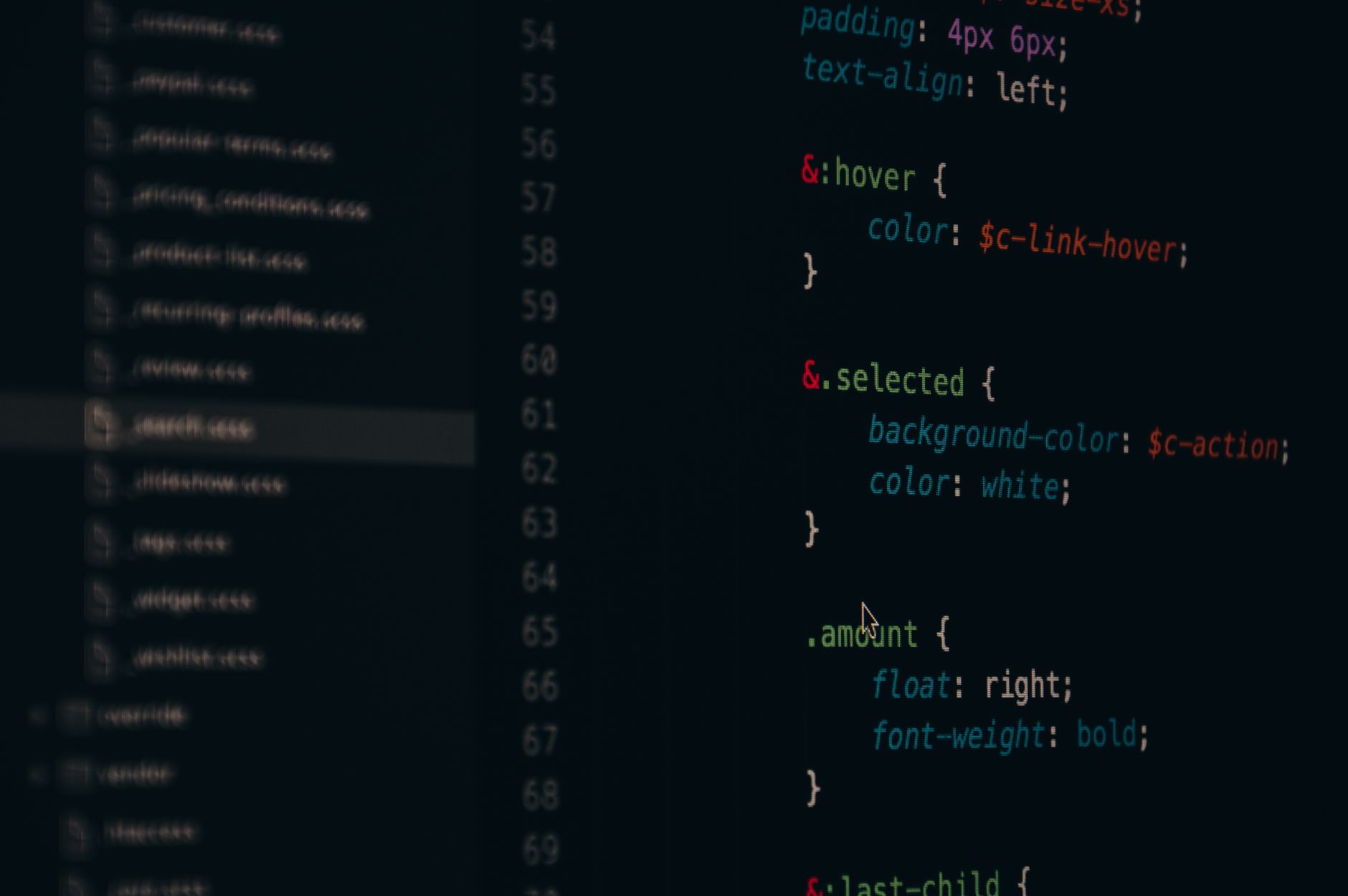
How Do HTML and CSS Work Together?
HTML and CSS split the job in two: HTML gives a page meaning, and CSS gives it the look, so a browser can read one file for content and another for style. That split has stayed the same since the early 1990s, and it still saves beginners from tangled code.
Think of HTML as the frame of a house and CSS as the paint, curtains, and furniture. A heading tag like <h1> says, “this is the main title,” while CSS can turn that title blue, 48 pixels tall, and centered. The browser first reads the structure, then it applies the style rules in order.
That difference matters because good web pages start with clear meaning, not decoration. Search engines, screen readers, and browsers all read the HTML first, so a page with <main>, <section>, and <p> tags can still make sense even if the CSS file fails. A page with only style and no structure falls apart fast.
The catch: CSS cannot fix messy HTML, and HTML cannot make a page look polished on its own. If you put a paragraph inside the wrong container or skip the heading hierarchy, the page still works, but it feels clumsy. I like that honesty in web code; it punishes shortcuts and rewards clean setup.
A simple mental model helps: HTML answers “what is this thing?” and CSS answers “what should it look like?” Keep that question pair in mind every time you build a page, and the rest gets much easier. If you want a guided Introduction to HTML and CSS, this same split shows up in every lesson.
CSS rules use selectors, properties, and values. A selector picks the element, like p or .card. A property names the style, like margin or color. A value gives the exact setting, like 16px or #222. That three-part pattern shows up in nearly every beginner project.
What Basic HTML Do You Need First?
A simple styled page can start with 7 core HTML pieces, and you do not need a giant framework or 20 tags to begin. Use structural tags for the page skeleton, then put real content inside them so CSS has something solid to style.
- <!doctype html> tells the browser to use standard HTML5 mode. Skip it, and older quirks can make your page act weird.
- <html> wraps the whole document. It holds both the
<head>and<body>sections in one place. - <head> stores page setup, including the title and CSS link. It does not show on the page itself, which surprises a lot of beginners.
- <body> holds visible content like headings, paragraphs, images, and links. This is the part your visitor actually sees in the browser window.
- <h1> to <h3> give your page a clear heading order. One main heading and 2 or 3 smaller headings usually work better than a wall of text.
- <p>, <a>, and <img> add the words, links, and pictures. A page with just 1 image and 2 short paragraphs can already look real.
- <div> or <section> group content so CSS can target it cleanly. These containers help once you want 2-column layouts or card blocks.
What this means: structural tags hold the page together, while content tags carry the message, and that split keeps your first project from turning into a mess.
How Do You Link CSS to HTML?
Linking CSS to HTML takes 1 small line in the <head>, but that line has to point to the right file path or the browser ignores your styles. A fresh page usually needs only 2 files in the same folder, and that simple setup makes debugging much easier.
- Create a file named something like
style.css. Put your visual rules there, not inside the HTML file, so the project stays clean. - Open your HTML file and add a
<link rel="stylesheet" href="style.css">tag inside the<head>. This tells the browser where to find the CSS. - Save both files before you test the page. A browser refresh takes about 1 second, but an unsaved file can waste 10 minutes fast.
- Reload the page and look for a visible change, like a new background color or a 20px heading. If nothing changes, the link usually broke.
- Check the file path if the CSS still does not load. A wrong folder name, missing slash, or typo in the file name can stop everything.
Reality check: most CSS problems come from tiny path mistakes, not from advanced code, and that is why beginners should test one rule at a time. If you want a structured Introduction to HTML and CSS, this linking step shows up right away.
Learn Introduction To Html Css Online for College Credit
This is one topic inside the full Introduction To Html Css course on UPI Study — a self-paced online class for college credit. Credit recommended by NCCRS; your college decides how credits transfer. Courses start at $250 with no deadlines and lifetime access.
Explore Introduction To HTML CSS →Which CSS Selectors, Properties, and Values Matter?
CSS selectors tell the browser what to style, and properties plus values tell it how to style that thing, so the whole system runs on a 3-part rule. A selector like p targets every paragraph, .card targets any class named card, and #hero targets one unique element with that id.
That sounds simple because it is, but the details matter. Element selectors work well for broad changes, class selectors work best for reusable blocks, and id selectors work for one-off pieces. I usually tell beginners to lean on classes first, because ids can make a page harder to reuse later.
Common beginner properties include color, font-size, margin, padding, and background-color. A font-size of 16px usually reads well for body text, while 24px or 32px works better for headings. Margin adds space outside an element, and padding adds space inside it, which people mix up all the time.
You can also change a page’s mood with just 2 or 3 color choices. A dark text color like #222, a light background, and one accent color often beat a rainbow setup with 8 different shades. That restraint makes the page feel more grown-up.
Worth knowing: one clean class rule can style 10 cards at once, while an id only hits 1 item, and that difference saves time on bigger pages. A good Introduction to HTML and CSS course will make you write these patterns until they feel normal. The annoying part is that one typo in a selector breaks the match, so spelling and punctuation matter more than most beginners expect.
Here is the basic pattern in plain code terms: selector, then braces, then property, then value. A rule like .button { background-color: blue; padding: 12px; } tells the browser exactly what to do. That tiny grammar sits at the heart of every polished page.
How Do You Build a Simple Styled Page?
A simple page works best when you build it in 5 small moves, not 1 giant leap. Start with one page idea, like a profile, a class project, or a product card, then write HTML that gives the content real structure. That order matters because CSS styles what already exists; it cannot rescue a blank, shapeless file. Bottom line: clean structure first, styling second, and testing last usually saves 30 minutes of backtracking.
- Pick a page idea with 1 heading, 2 paragraphs, and 1 image.
- Write semantic HTML using
header,main, andsectiontags. - Add classes like
.cardor.introso CSS can target 3 different areas. - Apply 4 starter rules: font-size, margin, padding, and background-color.
- Test spacing, alignment, and contrast on a 13-inch screen and a phone view.
The best beginner pages stay small enough to inspect in under 10 minutes. If your layout needs 12 nested divs, you probably went too far for a first draft. A page with 1 clear hero area and 2 content blocks teaches more than a crowded design with 9 colors and no rhythm.
A practical way to test is to change 1 CSS value at a time. Make the heading 32px, then add 16px of margin, then set a light background color. If something looks odd, you know which edit caused it. That method feels slow for 5 minutes, then it saves your whole afternoon.
Why Does Your Web Page Look Polished?
A page looks polished when spacing, type, color, and alignment all repeat in a steady pattern, not when you pile on more effects. A 16px body font, 24px heading spacing, and 1 or 2 accent colors often look better than a page with flashing extras.
Readability matters more than tricks. If your line length runs too wide or your text color drops too close to the background, the page feels rough right away. I like simple pages because they expose problems fast; fancy pages can hide bad spacing under noise.
When styles do not appear, check 3 things first: the stylesheet link, the file name, and the selector spelling. A missing .css file, a wrong path, or a class name typo can break the whole result. If the page looks broken, open the browser inspector and look at the applied rules, because one crossed-out line can explain the whole mess.
A polished page does not need 50 rules. It needs 5 good ones used with care.
Frequently Asked Questions about HTML And CSS
Start by writing the HTML for your page, then link a CSS file in the <head> with a <link> tag, and style elements with selectors, properties, and values. HTML builds the structure with tags like <h1>, <p>, and <img>; CSS changes color, spacing, font, and layout.
The most common wrong assumption is that HTML controls the look, but HTML mainly controls structure and CSS controls style. If you skip CSS, your page still works, but it looks plain because the browser uses its default fonts, spacing, and colors.
This applies to anyone learning front-end basics, including students in an introduction to HTML and CSS course, and it doesn't apply if you already know flexbox, classes, and external stylesheets. If you're just starting, focus on 3 things first: tags, selectors, and linking a stylesheet.
HTML creates the parts of the page, like headings, paragraphs, buttons, and sections, while CSS tells those parts how to look. You might use one <h1>, three <p> tags, and one <button>, then style them with font-size, margin, and background-color.
If you get the CSS link wrong, your styles won't show up, and your page will look like plain HTML even if your CSS file has 50 lines. Check the file name, the path, and the <link rel="stylesheet" href="style.css"> line in the <head>.
Most students start by changing random colors, but what actually works is building the HTML first, then styling one section at a time. You should write the page structure, add one CSS rule, refresh, and repeat until the page looks clean.
Prices vary a lot, but a solid online course usually costs from free to a few hundred dollars, and some platforms offer college credit or ACE NCCRS credit. If you want transferable credit, look for an introduction to HTML and CSS course that lists study online options and credit details.
What surprises most students is that a tiny selector change can restyle an entire page, like changing every <p> tag with one rule. CSS can target tags, classes, and IDs, so one line can affect 10 elements or 100.
A selector chooses the HTML element, a property names the style, and a value sets the result. For example, h1 { color: blue; } means the h1 selector gets the color property with the value blue, and you can do the same with margin, padding, and font-size.
You should write the HTML first, because the browser needs structure before style. Start with a basic page that has a title, one heading, two paragraphs, and a button, then add CSS for spacing, font choice, and contrast.
You create the HTML file, add a CSS file, connect them with a <link> tag, and test one style rule at a time. This is the fastest workflow because you can see each change after refresh, and you can catch broken class names right away.
Yes, some online course options in an introduction to HTML and CSS course come with college credit, ACE NCCRS credit, or transferable credit through partner schools. You still need a course that lists those credit details before you enroll, because not every class offers them.
Start with the body, the main heading, and one button, because those 3 parts set the tone of the page fast. Then style font, color, background, margin, and padding, and your page will look polished without needing 20 rules.
Final Thoughts on HTML And CSS
A styled web page starts with structure, not decoration. HTML gives you the bones, and CSS gives those bones shape, color, and spacing. Once you see that split, the whole process gets less scary and a lot more logical. The best first projects stay small. Use 1 HTML file, 1 CSS file, 1 main heading, a few paragraphs, and a handful of simple rules. That kind of page teaches the whole workflow without drowning you in choices. You learn faster when the page shows you each mistake right away. Class selectors, IDs, and element selectors each do a different job. Margin, padding, font-size, and background-color do most of the visible work. If your styles do not show up, the fix usually sits in the link tag, the file path, or a spelling error that you can catch in 2 minutes once you know where to look. A plain page with clean spacing and readable type can look better than a busy one with 10 colors and no order. That is the part many beginners miss. Good web design feels calm before it feels clever. Build one small page today, then change 1 CSS rule at a time until the layout feels balanced.
How UPI Study credits actually work
Ready to Earn College Credit?
Credit recommended by NCCRS · Self-paced · Your college decides how credits transfer · $250/course or $99/month (US)