
Online proctored exams work by checking your identity, your room, your screen, and your behavior while you test from home. That sounds simple. It is not just a Zoom call that someone records for later. Most systems mix a webcam, microphone, screen monitoring, and either a live proctor or AI flags so the school can watch for weird activity across a 30-minute quiz or a 3-hour final. The biggest student mistake is thinking the proctor watches every second. Usually, the system watches first and the proctor or review team checks only the parts that look odd: an extra face in the room, a second monitor, a phone on the desk, or long eye movement off-screen. That layered setup matters because schools want exam integrity without putting a person on every test in real time. Remote tests also ask a lot of you before the first question starts. You may need a government photo ID, a clean desk, a quiet room, a stable connection, and a camera that can show your face and your workspace. Some platforms ask for a 360-degree room scan. Others ask for a browser lock or software install. The process feels fussy, but most of the stress comes from people skipping the setup steps and hoping the test will be forgiving. It usually is not.
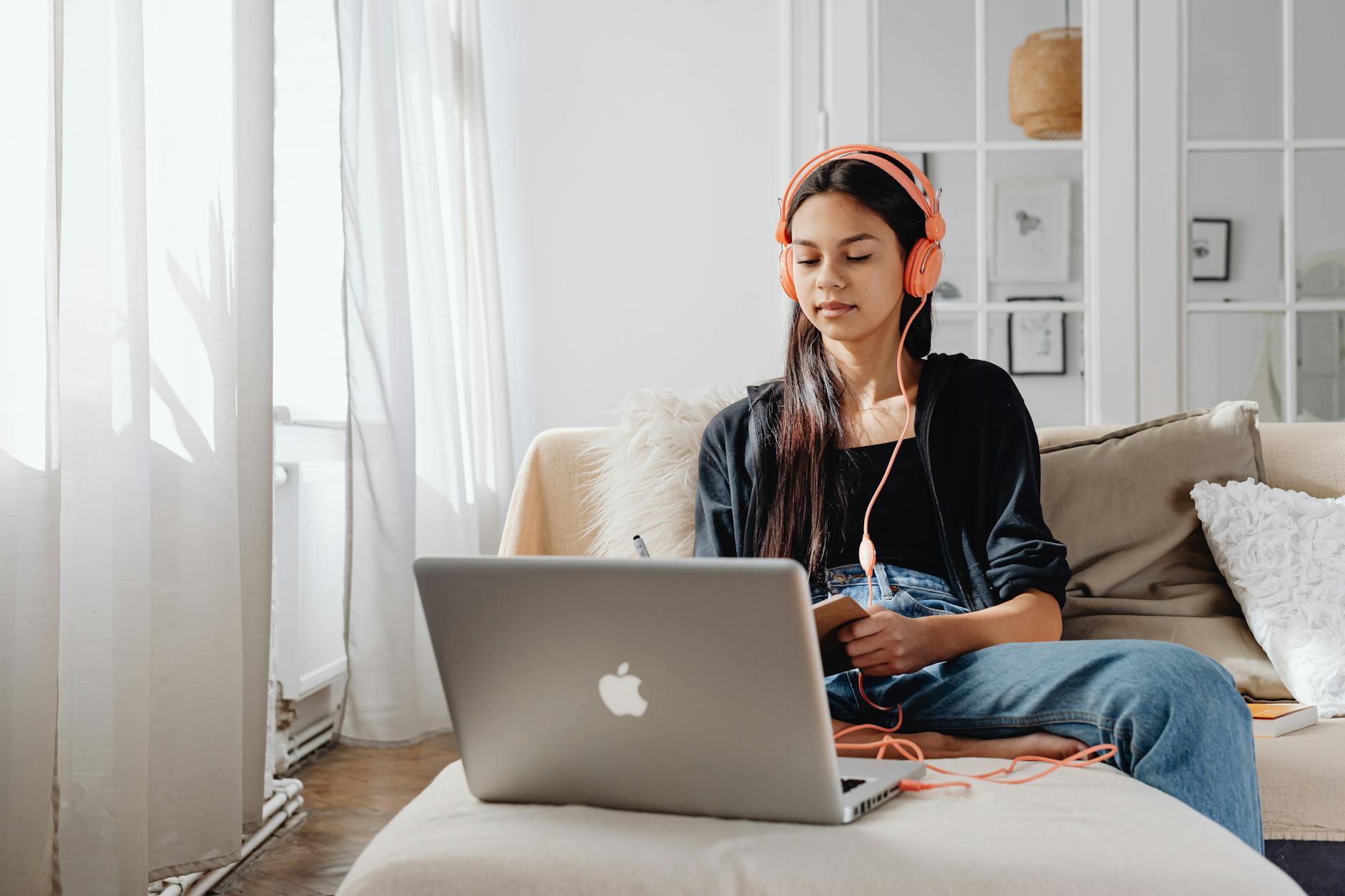
What does online proctoring actually watch?
The common myth: Most students think online proctoring means a person stares at them on camera for 90 minutes like a security guard. That is wrong. Most systems use a stack of checks: webcam video, microphone audio, screen capture, browser lockdown, and either live monitoring or AI flagging during a 30-minute quiz, a 2-hour test, or a 4-hour final.
The cleaner way to think about it is this: the software watches for signals, not just faces. If you turn away for 12 seconds, open another tab, or bring a phone into view, the system may flag the session for review. Proctorio, Honorlock, ProctorU, Pearson VUE OnVUE, ExamRoom, and Meazure Learning all use that basic idea, even when their screens and steps look different.
Reality check: A remote proctoring system does not prove cheating by itself. It spots patterns that look odd, then a human reviewer or school staff member decides what matters. That is why the process feels picky about room scans, desk checks, and ID photos, even when your test content has nothing to do with those parts.
The whole setup helps schools run thousands of exams without a physical testing center, and that saves time for students who live far from campus or test at odd hours. The downside is obvious: one bad Wi-Fi signal, a messy desk, or a shaky webcam can slow everything down before you even answer question 1.
The Main Proctoring Platforms Students See
These six names show up a lot in college testing, certification exams, and online courses. They all ask for the same broad things, but the order feels different, and that order matters when you only have one shot to start on time.
| Platform | Typical setup flow | Student feel | Typical session length |
|---|---|---|---|
| Proctorio | Browser add-on, ID, room scan, AI flags | Fast start, lots of automated checks | Varies by exam |
| Honorlock | Browser lock, ID, room scan, live help | Chat support, strong rule prompts | Varies by exam |
| ProctorU | Software check, ID, live proctor, room scan | More human contact, schedule ahead | Often 30-180 min |
| ExamRoom | ID, room scan, monitored launch, review | Feels close to a testing-center workflow | Varies by provider |
| Pearson VUE OnVUE | System test, ID, 360-degree scan, live remote proctor | Very structured, strict timing | Often 1-4 hours |
| Meazure Learning | Check-in, ID, environment scan, live or recorded review | Used by schools and cert exams | Varies by exam |
Worth knowing: Proctorio and Honorlock lean hard on automated flags, while ProctorU and Pearson VUE OnVUE feel more like a live-assisted check-in. That difference changes the mood on test day, and it changes how fast you can recover if your webcam hiccups for 2 minutes.
What happens before an online exam starts?
The first 10 minutes matter more than most students expect. If you rush the setup, you create the exact problems the proctoring system is built to catch.
- Run the system check first, not the night before if you can help it. Many platforms want a browser test, webcam test, and microphone test before you even launch the exam.
- Log in with your government-issued photo ID ready. The check-in process often takes 5-15 minutes, and a blurry image can stop you before the timer starts.
- Do the room scan and desk check. Some systems want a 360-degree sweep of the room, and many reject second monitors, notes, phones, or a messy desk surface.
- Read the rules and click through the exam agreement. That step sounds boring, but it covers headphones, leaving the camera frame, and looking off-screen for long stretches.
- Start the monitored session and stay put until the test ends. A typical remote final may run 60-120 minutes, and the software keeps recording screen activity the whole time.
The Complete Resource for Online Proctoring
UPI Study has a full resource page built specifically for online proctoring — covering which courses count, how credits transfer to US and Canadian colleges, and how to get started at $250 per course with no deadlines.
Browse Proctored Exam Resources →What mistakes trigger online proctoring flags?
The most common mistakes are small, which is exactly why they sting. A student can fail the setup on a 15-minute technicality and never even reach question 1.
- Keep a private room ready with a working webcam and microphone. A shared space or loud background can trigger warnings before the exam starts.
- Leave the desk clean. No notes, no phone, and no second monitor unless the exam rules allow it.
- Stay in camera view. Walking out of frame, even for 20 seconds, can get flagged on a monitored test.
- Skip headphones unless the platform says yes. Honorlock, ProctorU, and Pearson VUE OnVUE often reject them unless the exam gives permission.
- Do the system check early. A weak Wi-Fi signal or browser issue at 8:55 a.m. feels a lot worse than the same problem at 7:00 p.m. the night before.
- Book away from peak times if you can. Evening slots and Sunday nights fill fast, and tired students make sloppy choices after a 2-hour wait.
- Take the exam when you are alert. A cluttered desk and an exhausted brain look like a bad combo to both people and software.
What Happens When Something Goes Wrong
If the camera stops working, the test freezes, or your internet drops, stop and report the problem right away. That first minute matters. Most proctoring vendors build in some kind of interruption path, and many schools or testing companies allow a reschedule or review if you report the issue fast enough, often within the same day.
A broken session does not always mean a failed exam. If your screen locks for 3 minutes because the Wi-Fi died, the provider may note the interruption, restore the session, or send the case to a review team. Pearson VUE OnVUE and ProctorU both use support steps for technical failure, and schools often ask for a quick message or ticket before they reopen anything. Slow reporting hurts you more than the glitch itself.
Privacy worries are real, and students should treat them that way. Many systems retain video, audio, screen captures, chat logs, ID images, and review notes for a set period that can run from weeks to months, depending on the vendor and the school. That does not mean someone sits and replays every test. It means the system keeps enough data to review a flag, compare an ID photo, or confirm a room scan later.
Fair concern: I do not love the amount of data these platforms collect. Still, the tradeoff is clear: schools want a record of what happened, and students want a way to prove that a 2-minute internet drop or a bad camera angle was not misconduct.
How to Stay Calm and Test Ready
A good test day starts 24 hours early, not 2 minutes early. Run a full practice check the day before, test the webcam and microphone, plug in your charger, and pick a quiet 2-hour window when other people in your home can stay out of the room.
The best online proctored exam tips are boring on purpose. Use the same chair, the same desk, and the same browser you plan to use on test day. Put your ID on the desk 15 minutes ahead of time. Close extra tabs. Silence your phone. If you know the platform asks for a 360-degree room scan, do one dry run so the motion feels normal instead of weird.
Anxiety spikes when people stack surprises. So remove the surprises. Eat, drink water, and start only when you feel awake enough to focus for 60 minutes without drifting. If you test at night, keep lights bright enough for the camera and avoid the last slot after a long work shift if you can choose another time.
Best habits: Check the system, clear the desk, charge the laptop, verify the ID, and start on time. Those 5 moves solve most remote proctoring problems before they start.
Frequently Asked Questions about Online Proctoring
Most students are surprised that online proctoring watches more than your webcam. The system usually tracks your screen, your room, your ID, and sometimes your mouse clicks or extra tabs, then a live proctor or AI checks for flags during or after the exam.
Start with the system check on your laptop or desktop, then test your webcam, microphone, and internet speed before exam day. After that, get a government-issued photo ID ready, clear your desk, and plan for a quiet room with no other people in it.
Most students think they can just log in and start, but how online proctoring works usually includes a precheck, ID scan, room scan, monitored test session, and a review of any flags after the test. A clean desk, stable Wi-Fi, and no second monitor beat last-minute fixes.
No, they all follow a similar flow: system check, ID verification, room scan, live or AI monitoring, then a post-exam flag review. The names change, but the steps stay close across most online proctored exams.
You can get flagged, paused, or stopped if you leave the camera frame, use a second monitor without permission, or keep notes on the desk. Many systems also flag headphones, another person in the room, or long looks off-screen.
Plan for 30 to 60 minutes before your test window, because ID checks, room scans, and software updates can take that long. A rushed start raises the chance of a failed launch, and that can mean a reset or reschedule.
The wrong assumption is that nothing gets stored after the test. Many proctoring tools keep screenshots, video, audio, chat logs, and flag reports for review, and some schools keep those records under their testing policy.
A UPI proctored exam applies to students taking UPI Study final exams online from home with a webcam, mic, and photo ID; it doesn't apply to in-person test takers. UPI Study uses a system check, ID verification, a monitored session, and automatic flag review.
Contact support right away, because most providers let you reschedule if you report the problem fast. Save screenshots, note the time, and keep the error message if one appears.
Turn off notifications, close extra tabs, and take the exam when you're rested, because tired students make more mistakes. Eat, use the bathroom first, and book a time that doesn't land in a busy household hour.
A good remote proctoring guide helps you lower panic by making the process plain: check your gear, clear your room, and practice one webcam test before exam day. That matters because a calm start cuts down on avoidable flags and restarts.
Final Thoughts on Online Proctoring
How UPI Study credits actually work
Ready to Earn College Credit?
ACE & NCCRS approved · Self-paced · Transfer to colleges · $250/course or $99/month