
In C, break stops the nearest loop or switch, continue skips the rest of one loop turn, and return ends the current function right away. Those three lines look small, but they change how a program moves at a very basic level. Many beginners mix them up because all three make code stop doing what you expected. That mistake shows up fast in loops, switch statements, and functions. If you are in a programming in C course for software development, this topic matters because you will see it in every chapter on flow control, and you will keep using it in real code later. Here is the clean way to think about it: break leaves the current loop or switch, continue jumps to the next loop cycle, and return hands control back to the caller. Each one works inside loops, one works inside loops and skips work, and one works at the function level. The difference sounds small. It is not. Many students also miss the scope. break does not end a whole program. continue does not jump out of a function. return does not just pause the current line. Each one changes the path of execution in a different place, and that place decides what runs next.
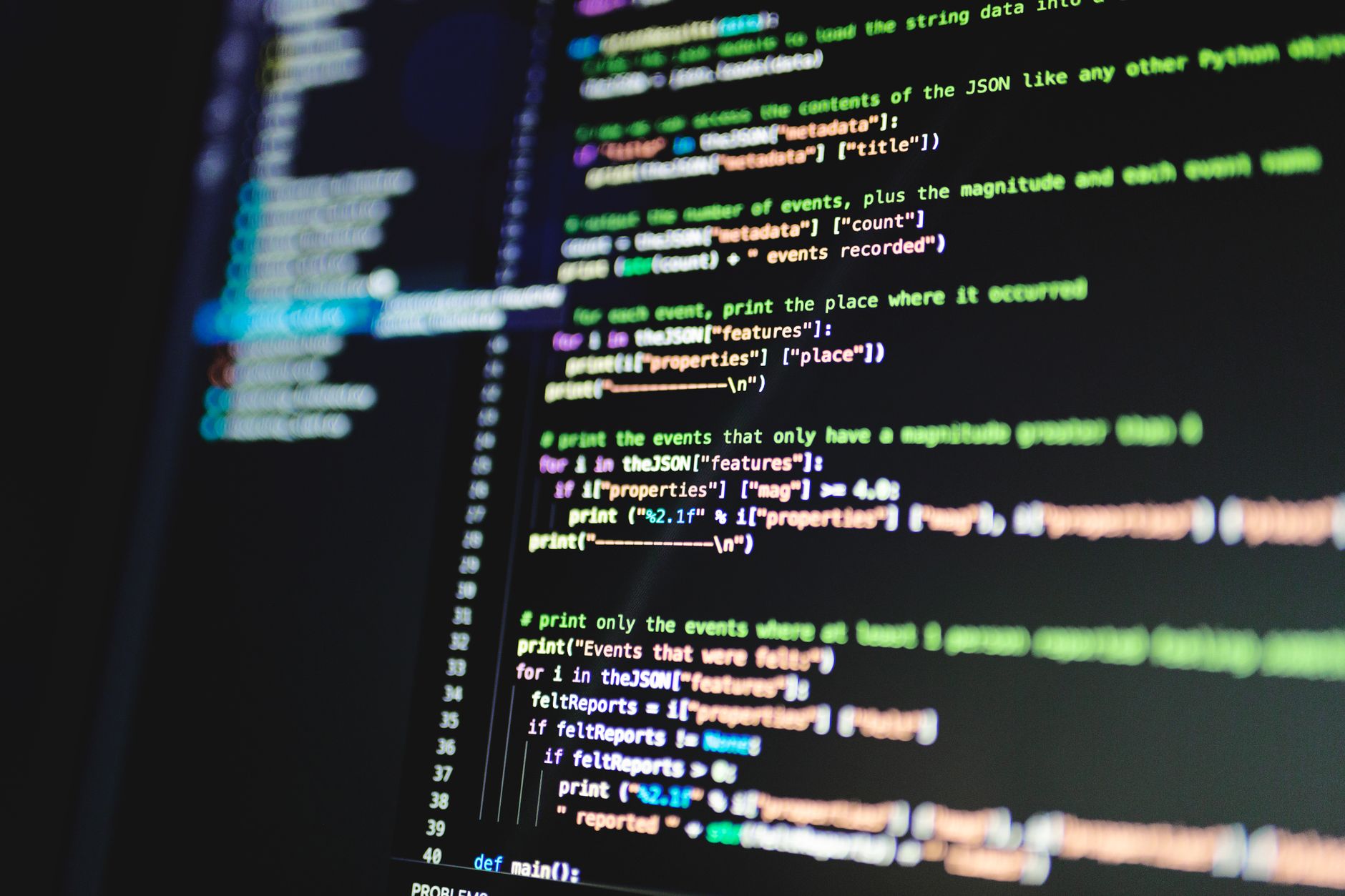
How Do break, continue, and return Work in C?
These three statements all alter control flow, but they do it at different levels: break leaves the nearest loop or switch, continue skips to the next loop turn, and return exits the current function with or without a value. That matters in a 50-line C program because one wrong keyword can make 12 lines of code never run.
Think about a loop that checks 100 quiz scores. If score 95 shows up, break can stop the search right there. If score 0 shows up and you want to skip that bad entry, continue can jump to the next item. If a helper function finds the answer to a login check, return can send that answer back to main() and stop the helper immediately. The scope is the whole trick.
The catch: break and continue only make sense inside loops or switch blocks, while return belongs to a function and can appear even in a 1-line helper. Many beginners treat them like cousins, but C treats them like different tools with different jobs.
Reality check: return can send back a value from a non-void function, such as return 1; or return 0;, and it can also end a void function with plain return;. That detail matters in programming in c because a function can contain a loop and still stop early for a totally separate reason.
The clean mental model is: break stops the current container, continue skips the rest of the current loop pass, and return exits the whole function. If a for loop sits inside a function, break leaves the loop, but return leaves the function too. That difference shows up in switch cases, input checks, and search routines all the time.
A common mistake is thinking break means "stop the program." It does not. Another mistake is expecting continue to jump out of a while loop and end the search. It does not do that either, and that mistake burns time during debugging because the code still keeps going, just on the next cycle.
When Should C Use break Instead?
Use break when you want to stop a loop early after a condition gets met, leave a switch case, or exit only 1 level of nesting. In C, break gives you a clean exit from the nearest loop, not a full escape from the whole program.
What this means: If you search through 20 numbers and find the first match at index 7, break saves the rest of the loop work. That is normal in a programming in C course, especially in search tasks, menu code, and validation loops where one good answer ends the scan.
break also belongs inside switch statements. Once C matches case 2, a break keeps the code from falling through into case 3 and case 4. That fall-through bug bites beginners hard, and it can create weird output in just 2 or 3 lines.
Do not use break when you want to leave a function. It cannot do that. A break inside a loop stays inside the function, and the code after the loop still runs. That limitation matters a lot in nested code, because break only exits one level deep and nothing more.
A sharp rule helps here: use break when you want to stop a loop or switch, not when you want to end the whole task. If your function checks 5 rules and rule 3 fails, break may leave the loop, but return may fit better if you need to stop the entire function right away.
How Does continue Skip Loop Iterations?
continue skips the rest of the current loop pass and jumps to the next iteration, which makes it useful for filter-style code in for, while, and do-while loops. In a 10-item loop, that means C ignores whatever comes after continue for that one turn and starts the next cycle.
In a for loop, continue still runs the update step after it skips the rest of the body. That catches people off guard. If i++ sits in the loop header, C still updates i before the next pass, so the loop does not get stuck just because you used continue.
Worth knowing: In a while loop, continue jumps straight back to the condition check, so any update statement you placed at the bottom may never run for that pass. That is where students get trapped in an endless loop during programming in c, especially when they skip input values like 0 or -1.
continue works best when you want to ignore one bad item but keep the whole loop alive. Say a program reads 25 grades and skips negative values. continue can throw away the bad entry and move on without stopping the rest of the list. That is cleaner than nesting 4 extra if statements.
Do not expect continue to quit the loop. It never does that. It only skips the rest of one round, which makes it different from break in a way that matters more than the syntax looks.
Learn Programming In C Online for College Credit
This is one topic inside the full Programming In C course on UPI Study — a self-paced online class for college credit. Credit recommended by NCCRS; your college decides how credits transfer. Courses start at $250 with no deadlines and lifetime access.
Explore Programming In C Course →What Does return Do Inside C Functions?
return belongs to the function, not the loop, and it ends execution immediately while optionally passing a value back to the caller. In a 2-function C program, that means the caller gets control back at once, whether the callee returns 0, 1, or nothing at all. This matters a lot in code that checks login status, computes a total, or stops after the first valid answer. A void function can use plain return; to leave early, while an int function can use return 42; to send a result back. That is a bigger move than break or continue, because it shuts down the whole function body, even if the function still has 30 lines left.
- return ends the current function, even if a loop sits on line 4.
- void functions use return; with no value, like in many 1-step helper functions.
- Non-void functions must send back a value, such as return 0; or return 1;.
- break only leaves the nearest loop or switch, not the function.
- continue skips one loop pass, then the next iteration starts after the update step in a for loop.
If a function contains a loop and you need to stop both at once, return does that job in one shot. That makes it the strongest of the three, but also the easiest to misuse if you still want cleanup code or later checks to run.
Which Mistakes Do C Beginners Make Most?
Many first-time C programmers hit the same 5 errors in week 1, and most of them come from mixing up scope. The fix usually takes 10 minutes once you trace where control actually goes.
- Students sometimes write break outside a loop or switch. C rejects that, so the compiler points straight at the bad line.
- Many students use continue when they wanted break. The loop keeps running, which looks like the code ignored them.
- return ends the whole function, not just 1 loop. That matters when a helper function still has 3 checks left.
- Code after return never runs. If you see printf("done"); after return 0;, that line never executes.
- Nested loops confuse people because break only leaves 1 level. In a 2-level loop, the outer loop still runs unless you add more logic.
- Debugging helps fast in programming in C: print the loop counter, test with 0, 1, and 10, then watch where execution stops.
How Can You Practice These Statements Well?
Practice with tiny programs first, because break, continue, and return make more sense in 15-line examples than in a 200-line file. A good drill uses 3 loops, 2 switch cases, and 1 small function so you can see the scope shift right away.
Try a menu program that keeps asking for input until the user picks 4. Use break in the switch, continue for invalid choices, and return in a helper that checks whether the input falls between 1 and 4. That mix shows the flow in a way a static chart never will.
Programming in C fits this kind of practice well because it gives you repeatable code patterns and clear control-flow examples. If you want a second layer later, Data Structures and Algorithms makes the loop logic matter even more when you search arrays, lists, and stacks.
A small opinion: students usually learn this faster by tracing 1 variable on paper than by reading 5 pages of notes. That feels old-school, but it works. Mark where i changes, where the loop condition gets checked, and where the function stops, then compare that trace with what the code actually does.
Frequently Asked Questions about C Flow Control
If you mix them up, your loop may stop too early, skip the wrong code, or end a whole function before the last line runs. In programming in C, that means bugs that look random, like a search loop quitting at item 3 instead of item 8.
Most students think all three just stop the loop, but only break exits the loop and continue skips to the next pass; return leaves the whole function. In a for loop with 10 rounds, break ends round 4, continue jumps past the rest of round 4, and return ends the function right away.
In C, break exits the nearest loop or switch, continue skips the rest of the current loop pass, and return sends control back to the caller. A loop that runs 5 times can use break at i == 3, continue at i == 2, and return inside a function after one condition hits.
What surprises most students is that continue does not end the loop; it only skips the code below it for that one pass. In a while loop, the test still runs again, so a counter at 0, 1, 2, 3 can still keep moving if you update it before continue.
The most common wrong assumption is that return only stops a loop, but it actually ends the whole function and sends a value back if the function has one. In a program with main() and a helper function, return inside the helper skips everything left in that function, even 20 more lines.
Start by tracing one loop on paper with 3 markers: break, continue, and return. In a programming in C course or an online course, that 1-page trace helps you see which line runs next and which line never runs.
This applies to anyone studying programming in C for college credit, transfer credit, or a class that gives ace nccrs credit, especially if you study online. It doesn't apply to people who only want one-sentence syntax notes, because control flow in a 15-line function needs line-by-line tracing.
No, return does not work like break, because break stays inside the loop or switch while return leaves the function. That matters in a function that does input checks first and then prints a result, because return can stop the print from ever happening.
In a college credit class, you use break to exit a loop, continue to skip one loop pass, and return to end the function, and those rules stay the same in most C labs. A 12-week course may test all 3 in one short program, so you need to know the exact flow how terminates skips.
Break ends the nearest loop or switch, continue skips to the next loop cycle, and return ends the function. In one 8-line example, you can spot them by asking: does control stay in the loop, skip one pass, or leave the function right now?
Final Thoughts on C Flow Control
break, continue, and return all change control flow in C, but each one works at a different level. break leaves the nearest loop or switch, continue skips one loop pass, and return ends the current function. That three-way split shows up everywhere in programming in C, from menu code to search loops to helper functions that stop early. The clean habit is simple: ask what you want to stop. If you want to stop one loop turn, use continue. If you want to stop the loop or a switch case, use break. If you want to stop the function, use return. That one question clears up most beginner bugs, and it also keeps your code easier to read when someone else opens it 3 months later. Watch the scope. That is where most mistakes live. A statement that looks tiny can change 1 loop, 1 switch, or a whole function, and C never guesses what you meant. Pick one short program tonight, add all 3 statements, and trace the path line by line until the flow makes sense.
How UPI Study credits actually work
Ready to Earn College Credit?
Credit recommended by NCCRS · Self-paced · Your college decides how credits transfer · $250/course or $99/month (US)