
While and do-while loops in C both repeat code, but they check the condition in different places. A while loop checks first, so it can run 0 times. A do-while loop runs once before it checks, so it always runs at least 1 time. That difference changes output, control flow, and bug risk. Students usually miss that part and treat the two loops like twins with different spelling. They are not twins. The first check happens before the body in one loop and after the body in the other, and that changes everything when you build menus, read input, or stop at a limit like 10 items. In programming in C, you need to know the four parts of a loop: initialization, test, body, and update. Leave out the update and you can trap your program in an infinite loop. Put the test in the wrong place and you can print the wrong result or skip work you meant to do. The good news is simple. If your task might need 0 runs, start with while. If your task must run once before the check, use do-while. That rule handles most beginner programs, from counting numbers to asking a user for input until they type a valid value.
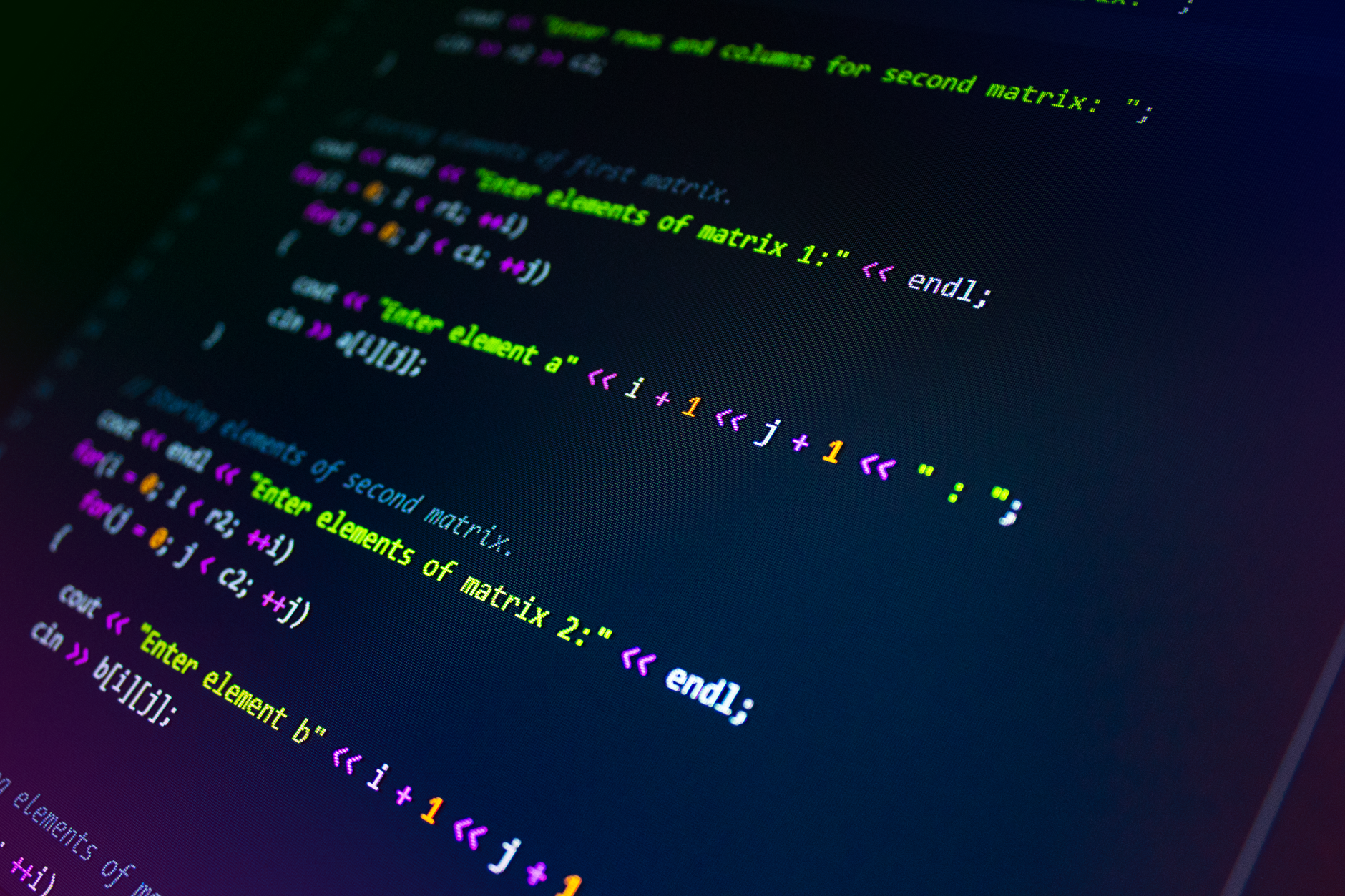
How Do While and Do-While Loops Differ?
Students often think these 2 loops are the same with different spelling, but the first condition check happens in different spots, and that changes the whole program. A while loop acts like a gate that opens before the body runs. A do-while loop acts like a gate that closes after 1 pass, so the body runs at least once. That matters in programming in C, especially when your code reads input or shows a menu.
| Thing | while | do-while |
|---|---|---|
| Condition check | Before body | After body |
| Can run 0 times? | Yes | No |
| Typical syntax | while (test) { ... } | do { ... } while (test); |
| Best use | Skip work if test fails | Run once, then ask again |
| Common bug | Test never changes | Forgetting the semicolon |
| First step | Check condition first | Run body first |
The catch: The body can fail fast in a while loop, but a do-while loop will still run 1 time, which is why menu code often feels easier there.
Why Does Condition Checking Change Loop Behavior?
Pre-test logic in while means C checks the condition before any line in the loop body runs, so the body can run 0 times if the test starts false. Post-test logic in do-while flips that order, and that single shift changes output in a real way. If you write a loop to print numbers from 1 to 5, the while version can skip printing anything when the start value already breaks the test, while the do-while version prints once even on bad input.
That is the part students miss most. They see the same keyword patterns and assume the same behavior. Wrong move. A menu that must appear at least 1 time often works better with do-while because the user sees the prompt before the condition check repeats. A loop that should never touch the body unless a value is valid, like reading scores between 0 and 100, fits while better because you can block bad data before the first pass.
Reality check: In a programming in C course, this is the 1 mistake that causes the weirdest bugs: people put the check in the wrong spot and then wonder why the program prints 2 times or never stops.
A do-while loop also changes control flow after input. Say you ask for a number and the user types 999 on the first try. The body still runs once, then C checks the condition and decides whether to repeat. That makes do-while useful for prompts, but it also means you must handle bad values inside the loop, not after it.
One downside of do-while is plain: it can force 1 useless run. If the first value already fails the test, your program still does the work once. That is fine for menus and retry prompts, but it is a bad fit for tasks that should do nothing when the condition starts false.
Learn Programming In C Online for College Credit
This is one topic inside the full Programming In C course on UPI Study — a self-paced online class for college credit. Credit recommended by NCCRS; your college decides how credits transfer. Courses start at $250 with no deadlines and lifetime access.
Explore Programming In C →What Is the Basic Loop Structure in C?
Every repeated-execution program in C needs 4 pieces: initialization, test condition, loop body, and update. Miss any of them and you get broken output, wasted time, or an infinite loop that never ends. A while loop and a do-while loop both need those parts, even though the order changes. In a simple counter that goes from 1 to 5, you start the counter at 1, test against 5, print inside the body, and add 1 each time. That same pattern works in a programming in C course whether you study from class notes or an online Programming in C course.
- Initialization sets the starting value, like count = 1 or total = 0.
- The test decides whether the loop keeps going, such as count <= 5.
- The body does the repeated work, like printing 5 numbers or reading 3 inputs.
- The update changes the control variable, often count++ or count = count + 1.
- Without the update, a loop can spin forever after 1,000,000 repeats or even after 1.
What this means: The safest habit is simple: write the update inside the loop, not after it, because C only moves forward when your control variable changes.
A while loop puts the test first, so it often looks like this: start the value, test it, run the body, then update. A do-while loop starts with the body, then checks the test at the end, and that means the semicolon after the condition matters. Forget that semicolon once and C will complain fast. I like this style because it forces you to think about order instead of memorizing a shape.
If you use a counter program, a sum program, or a simple password check, keep the 4 pieces visible in your head. That habit saves more time than fancy tricks.
Which Loop Should You Use in C?
Pick the loop based on timing, not habit. If the condition must be true before any work happens, use while. If the task must run 1 time before the check, use do-while. That 1 choice changes menu code, validation code, and counter code in a big way.
- Use while when zero runs make sense, like counting down from 10 to 1.
- Use do-while when the user must see the prompt once, such as a 3-choice menu.
- For input validation, do-while works well when you need at least 1 attempt before repeating.
- For file or sensor checks, while is safer because bad data may make the first test fail.
- If you forget whether the body must run first, ask one blunt question: should the program do work when the starting value already fails?
- Programming in C learners often spot mistakes faster when they trace 2 sample values by hand.
- Data Structures and Algorithms helps later, but this loop choice comes first.
Bottom line: If your code can honestly do nothing on the first pass, while fits; if it must act once before checking, do-while fits.
How Can You Avoid Infinite Loops in C?
Start with a clear control variable and a reachable end point. If you set count = 1 and test count <= 5, then count must change inside the loop or the program will never stop. That mistake shows up in tiny student programs all the time, especially in a 20-line example that should print 5 numbers but ends up hanging the terminal. The fix is boring and effective: update the variable every time through the body.
Test edge cases before you trust the code. Try 0, 1, and 10, because those 3 values reveal most bad loop rules faster than a long run with 100 items. If your loop should stop at 100, check what happens at 99, 100, and 101. That takes 2 minutes and saves a night of confusion. In a do-while loop, watch the first pass closely, since the body always runs once even when the test fails right away.
Worth knowing: A loop that looks fine on paper can still break if the update uses the wrong step, like adding 2 when you meant 1.
Debug with small prints. Show the value of the counter, the limit, and the condition result on each pass for 3 or 4 runs. That simple trace catches most infinite loops before they waste 30 minutes. For practice, build tiny programs first: print 1 to 5, ask for a number until it is 1 to 10, or repeat a menu until the user types 0. Those tasks are short enough to test by hand, and that is exactly why they help.
Frequently Asked Questions about C Loops
While and do-while loops are control structures in C that repeat a block of code while a condition remains true. They are used when you need repeated execution instead of writing the same statements many times. In programming in C, they help handle input validation, counters, menus, and other tasks that must run until a stop condition is met.
A while loop checks its condition before each iteration. If the condition is true, the loop body runs; if it is false, the loop stops immediately. This makes the while loop a pre-test loop. It is useful when you do not know in advance whether the body should run even once.
A do-while loop runs the loop body first and checks the condition afterward. Because of this, it always executes at least once. It is a post-test loop and is useful when the program must perform an action before deciding whether to repeat, such as showing a menu or prompting for input at least once.
The main difference is when the condition is checked. A while loop tests before entering the body, so it may run zero times. A do-while loop tests after the body, so it runs at least once. This difference is important when choosing the right loop in a programming in C course or any online course.
Use a while loop when the condition must be true before any work is done. This is common for reading data only while it is valid, counting until a limit, or processing items in a list. If the loop should possibly not run at all, while is usually the better choice.
Use a do-while loop when the loop body must execute at least once. Common examples include menu-driven programs and user prompts that must appear before checking the response. In these cases, the program needs one execution before it can decide whether to continue.
Most loops have four parts: initialization, test, body, and update. Initialization sets the starting value of a variable. The test checks whether the loop should continue. The body contains the repeated statements. The update changes the variable so the loop can move toward ending and avoid infinite loops.
To avoid infinite loops, make sure the condition eventually becomes false. Update the loop control variable inside the body or in the update step. Also check that the condition uses the correct comparison operator. A missing update or a condition that never changes can cause the loop to run forever.
A while loop usually follows this structure: initialize a variable, test the condition in the while statement, execute the loop body, then update the variable. For example, set count to 0, use while(count < 5), print or process data inside the body, and increment count each time.
A do-while loop begins with initialization, then the do block runs, then the condition is checked in the while statement at the end. The structure is do { body; update; } while(condition);. The semicolon after the while condition is required in C. This pattern guarantees one execution of the body.
They are core C programming topics often covered in a programming in C course, including online course formats that may offer college credit, transferable credit, or ace nccrs credit. Learning them helps students write correct repeated-execution programs, choose the right loop for a task, and avoid logic errors like infinite loops.
Final Thoughts on C Loops
While and do-while loops look small, but they teach a big rule in C: order controls behavior. If you check first, you can skip the body. If you check later, you guarantee 1 run. That difference shows up in menus, validation, counters, and any program that repeats until the user stops it. The common student mistake is simple and costly. They write the right keywords but ignore the test position, then wonder why the loop runs 0 times or 1 time too many. Fix that by tracing 3 things every time: the start value, the condition, and the update. If those 3 parts line up, your loop works. If one part drifts, the code breaks fast. Practice with tiny programs first. Print 1 to 5. Ask for a number between 1 and 10. Show a menu until the user types 0. Those 3 tasks force you to think about the first check, the last check, and the update step without drowning in extra code. Write the next loop by hand before you run it. That habit catches bad logic faster than guessing.
How UPI Study credits actually work
Ready to Earn College Credit?
Credit recommended by NCCRS · Self-paced · Your college decides how credits transfer · $250/course or $99/month (US)