
Strings in Python are the text data type. You use them for names, messages, file paths, IDs, and any other text your program needs to store or change. A string can look simple on screen, but Python treats it like real data, not decoration. That matters because programming in Python often starts with text. A student roster, a login name, a course title, or a chat message all live in strings. If you want to print text, compare words, clean user input, or build a label from pieces, you need strings first. They also work very differently from numbers. Python reads "42" as text and 42 as a number, and that one pair of quotes changes everything. Strings can be indexed, sliced, joined, counted, and changed with methods like lower() and split(). That mix makes them one of the first things to learn in any programming in Python course. If you understand strings well, the rest of Python feels less random. You stop guessing why code fails on quotes, spaces, or mixed types, and you start reading text data the way Python does.
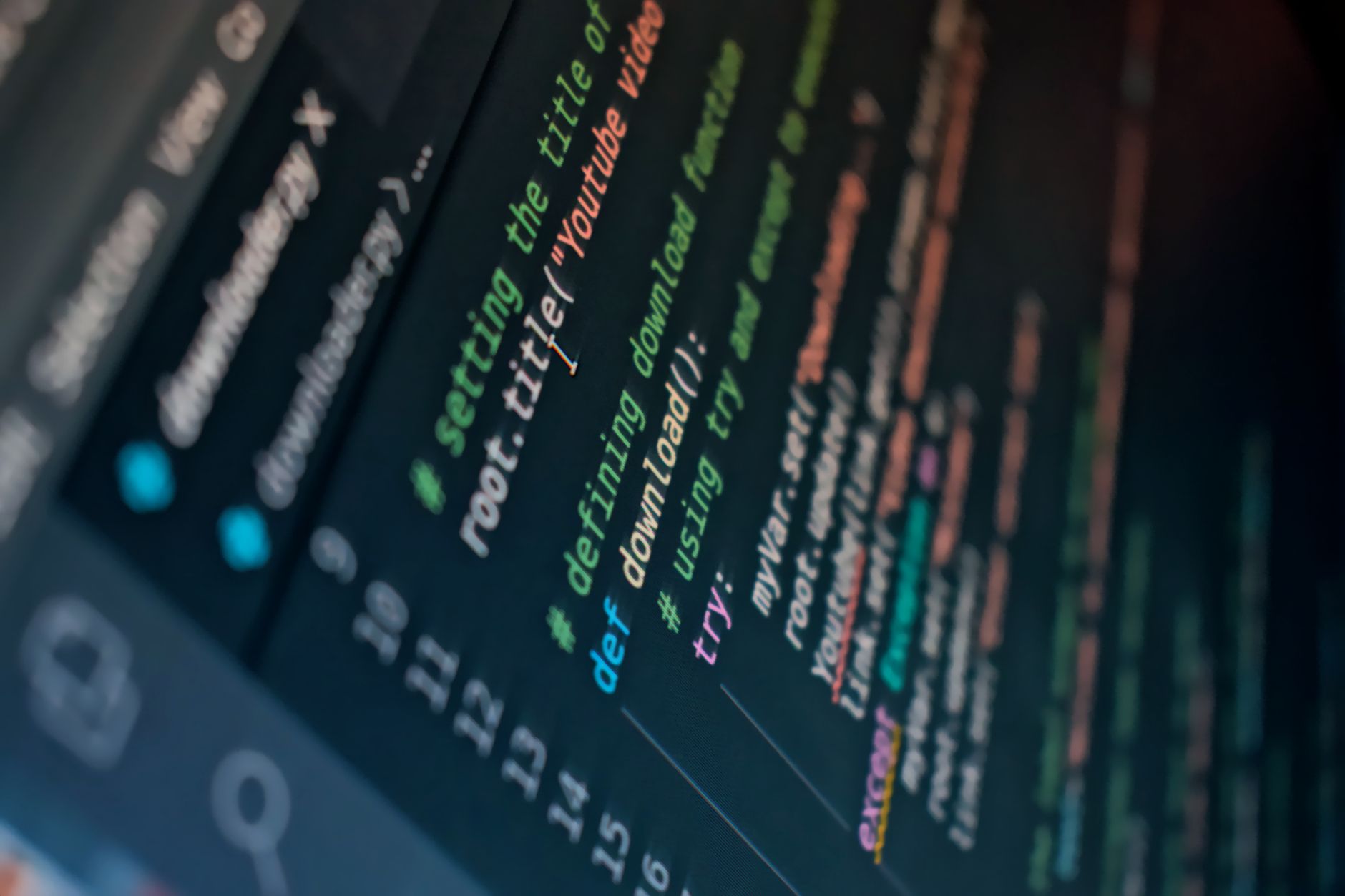
What Are Strings in Python?
Strings in Python are the built-in type for text, and they hold things like names, sentences, dates, and course codes. In a real app, a string might store "Maria", "CS101", or "Friday 9:00 AM"; Python keeps each one as data, not just words on a screen.
That matters in everyday programming in Python because text drives most programs people actually use. A sign-in form needs an email, a grade checker needs a student ID, and a tutoring app needs a message like "Help me with loops". If you can work with strings, you can work with the stuff users type 100 times a day.
Reality check: Strings are not side notes in code. They sit right beside numbers, booleans, and lists as one of the first data types students learn in a programming in Python course, and the gap between text and value causes a lot of early bugs.
Think about a registration page for a college credit course. The name field, email field, and section title all come in as strings, even when they look short or simple. A number like 2026 can mean a year, but "2026" can also mean text someone typed into a box.
That difference is why strings matter so much in programming in Python. They let you keep words exact, spaces and punctuation included, which is great for data entry and bad when you forget a quote or extra space. A tiny typo can change what Python sees, and Python does not guess what you meant.
How Do You Create Python Strings?
You create Python strings with single quotes, double quotes, or triple quotes, and the quote style changes how you handle apostrophes, long text, and line breaks. The choice looks small, but it saves time when you build real code for forms, messages, and notes.
- Start with single quotes for short text like 'Python' or 'lab1'. They work well for simple labels and make your code easy to scan in under 10 seconds.
- Use double quotes when your text already has an apostrophe, like "student's file". That keeps Python from thinking the string ends too early.
- Pick triple quotes for multiline text that needs 2 or more lines, such as a short paragraph or a message template. Triple quotes also help when you want the spacing to stay exactly as you typed it.
- Write the same text with either quote style when no apostrophe gets in the way, like 'hello' or "hello". Your team should choose one style and stay consistent across the file.
- Use quotes carefully around dates, IDs, and prices when you want text, not math, such as "2026", "A12", or "$15". That small choice changes how Python stores the value.
What this means: Quote style is not decoration. One wrong quote can break a 20-line script faster than a bad variable name, and that is why beginners feel stuck on the simplest line.
For a student in a Programming in Python course, this is the first habit that pays off. Learn it once, and you avoid a pile of tiny errors later.
Triple quotes also help with comments or message blocks that span 3 lines, especially when you need clear output for a lab assignment or a portfolio piece.
Why Are Strings Different From Numbers?
Strings and numbers look similar sometimes, but Python treats them as different types with different jobs. "2" means text, while 2 means a numeric value, so "2" + "3" gives you "23" and 2 + 3 gives you 5.
That quote mark changes the meaning in a very sharp way. In a 2026 beginner class, this is one of the first errors students hit because they expect Python to "know" what they meant. It does not. If you mix text and numbers without converting them, Python throws a type error instead of guessing.
The catch: A string can look like a number and still act like text, which trips up students in grading tools, sign-up forms, and simple calculator projects. That mismatch shows up fast when you try to join "Age: " with 19 or compare "10" to 2.
You can change types on purpose with functions like int() and str(). If a form gives you "7" and you need math, int("7") turns it into 7. If you need to print a number next to text, str(7) turns it into "7" so the pieces fit together.
That conversion habit matters in programming in Python because real data rarely comes in the form you want. A GPA, a room number, or a test score may arrive as text from a screen, but your code may need it as a number before it can calculate anything. My blunt take: type confusion causes more beginner pain than syntax errors do.
Learn Programming In Python Online for College Credit
This is one topic inside the full Programming In Python course on UPI Study — a self-paced, online class that earns real college credit. Credits are ACE and NCCRS evaluated and transfer to partner colleges across the US and Canada. Courses start at $250 with no deadlines and lifetime access.
Explore Programming In Python →Which String Operations Should You Know?
Strings give you a small set of tools that cover most beginner tasks, and you can learn the core ones in one afternoon. Start with 5 basics: indexing, slicing, concatenation, len(), and a few methods that clean or change text.
- Indexing pulls one character from a string, like getting the first letter from "Python". Python starts counting at 0, so the first spot is index 0, not 1.
- Slicing grabs a chunk, like "Py" from "Python" or the first 3 letters of a name. You use it when you need part of a code, date, or label.
- Concatenation joins strings with +, like "CS" + "101" becoming "CS101". It works well for building messages, but it fails if you mix in numbers without conversion.
- len() tells you how many characters sit inside a string, spaces included. "Python" has 6 characters, and "Hi there" has 8 because the space counts too.
- lower() and upper() change letter case, which helps when comparing user input from a login box or a quiz answer. A name typed as "maria" can match "MARIA" after conversion.
- strip() removes extra spaces at the start or end, which matters after copy-paste errors. Replace() swaps one piece of text for another, and split() breaks a line into parts by a separator.
Programming in Python uses these operations early because they show up in almost every real script.
Bottom line: Strings reward practice, not memorizing. If you can read one character, cut one slice, and clean one messy input, you can already handle a surprising amount of code.
How Do Python Strings Change In Practice?
Python strings do not change in place, because strings are immutable, which means Python makes a new string when you "change" one. That sounds picky, but it matters in real code: if a student types " anna " and you call strip(), Python gives you "anna" as a fresh value instead of editing the old one. In a 12-week programming class, this idea shows up again and again, and it explains why reassignment works so cleanly.
- Use strip() on messy input from forms, chats, or pasted text.
- Use lower() before comparing answers that may come in 2 different cases.
- Use replace() to swap spaces for underscores in file names.
- Use split() to break a full name or line of text into parts.
- Reassign the result, like name = name.strip(), so your variable points to the new string.
Programming in Python drills this idea with small tasks that feel almost trivial until you miss one space and the whole output looks wrong.
Computer Concepts and Applications also builds comfort with text handling, which helps when you need clean input for a lab grade or a college credit project.
Worth knowing: String practice gets easier fast when you work through 20 to 30 short exercises instead of one giant project. That is the honest advantage of a structured online course: you see the same pattern enough times to stop panicking at quotes.
A student-style task might ask you to build a message like "Hello, Maya" from two pieces, clean a course code like " intro101 ", or count the length of a campus email address. Those tasks look small, but they teach the exact habits people use in real scripts, and that is why string work shows up early in transferable credit study.
How Do Strings Support Text Work in Python?
Strings support almost every text task in Python, from simple labels to full messages, and they give you a clean way to store words, numbers-as-text, and mixed content like "Room 204". In practice, that means you can build a greeting, clean a roster, or split a sentence into parts without reaching for a heavier tool. People who ignore strings usually spend 2x longer fixing tiny text bugs.
Data Structures and Algorithms goes deeper into how text can feed later logic, but strings are the starting point.
- Use indexing when you need one letter, like the first character of a username.
- Use slicing when you need a prefix, suffix, or 3-letter code.
- Use concatenation when you build output from 2 or more pieces.
- Use len() when you need a count for checks, limits, or display rules.
- Use lower(), upper(), strip(), replace(), and split() when input looks messy or inconsistent.
Frequently Asked Questions about Python Strings
Strings in Python apply to anyone storing text like names, emails, or messages, and they don't apply to numbers you plan to add, such as 12 or 3.5. A string uses quotes like 'hello' or "hello", so Python treats it as text, not math.
If you miss quotes or mix them up, Python can treat your text like a variable name or give a syntax error. That breaks code fast. 'Paris' works as a string, but Paris without quotes looks like a name Python should already know.
Start by putting text inside single quotes, double quotes, or triple quotes. 'Hi', "Hi", and '''Hi''' all make strings, and triple quotes help with 2-line or 3-line text.
No, strings in Python store text, while numbers store amounts you can calculate with. "5" stays text, but 5 acts like a number, so "5" + "5" joins into "55" while 5 + 5 gives 10.
Indexing starts at 0, so the first character in 'Python' sits at index 0 and the last one sits at index 5. You can grab one letter with name[0] or name[-1] for the last letter.
Slicing pulls out a part of a string with start:stop, and the stop side never comes with the slice. In 'Python', name[0:3] gives 'Pyt', and name[2:] gives 'thon'.
Concatenation joins strings with +, so 'Data' + 'Base' becomes 'DataBase'. length uses len(), and len('Python') returns 6, which helps you count letters, spaces, and punctuation.
The first methods you should know are .lower(), .upper(), .strip(), and .replace(). ' Hi '.strip() removes outer spaces, and 'cat'.replace('c', 'b') gives 'bat'.
Strings matter in programming in python because every course that stores names, course codes, or messages uses text data. A programming in python course can also count for college credit or ace nccrs credit when the school accepts that online course format.
You use strings when the data needs quotes, like a student ID, a city name, or a password hint, and that surprises most students who think all data starts as numbers. A transferable credit class often tests this with simple text examples.
The most common wrong assumption is that strings can act like numbers just because they contain digits, like '2026' or '12'. They can't, and "2026" + "1" gives "20261" while 2026 + 1 gives 2027.
Final Thoughts on Python Strings
Strings look tiny at first, but they sit under almost every useful Python task. If you can spot the difference between "7" and 7, read an index at position 0, and use len() without guessing, you already understand a big chunk of beginner coding. That skill matters because text never stays clean for long. Users type extra spaces. They mix cases. They paste junk from another app. Python gives you the tools to handle all of that, but you need to treat strings as real data, not just words on a screen. The best way to get better is boring on purpose. Write a few short examples, break them on purpose, and fix them. Try one line that joins two strings, one that slices a word, and one that strips extra spaces. Then compare the output before and after. If you are taking a class or building a portfolio, strings will show up again in lists, conditionals, and file work. Learn them now, and later code feels less like magic and more like a set of clear moves you already know. Start with one small string task today and make it messy enough to teach you something.
How UPI Study credits actually work
Ready to Earn College Credit?
ACE & NCCRS approved · Self-paced · Transfer to colleges · $250/course or $99/month