
A for loop in Python repeats code once for each item in something you can step through, like a list, a string, a tuple, or a range of numbers. It does not run forever on its own, and that trips up a lot of beginners. The most common misconception is this: students think a for loop only counts numbers. That is too narrow. In Python, a for loop reads one item at a time from any iterable, so it can move through words, names, grades, files, and more. If you have 3 items, it runs 3 times. If you have 30 items, it runs 30 times. If you want 10 repeats, range(10) gives you that cleanly. That matters because repetition is one of the first things students use in programming in python course work. Printing homework grades, checking quiz answers, scanning a list of cities, or repeating a message 5 times all use the same basic idea. The loop variable changes each round, and Python handles the step-by-step motion for you. You do not write a big pile of copy-pasted code. A for loop also makes your code easier to read than a manual repeat block. That sounds small. It is not. Clear repetition logic cuts down mistakes, and that matters in beginner code as much as in larger projects. Once you see the pattern, you can use it in study online work, practice labs, or a college credit coding class without guessing what comes next.
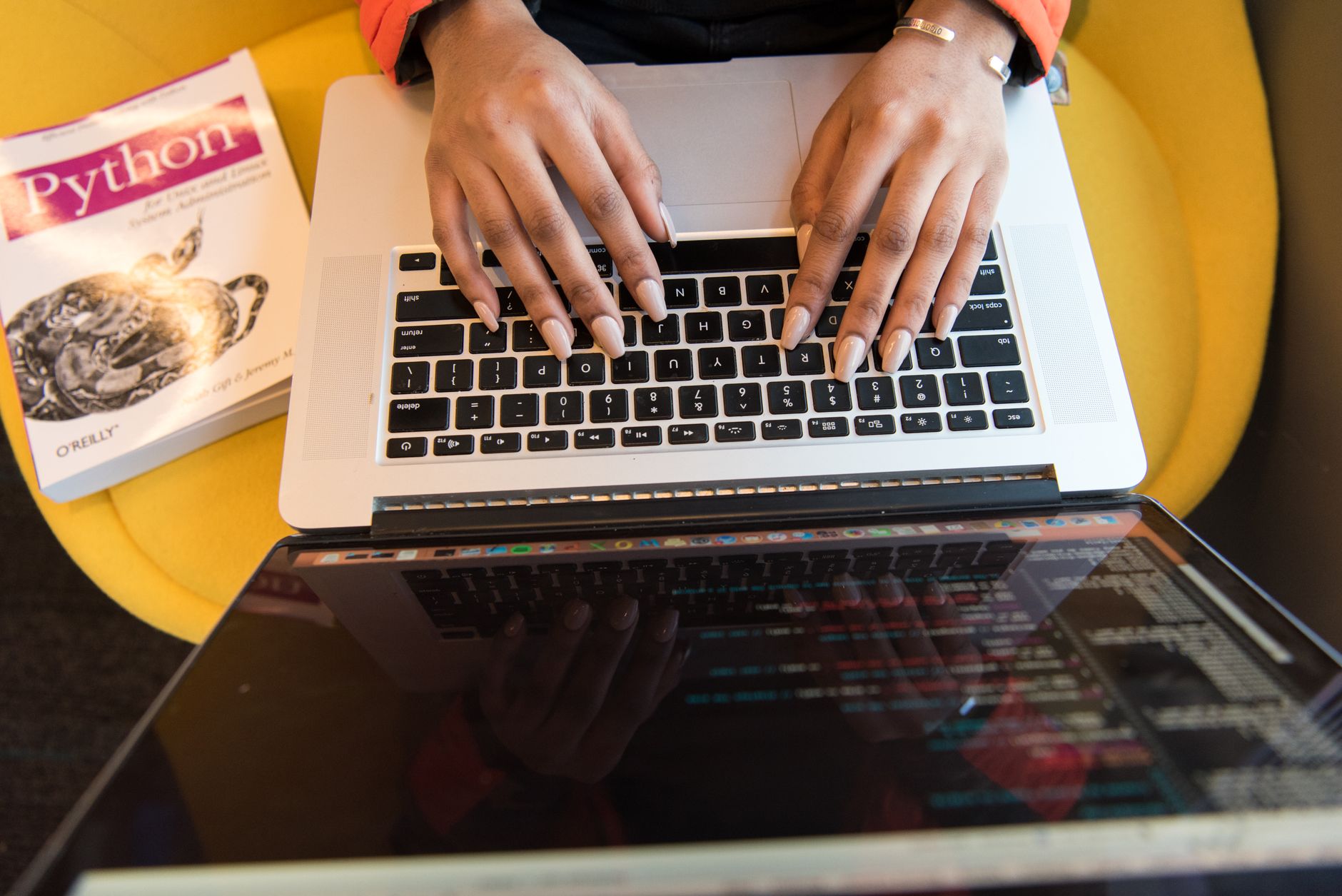
What Is A For Loop In Python?
A for loop in Python is a control flow tool that runs a block of code once for each item in a sequence or other iterable, so it fits tasks with 2, 5, or 500 steps.
That idea beats the common beginner myth that a for loop only works with numbers. A string like "cat" gives you 3 characters, a list gives you 4 grades, and a tuple gives you 2 values. Python does not care whether the items are words, scores, or names from a class roster.
Think of it as item-by-item processing, not endless counting. A for loop takes the first item, runs the indented block, then moves to the next item. If the iterable has 8 items, the loop runs 8 times and stops. That stop matters. It keeps the loop tied to the data instead of guessing when to quit.
Reality check: A for loop is not the same as “repeat forever until I say stop.” That job belongs to while loops. In programming in python, this difference saves students from writing code that runs 100 times when they only needed 12.
The best part is how plain the pattern looks. Once you know a for loop can read through lists, strings, tuples, and range() results, you can use it for print tasks, counting tasks, and simple data checks without changing the core logic. That is why so many first Python exercises lean on it.
How Does Python For Loop Syntax Work?
The syntax is short, but every piece matters. A for loop has 4 parts you need to see in the right order, and Python uses indentation to know which lines belong inside the loop.
- Start with for. This keyword tells Python you want to repeat code over items, not write a one-time statement.
- Pick a loop variable. This name holds the current item, and it changes on every pass, sometimes 3 times, sometimes 30.
- Write in and the iterable. Python reads the items from the thing after in, such as a list, string, or range(5).
- Indent the body. The indented lines run once per item, and a missing indent breaks the loop fast.
- Watch the variable change. On the first round it might be 1, then 2, then 3, and that pattern keeps going until the iterable ends.
- Keep the body small. A clean loop often does one job in 2 to 4 lines, which makes it easier to read than a giant block.
A tiny example helps: for x in [10, 20, 30]: print(x) prints 10, then 20, then 30. Another small one: for letter in "Hi": print(letter) prints H and i. The loop variable can be called x, letter, item, score, or anything sensible. Name it for the thing you hold, not for show.
Which Python Objects Can A For Loop Iterate?
A for loop can move through any iterable, and Python has at least 7 common ones students should know in a first 6-week coding unit.
- Lists. A loop reads items one by one from [2, 4, 6] or a class list with 25 names.
- Strings. "Python" gives 6 characters, so the loop visits P, y, t, h, o, n.
- Tuples. A tuple like ("red", "blue") behaves like a fixed sequence with 2 items.
- Dictionaries. By default, a loop walks through keys, so a 3-key dictionary gives you 3 passes.
- Sets. A set also works, but its order can look odd because Python does not store it like a list.
- Files. A file object can feed one line at a time, which helps with logs, CSVs, and text files over 100 lines.
- range() results. range(5) gives 5 numbers, from 0 through 4, without building a full list first.
What this means: The loop does not care whether the items came from text, numbers, or file lines; it just pulls one item at a time. That is why a for loop feels so useful in programming in python. It treats different data shapes with the same simple pattern.
If you want a broader class example, a Programming in Python course often uses all 7 of these in the same week, because the habit matters more than the syntax.
Learn Programming In Python Online for College Credit
This is one topic inside the full Programming In Python course on UPI Study — a self-paced, online class that earns real college credit. Credits are ACE and NCCRS evaluated and transfer to partner colleges across the US and Canada. Courses start at $250 with no deadlines and lifetime access.
Browse Python For Loops →How Does range() Make For Loops Useful?
range() gives Python a clean way to count, and it is the standard tool for fixed repetition when you want 3, 10, or 100 passes without typing every number by hand.
range(stop) starts at 0 and stops before the number you give it, so range(5) produces 0, 1, 2, 3, and 4. That “stop before” rule catches a lot of students. They expect 5 numbers and forget that Python counts from zero by default. range(start, stop) lets you choose both ends, so range(2, 6) gives 2, 3, 4, 5. range(start, stop, step) adds a jump size, like range(0, 10, 2) for even numbers.
The catch: The stop value never appears, and that one detail causes more off-by-one mistakes than almost anything else in beginner code. I think students should memorize that rule before they memorize fancy examples.
You use range() for counting quiz questions, indexing a list, or repeating a print action 4 times. A loop like for i in range(len(names)) lets you reach each position in a list, which matters when you need the index as well as the item. You can also pair range() with a Programming in Python practice set and test 3 different step values in one sitting.
range() keeps your code light. It does not build a giant list unless you ask for one. That saves memory and makes repetition logic feel direct instead of clumsy.
When Should You Use For Loops Instead Of While Loops?
Use a for loop when you already have a sequence or a fixed count, and use a while loop when a condition controls the stop point, like a score above 70 or a password check that can change.
That difference sounds small, but it changes the whole shape of your code. A for loop fits “do this for each of these 8 items.” A while loop fits “keep going until this becomes false.” If you know the job has 12 items in a list, a for loop usually reads better and breaks less often. A while loop can work there, but it often makes beginners manage counters by hand, and that is where errors creep in.
Bottom line: Use the loop that matches the job, not the one that looks more advanced. I see students choose while loops out of habit, then spend 20 minutes fixing a missing counter update.
A for loop handles reading 6 quiz answers, printing 4 lines, or scanning 9 names much more cleanly than a while loop. A while loop makes more sense when you wait for a file to finish loading, a user to type “stop,” or a sensor value to drop below 15. One loop follows the data. The other follows a condition.
If you are starting out in a programming in python course, this is a good rule to keep close: if you can count the repeats before you start, a for loop usually wins.
What Are The Most Common For Loop Mistakes?
Beginners trip on for loops because Python asks for exact shape, exact indent, and exact endpoints, and even 1 missing space can break code that looked fine a minute ago. The good news: the errors repeat in a small pattern, so once you spot them, you can fix them fast. I like that about Python. It punishes sloppiness, but it also makes the mistake easy to see once you know where to look.
- Forget indentation. Put the loop body under the for line by 4 spaces, not 1 random tab.
- Mix up the variable. The loop variable holds one item; the iterable holds the full list of 5 or 50 items.
- Change the list mid-loop. Make a new list instead of editing the same one while Python reads it.
- Miss range() rules. range(1, 4) stops at 3, so the endpoint never runs.
- Use the wrong loop. If you need a condition, a while loop may fit better than a for loop.
A quick fix for most of these: print the loop variable once and test with 3 items before you try 300. Small tests expose bad assumptions faster than giant examples.
Frequently Asked Questions about Python For Loops
A for loop in Python is a control structure used to repeat a block of code for each item in a sequence or iterable. It is commonly used in programming in Python to process lists, strings, tuples, dictionaries, and ranges. The loop automatically steps through each value, making repeated execution simple and predictable.
The basic syntax is: for item in iterable:\n # code block. The variable after for receives each value from the iterable one at a time. Indentation shows which statements belong to the loop. This structure is a core concept in a programming in Python course and is easy to apply in beginner exercises.
A for loop works by taking an iterable, such as a list or range, and assigning each element to a loop variable in order. The indented code block runs once for each item. When the iterable is finished, the loop stops automatically. This makes it ideal for repeated execution without manual counting.
You can loop over many iterable objects, including lists, strings, tuples, sets, dictionaries, and ranges. For dictionaries, a for loop typically iterates over keys unless you use methods like .items(). This flexibility is why the for loop is one of the most useful tools in programming in Python.
The range() function generates a sequence of numbers that a for loop can iterate over. For example, for i in range(5): runs the loop five times with values 0 through 4. You can also set a start, stop, and step value, which is useful for counting and repeated execution.
Use a for loop when you know what sequence you want to process or how many times you want to repeat something. Use a while loop when repetition depends on a condition that may change during execution. In a programming in Python course, for loops are often taught first because they are simpler for fixed iteration.
A simple example is: for name in ["Ana", "Ben", "Cara"]:\n print(name). This loop prints each name once. It shows how a for loop iterates through a list and runs the same code block for every element. This is a common pattern in beginner programming in Python lessons.
Use range() with a for loop to control the number of repetitions. For example, for i in range(3): prints or runs a block three times. This is useful for tasks like displaying menus, processing fixed-size data, or testing code. It is a common technique in online course exercises.
Yes. A string is an iterable, so a for loop can process one character at a time. For example, for ch in "Python": prints each letter separately. This is useful for checking characters, counting letters, or building string-processing logic in a programming in Python course.
A for loop iterates over an iterable or a defined range, while a while loop continues until a condition becomes false. For loops are better for counting or stepping through data. While loops are better when the number of repetitions is not known in advance. Both are essential in programming in Python.
For loops are often used to sum values, search through data, print items, process files, and perform repeated calculations. They make code shorter and easier to read than manually repeating statements. In a college credit or transferable credit online course, mastering for loops is a key step toward writing practical Python programs.
Learning for loops is important because they are a foundation for many later topics, including data processing, functions, and algorithm design. They help students write clear repetition logic and work confidently with sequences and range(). In a programming in Python course, this skill supports success in assignments, exams, and real coding tasks.
Final Thoughts on Python For Loops
A for loop in Python looks simple because it is simple. You give Python an iterable, Python gives you one item at a time, and the indented block runs once per item. That pattern covers strings with 6 letters, lists with 20 grades, tuples with 2 values, and range(10) when you want 10 repeats without hand-writing the numbers. The big mistake is treating a for loop like a while loop with nicer clothes. They solve different problems. A for loop follows a known set of items or a fixed count. A while loop follows a changing condition. If you mix those up, your code gets harder than it needs to be, and beginners feel that pain fast. Learn the syntax, then test it with tiny examples: 3 names, 4 numbers, 5 repeats. That habit builds real comfort. You stop staring at the code and start predicting what it will do, line by line. If you can read a for loop out loud as “for each item, do this,” you already have the core idea. From there, the rest is practice, and practice works best when you keep the examples small enough to see the pattern clearly.
How UPI Study credits actually work
Ready to Earn College Credit?
ACE & NCCRS approved · Self-paced · Transfer to colleges · $250/course or $99/month