
The Python interpreter reads your code, checks it for syntax, and runs it so you see output. The shell does something simpler and faster: it lets you type one line at a time and get an answer right away. That split matters because beginners often mix them up, then wonder why a saved file behaves differently from a prompt. If you are starting programming in python, the interpreter is the part that turns plain text into real action. You write a .py file, and the interpreter reads it top to bottom, line by line, then sends instructions to your machine. The shell, by contrast, acts like a live scratchpad. You can test 2 + 2, print("hello"), or try a function call without saving anything. That difference sounds small, but it changes how you learn. A script helps you build something repeatable. A shell helps you poke at ideas and see what breaks. Students who understand both tend to waste less time chasing simple mistakes, especially when a missing parenthesis or an extra quote causes a syntax error. One tool builds habits. The other gives fast feedback.
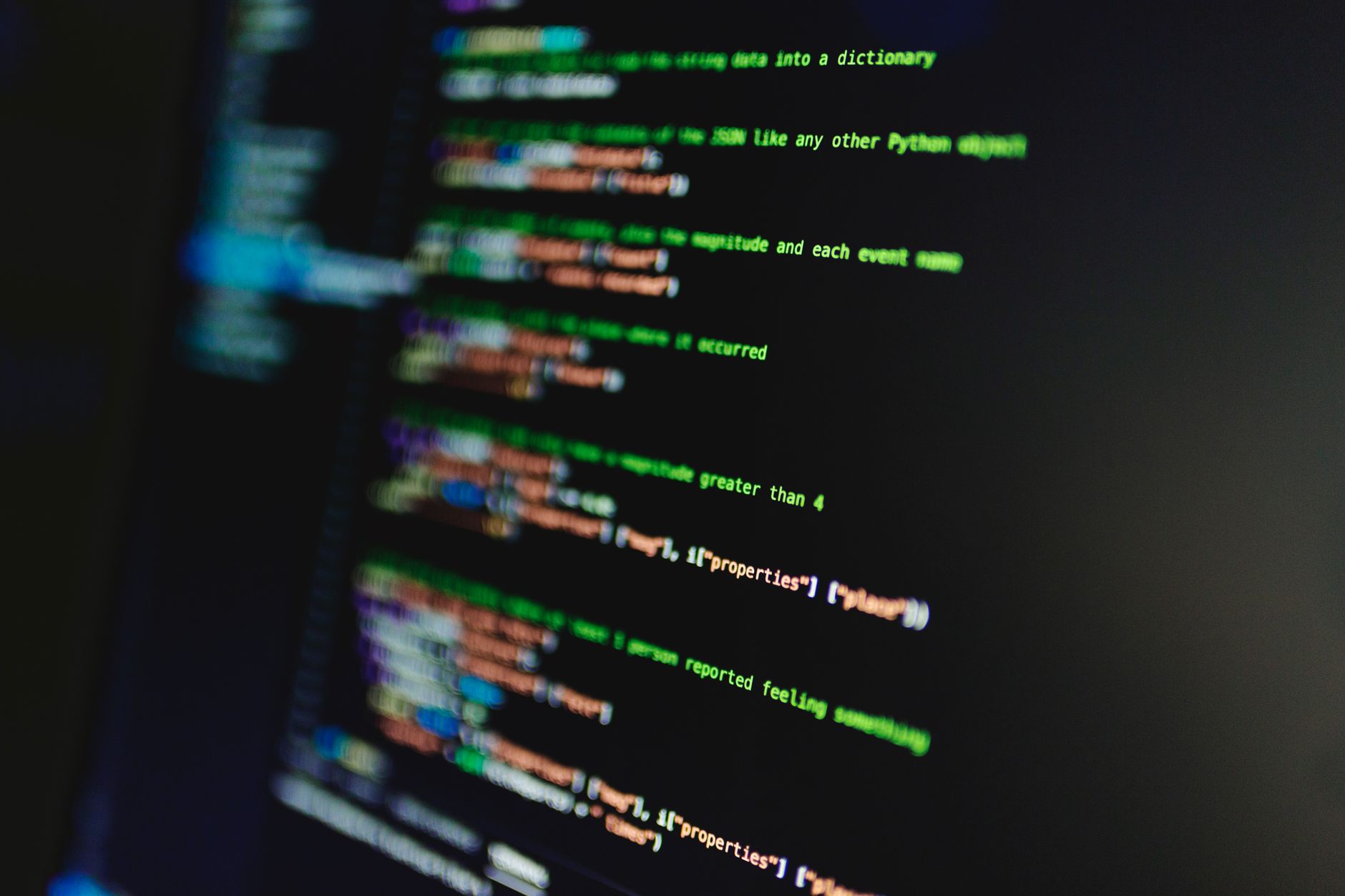
What Does the Python Interpreter Actually Do?
The Python interpreter reads your source code, checks the syntax, and turns each valid line into instructions the computer can run. That process matters because Python does not guess what you meant; if you miss a colon in a 3-line function, the interpreter stops and points at the problem.
Think of it as a strict translator. You write readable text, often in a .py file that you save on disk, and the interpreter converts that text into actions the machine understands. In Python 3, which has been the main version since 2008, that translation happens fast enough that beginners often feel like the code runs "all at once," even though the interpreter still works line by line.
The catch: The interpreter does not fix sloppy code for you, and that is annoying at first but useful later. If you type 10 lines and line 4 has a typo, Python stops there instead of marching on and hiding the mistake.
That early stop helps students learn the real shape of the language. A print command, a variable assignment, and a function call all pass through the same interpreter, so understanding the python interpreter and shell starts with seeing that code is not magic. The interpreter is the bridge between human words and output on screen, and I think that bridge is where beginners either get confident or get lost.
The bridge also explains why one missing bracket can break a 200-line file. A small syntax error near the top can block the whole run, which feels harsh but saves time once you know how to read the error message.
In a programming in python course, this part usually shows up in the first week, because you need it before loops, lists, or files make sense. Once you see the interpreter as a reading-and-executing engine, Python starts to look less mysterious and more mechanical.
For learners who study online, that mechanical view pays off quickly. You can copy 5 lines, run them, fix 1 error, and rerun them in under 2 minutes, which beats staring at a blank screen.
How Does the Python Shell Help Beginners?
The Python shell gives you an interactive prompt where you type one command, press Enter, and see the result right away. That feedback loop makes it perfect for 30-second checks, like testing 7 * 8, comparing two strings, or seeing what a variable stores after one assignment.
You do not need to save a file first. You do not need a full program. You just type, watch, and adjust. That matters because beginners make tiny guesses all day long, and the shell lets them test those guesses without building a whole project around a question that takes 1 line to answer.
What this means: You can check a math idea, a string slice, or a function call in about 5 seconds, then move on with a cleaner head. That speed helps because memory slips fast when you are learning 10 new symbols at once.
The shell also makes debugging small ideas less painful. If a variable named total shows 42 in the shell but 24 in your script, you can compare the two paths without guessing for 20 minutes. That kind of quick check saves students from turning every mistake into a drama.
I like the shell for beginners because it rewards curiosity, not polish. You can ask "what does this do?" ten times in a row, and Python answers each time.
The downside is simple: the shell can trick you into thinking you have built a program when you have only tested a few lines. It also forgets everything when you close it, so a clever result from 3:15 p.m. disappears unless you copy it into a .py file.
If you want a tiny practice space while you study online, the shell beats a full editor for quick checks. If you want one place to hold code for a class assignment, a script wins.
Learn Programming In Python Online for College Credit
This is one topic inside the full Programming In Python course on UPI Study — a self-paced online class for college credit. Credit recommended by ACE and NCCRS; your college decides how credits transfer. Courses start at $250 with no deadlines and lifetime access.
Explore Programming In Python →Which Differences Matter Between Shell and Script?
The shell and a script both run Python, but they serve different habits. The shell works best for 1-step tests and fast feedback, while a script works best when you need repeatable code, saved files, and something you can submit after a 2-hour study block.
| Thing | Shell | Script |
|---|---|---|
| How you enter code | 1 line at a time | Whole .py file |
| Output timing | Instant after Enter | After you run file |
| State | Stays until you close | Rebuilds each run |
| Best use | Quick tests, 30-second checks | Longer work, reusable code |
| Common mistake | Forgetting nothing saves | Chasing 1 typo in 200 lines |
| Good for | Study online, concept checks | Programming in python course tasks |
Reality check: The shell feels easier, but scripts train better habits for real projects. A lot of beginners stay in the shell too long and then panic when they need imports, functions, or a saved file.
Why Do Students Use the Shell Before Scripts?
Students often start in the shell because it gives low-stakes practice with immediate feedback, and that matters in the first 1-2 weeks of learning Python. You can test 3 + 4, try "cat" + "s", or call len("hello") without opening a full project.
That habit builds confidence fast. A beginner can check a variable, repeat a function call, or compare two values in under 10 seconds, which feels far less intimidating than writing a 40-line file and hoping it runs cleanly.
Worth knowing: The shell also helps you catch misunderstandings before they spread into a saved program, and that saves pain later. If you think a list index starts at 1, the shell shows you the mistake immediately, not after you have built half a class assignment.
People who study online often use the shell as a rough draft space. They test math first, then string operations, then small function calls, and only after that do they paste the ideas into a .py file. That order is boring, and it works.
The limit is obvious. The shell does not keep a full record of your work, so if you want to reuse code tomorrow or show it in a 7-page submission, you need a script. The shell teaches; the script preserves.
A good rule: use the shell for ideas that fit in 1 screen, and move to a file once you need imports, comments, or more than 5-10 related lines.
When Should You Run Python Scripts Instead?
Scripts make more sense once your code grows past a few commands, because they give you a saved, repeatable path from start to finish. They also help when you want to revise work over 3 or 4 days instead of rebuilding it from memory.
- Write the code in a .py file when you need more than 5-10 lines or when you plan to reuse the same logic later.
- Run it from the terminal or editor, then read the output and fix the first error before adding new features; that saves time in the next 10-minute round.
- Add imports, functions, or comments once the idea works in the shell, because scripts handle structure better than a prompt does.
- Save versions as you go if the work matters for class, a portfolio, or a grading deadline in 24 hours.
- Revise, rerun, and compare results until the file gives the same answer twice in a row.
Bottom line: Use a script when you want repeatability and submission-ready code, not just a quick answer on screen. That choice matters in a programming in python course, where a clean .py file shows your process better than a pile of shell commands.
A script also suits bigger tasks like reading a file, looping 100 times, or importing a module such as math. The shell can test pieces of that work, but the script holds the whole thing together.
Frequently Asked Questions about Python Interpreter
The Python interpreter reads your code, turns it into instructions, and runs them one line at a time, while the shell lets you type commands interactively and see results right away. In a Python 3 session, you can test a 1-line print call, then move to a 20-line script.
Most students try to write a full script before they understand the shell, but what actually works is testing 1 command at a time in the interactive prompt first. That habit helps you spot syntax errors fast and makes programming in python feel less random.
If you mix them up, you may think Python is broken when it just can't run a command the way you typed it. A script runs from a file, while the shell waits for each line, so a missing colon or quote shows up immediately in one place and later in the other.
Start by opening the Python shell and typing 3 short lines, like 2 + 2, print('hi'), and a variable assignment. Then save the same ideas in a .py file and run the script, so you can see the difference between line-by-line testing and file-based execution.
The most common wrong assumption is that the interpreter and shell are the same thing, but they do different jobs. The interpreter executes Python code, and the shell gives you a live place to type and test commands, which matters in a programming in python course and any online course.
This applies to anyone learning Python in a class, on a study online platform, or through ACE NCCRS credit work, and it doesn't stop at beginners. If you want transferable credit or college credit from a programming in python course, you still need to know both script mode and shell mode.
What surprises most students is that the shell gives instant feedback after each line, so you don't need to wait for a full program to finish. That makes it great for trying small ideas, checking 1 variable, or fixing a bad line before you build a bigger file.
No, the Python interpreter and shell are not the same thing: the interpreter executes code, and the shell is the interactive place where you type and test it. The caveat is that some tools bundle both, so the screen can look like one program even when the jobs stay different.
You should use a script when you want to save code, rerun it, or build something longer than a few lines. A .py file helps with 50-line or 500-line programs, while the shell works better for quick checks, math, and small tests.
Understanding the Python interpreter and shell helps you move through a programming in python course faster, which matters if you're studying for college credit or an online course that awards ACE NCCRS credit. The same skill also helps when you need transferable credit from a lab or coding class.
Final Thoughts on Python Interpreter
The Python interpreter and shell solve two different problems, and students get better faster when they stop treating them like rivals. The interpreter reads and runs full code, line by line, while the shell gives instant feedback for tiny tests. That split sounds technical, but it changes how you learn every day. A script helps when you need repeatable work, imports, comments, and something you can save for later. The shell helps when you want to check a function, test a string, or see whether a math idea works before you commit it to a file. One gives speed. The other gives structure. Students usually trip when they stay in the shell too long or jump into scripts before they understand what a line does. Neither move helps. The better habit is simple: test small ideas in the shell, then move them into a .py file once they start to matter. That rhythm works for a 20-minute study session and for a longer class project. If you remember one thing, remember this: Python does not care about your intent, only about the code you hand it. So start with tiny checks, read the output closely, and build from there.
How UPI Study credits actually work
Ready to Earn College Credit?
Credit recommended by ACE and NCCRS · Self-paced · Your college decides how credits transfer · $250/course or $99/month (US)