
The coding testing and bug fixing cycle is the repeat loop of writing code, running it, spotting errors, fixing defects, and testing again until the program behaves the way you want. In a computer concepts and applications course, that loop matters because software rarely works perfectly on the first try, even when the logic looks clean on paper. A student might write 12 lines of code, run one test, get a wrong answer, and then change 1 small part instead of rewriting everything. That is normal. The cycle of coding writing testing and squashing bugs until it works teaches patience, attention to detail, and the habit of checking results against what you expected. This process shows up in every level of basic software development, from a calculator app to a class project in an online course. You write a piece, test it, read the output, and fix what broke. Then you do it again. And again if needed. The biggest mistake students make is treating a bug as proof that they failed. A bug is just feedback. If a program passes a test after 3 fixes, that does not mean you were bad at coding. It means you followed the same loop working developers use every day.
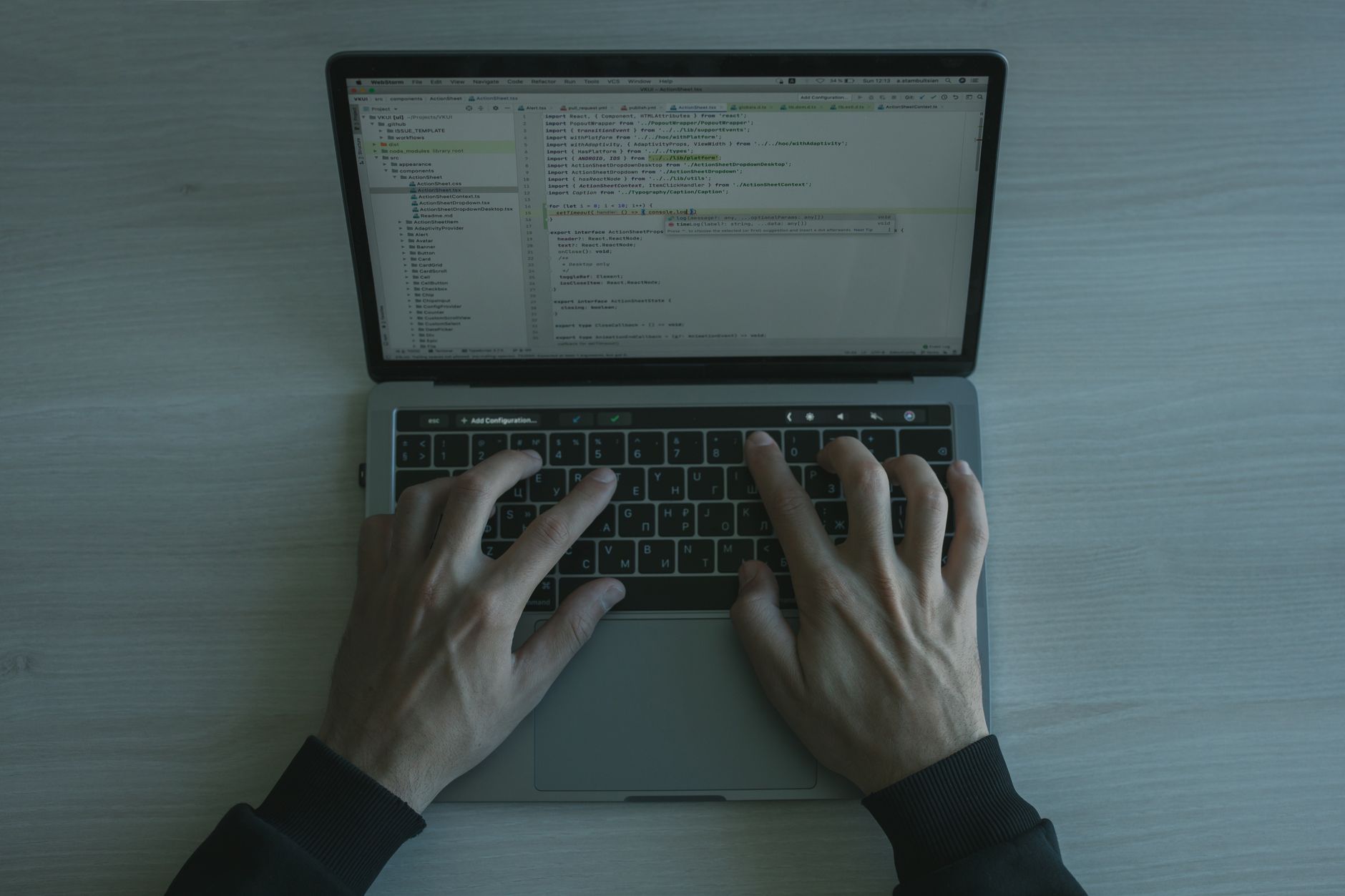
What Is the Coding Testing and Bug Fixing Cycle?
The coding testing and bug fixing cycle is a repeating loop: write code, run it, spot a problem, fix the defect, and test again until the program behaves as expected. In plain computer-concepts language, it means you do not trust your first draft just because it looks neat on screen.
Reality check: A first run can fail even after 20 minutes of careful typing, because computers follow exact instructions and ignore what you meant to say. That is why students in a computer concepts and applications course learn to compare the actual output with the expected output, line by line.
This cycle sits at the center of software work in 2026. A calculator that adds 2 and 2 should show 4 every time, not 5 once out of 10 tries. If a program breaks on test 3, you do not panic; you inspect the code, change the broken part, and test again.
I like this part of coding because it rewards honesty. A bad result tells you something useful, while a perfect-looking first draft can hide a mistake that only shows up after 1 more input or 1 more click.
That is why software is rarely correct on the first try. The first version helps you learn where the gaps are, and the next version gets tighter.
Why Does Testing Reveal Bugs So Early?
Testing catches bugs early because code can look right and still fail in real use. A loop can run 10 times too many, a number can turn into text, or an input like 0 can break a division statement even when the code seems fine at first glance.
The catch: A program often passes the easy case and fails the edge case, and that is where testing earns its keep. One bad input, like an empty box or a negative number, can expose a logic mistake that stayed hidden through 5 clean runs.
Testing works like a checkpoint in basic software development. You stop, compare the result to what should happen, and catch the error before it spreads into the next part of the program. If you wait until the end, you might have 8 broken pieces to sort out instead of 1.
That delay gets expensive fast. A missed bug in a 30-line homework program is annoying; the same habit in a larger app can turn a 5-minute fix into a 50-minute hunt. Early testing saves time because it keeps the mistake small and easy to trace.
I think students who test early learn faster than students who wait for the “finished” version. The first group sees patterns. The second group sees a mess.
Learn Computer Concepts Applications Online for College Credit
This is one topic inside the full Computer Concepts Applications course on UPI Study — a self-paced, online class that earns real college credit. Credits are ACE and NCCRS evaluated and transfer to partner colleges across the US and Canada. Courses start at $250 with no deadlines and lifetime access.
See Computer Concepts Course →Which Steps Happen in the Debugging Cycle?
The debugging cycle works best when you treat it like a straight path, not a guess-and-hope routine. In a computer concepts and applications course, you can picture it as a 7-step loop that starts with a tiny chunk of code and ends with a retest after the fix.
- Write a small piece of code, often just 3 to 5 lines, so you can spot trouble fast.
- Run the code and watch the result right away, not 2 hours later.
- Compare the output to the expected result, such as 8 instead of 9 or “Pass” instead of “Fail.”
- Isolate the bug by checking one line, one variable, or one input at a time.
- Fix only the broken part, because changing 6 things at once makes the problem harder to track.
- Retest the same case and the same edge case, like 0, 1, or 100, before you move on.
- Repeat the loop until the program matches the goal every time, not just once.
Worth knowing: A solid debugging habit beats raw speed. A student who spends 10 extra minutes isolating the bug usually learns more than a student who guesses 3 fixes in a row.
In one Computer Concepts and Applications course module, that loop shows up in every lab.
The pattern also fits Introduction to JavaScript, where one missing symbol can break a whole function.
My take: students who write tests beside their code usually stop making the same mistake twice.
What Does Bug Fixing Look Like in Practice?
A simple bug can start with one wrong answer on a 12-question quiz-style program. Say the code should double a number, but it prints the same number instead. That is not random chaos; it points to a small mistake in the formula, the variable name, or the order of operations. The rule is blunt: a bug does not count as fixed until the same test passes again after the change, and then passes a second time with a new input.
- Check the error message first; it often names the line or the type of mistake.
- Change one thing at a time so you know what caused the fix.
- Use a second test case, like 4 and 9, not just the first number.
- Keep the change small; a 1-line fix beats a risky rewrite.
- Run the program again and confirm the old error stays gone.
A developer who sees “undefined” in the console should look at the variable name before anything else. That single clue can save 15 minutes.
The part students miss: the fix matters less than the proof. If the code works once but fails on the next input, the bug is still alive.
The best debugging feels boring in the right way. You test, adjust, test again, and keep your hands off the rest of the file.
How Does the Cycle Help You Earn Credit?
The debugging cycle helps you earn college credit because labs and quizzes in a computer concepts and applications course grade your process, not just your memory. If a course has 8 lab tasks, you usually need repeated practice to show that you can write code, test it, fix it, and explain what changed.
That matters in an online course, where you work through modules on your own schedule and submit code more than once. A student who tests carefully can finish assignments faster, while a student who skips testing often loses points on the same error 2 or 3 times. That repeat pattern hurts grades.
The cycle also supports transferable credit and ace nccrs credit because outside evaluators look for real course mastery. They want to see that you can handle a problem, not just memorize the name of a bug. Repeated testing gives you proof.
I think this is one of the smartest habits in computing classes, and not enough students respect it. A 30-minute lab can teach more than a 3-hour lecture if you actually fix your own mistakes.
Study online makes that habit even more useful. You can run a test, review the output, and try again the same night instead of waiting for the next class meeting. That extra loop is where confidence grows.
Frequently Asked Questions about Coding Cycle
This applies to you if you write code in a class, bootcamp, or job, and it doesn't apply if you never touch a program at all. In a computer concepts and applications course, you use this cycle to catch logic errors, syntax mistakes, and broken output before you move on.
If you skip it, your program can pass one test and fail on the next input, which means wrong grades, broken projects, and wasted time later. A small bug in a 20-line script can spread into 2 or 3 more errors fast.
Start by writing a tiny piece of code, then test that one part before you add more. That first check catches simple mistakes fast, like a misspelled variable or a wrong number in a formula, and it fits the way a computer concepts and applications course teaches problem solving.
Most students write a full program first and only test at the end, but that usually creates a pile of errors. What works better is writing 1 small block, testing it, then fixing it before you add the next block, because you can spot the exact line that broke.
The biggest wrong idea is that one test proves the code works. It doesn't. A program can handle 1 input, then fail on a blank line, a letter instead of a number, or a bigger data set.
A 3-credit online course can include coding labs, quiz checks, and project fixes, and you need steady testing to finish those tasks cleanly. In college credit work, your teacher usually wants proof that you can find bugs, fix them, and run the code again.
Most students think testing happens after the hard part, but it starts on the first line of code. One broken bracket or one wrong indent can stop a program in seconds, so the cycle runs through the whole assignment, not just the end.
It's the repeated process of writing code, running it, spotting errors, fixing them, and testing again until the program behaves the way you want. In a class, that can mean 4 or 5 test runs on one short assignment.
ACE NCCRS credit matters because schools that accept it want proof that you can build, test, and repair code, not just copy examples. If you study online in a course with 8 or more coding tasks, that repeated bug-fix work shows real skill for transferable credit.
Repeated testing matters because it lets you catch problems on small tasks before they ruin a bigger project. In a computer concepts and applications course, you might test the same program 3 times with different inputs, and each run can expose a different bug.
Final Thoughts on Coding Cycle
The coding testing and bug fixing cycle teaches a simple habit with big payoffs: write a little, test a little, fix what breaks, and test again. That loop shows up in every real programming task, from a 5-line classroom exercise to a much larger app with dozens of parts. Students often think the goal is to avoid mistakes. That is the wrong target. The real goal is to catch mistakes fast, read them clearly, and use them to make the code better. A bug in the first 10 minutes can save you from a mess 2 hours later, which is why good programmers test early and often. In a computer concepts and applications course, this habit does more than fix code. It helps you build patience, read error messages, compare results, and finish labs with more confidence. Those are the same skills that support college credit, transferable credit, and steady progress in an online course. If you remember one thing, remember this: code rarely works perfectly on the first run, and that does not mean you failed. It means you are doing the job the real way. Start with a small program today, run one test, and fix the first bug you find.
How UPI Study credits actually work
Ready to Earn College Credit?
ACE & NCCRS approved · Self-paced · Transfer to colleges · $250/course or $99/month