
Employers can often monitor work email, internet use on company systems, devices they own, and some location or productivity data, but they usually need notice, a policy, and a work reason. Employees should not assume that using a work laptop, a company account, or a shared app creates full privacy. That is the mistake that trips up a lot of people. The biggest misconception is this: “My account or my device, so nobody can watch.” That is not how workplace monitoring usually works. A company can own the device, pay for the software, or set the rules for a work network, and those facts matter a lot. In many workplaces, the employer can review email headers, internet logs, app activity, badge swipes, and even screenshots from certain tools. Still, employers do not get a free pass. Law, policy, and common sense all draw lines. A manager can usually check whether you used a company laptop for work during a 9-to-5 shift, but that does not mean the company should read every private message, track you after hours, or collect location data with no clear reason. The real question is not just can employers monitor and what can employees expect, but what employers can monitor what employees can expect and where the law draws the line. That line shifts by country, industry, and the exact system in use. A hospital, a bank, and a retail chain do not face the same rules. A union workplace may also have extra limits. So the smart move is to read the policy before you send personal messages on a work account or install anything on a work phone.
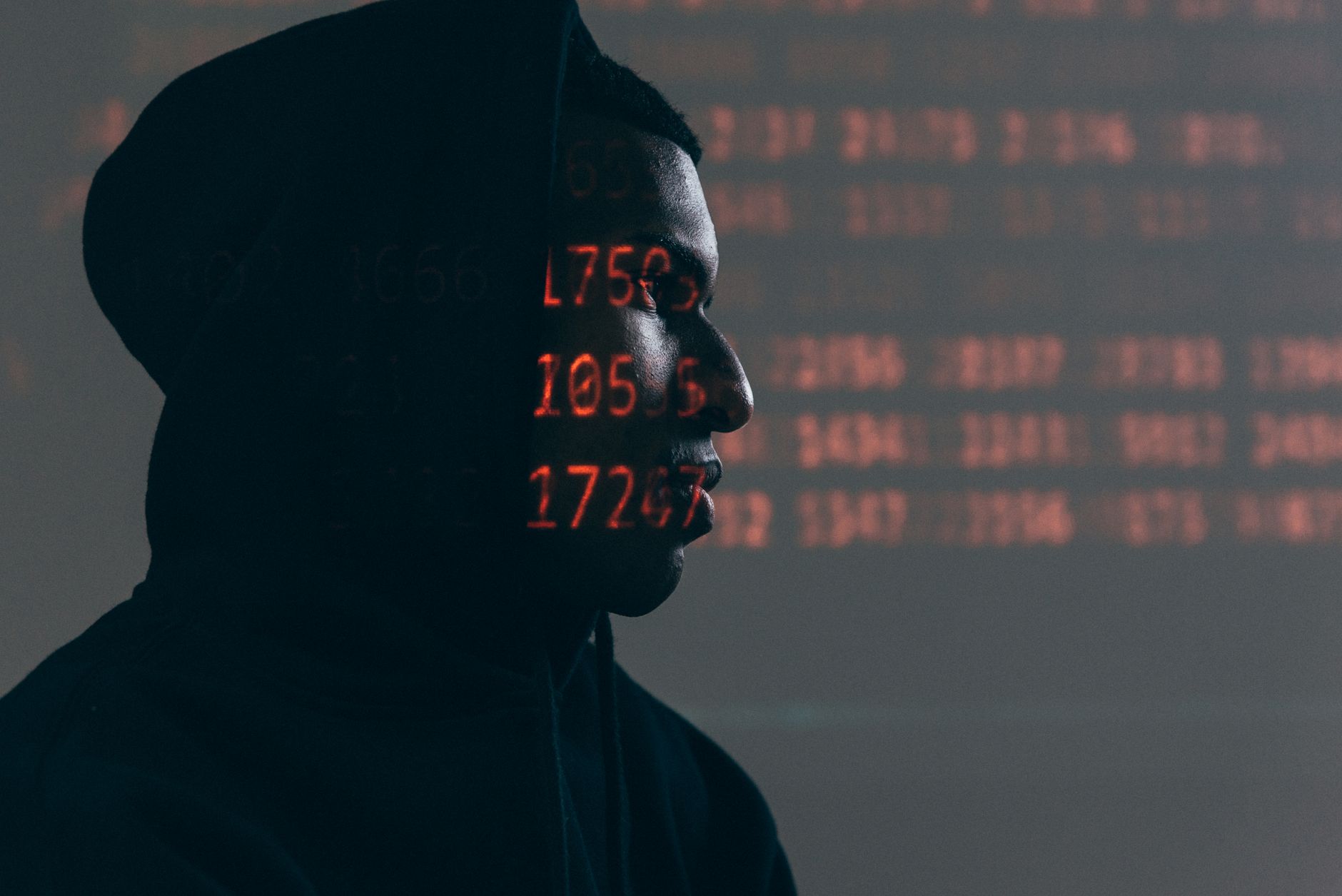
What Can Employers Monitor at Work?
The biggest misconception is that “my phone” or “my login” means total privacy, but workplace monitoring can still be lawful if the company gave notice and tied the monitoring to a work purpose. A firm can often review company email, browser history on a work laptop, file activity, and logs from tools like Microsoft 365 or Google Workspace.
That usually includes both content and metadata, and those are not the same thing. Content means the actual email or message text. Metadata means timing, sender, recipient, device ID, IP address, location stamp, or file access logs. A manager may never read the full message and still know that you sent 42 emails after midnight or opened a file from two countries in one day.
Employers also monitor devices they own, such as a company phone, a point-of-sale terminal, or a laptop issued for a 3-month project. They may install security software, record app usage, or track whether you logged in at 8:00 a.m. and stayed active until 5:00 p.m. That kind of logging often feels cold, and honestly, it can get creepy fast.
Some places allow audio or video monitoring in narrow cases, but many workplaces draw a harder line there than with browsing logs. A camera in a warehouse, a call center, or a cash room raises different questions than a basic web filter. Even then, the employer usually needs a stated reason, clear notice, and some restraint about how long they store the data.
How Do Law and Policy Limit Monitoring?
Law and policy set the guardrails, and those guardrails change a lot by country, state, and job type. In the U.S., employers often rely on written policies, employee handbooks, and acceptable-use rules; in the EU, the GDPR adds stronger data-protection rules and demands a lawful basis, notice, and data minimization.
Reality check: A policy can turn a lot of monitoring into something legally safer, but a policy does not magically make every practice fair. Courts and regulators still ask whether the employer had a legitimate business reason, gave clear notice, and used monitoring that fit the risk instead of going too far.
That is why one company may review internet logs for cybersecurity, while another may need extra consent before using GPS on a delivery phone. Sector rules also matter. Financial firms, hospitals, and government offices often face tighter recordkeeping or security duties than a small design studio. Labor law can also limit hidden monitoring if it affects union activity, breaks, or organizing rights.
Policy language matters in the real world. If an acceptable-use policy says “no personal use,” employees should not treat a work inbox like a private diary. If a privacy notice says the company stores chat logs for 180 days, that number matters. The law rarely rewards wishful thinking.
Which Employee Activities Raise the Biggest Privacy Questions?
Some monitoring feels routine, and some crosses into “this is too much” territory fast. The sharper the data, the sharper the privacy concern, especially when a company collects 24/7 location data or records every keystroke.
- Email and chat content feel most sensitive because they reveal tone, intent, and personal details. Even so, employees often have only limited privacy on company accounts.
- Browsing history on work systems can show health searches, job hunting, or union research. That makes a simple web log feel more personal than a badge swipe.
- Personal devices used for work create a messy split. A BYOD phone can expose family photos, texts, and app data if the company installs management software.
- GPS tracking can make sense for delivery trucks or field crews, but 24-hour tracking on a phone looks excessive to most people.
- Screen capture tools can protect trade secrets, yet constant screenshots can chill normal work and make employees feel watched every minute.
- Keystroke logging usually triggers the strongest reaction. It can catch fraud, but it also captures mistakes, passwords, and long stretches of ordinary typing.
- Productivity dashboards can help managers spot bottlenecks, but raw numbers can punish workers who do focused, hard tasks that do not look busy on a chart.
The catch: A tool can be legal and still feel invasive, and that gap matters because trust drops fast when people think every click gets scored.
Learn Ethics In Technology Online for College Credit
This is one topic inside the full Ethics In Technology course on UPI Study — a self-paced online class for college credit. Credit recommended by NCCRS; your college decides how credits transfer. Courses start at $250 with no deadlines and lifetime access.
Explore Ethics In Technology →Why Does Ethics Matter Beyond Legal Compliance?
Ethics in technology asks a harder question than “is this allowed?” It asks whether a monitoring system treats people like adults or like suspects. A company can follow a written policy and still create a mess if it hides the monitoring, tracks too much, or uses data to punish normal human behavior.
Worth knowing: A legal program can still backfire when workers change how they act just to avoid being flagged. That chilling effect matters in any office with 50 or 500 people, because people stop asking questions, taking breaks, or reporting mistakes.
The power imbalance matters too. A worker usually cannot say no to a company device, and that makes consent pretty thin in practice, even when the form has a checkbox. That is why transparency, proportionality, and purpose matter so much. A company that checks login times to stop fraud looks different from one that watches every mouse movement to rank people by speed.
This is where an Ethics in Technology course gets real instead of abstract. The same issue shows up in schools, hospitals, call centers, and remote teams. If a system feels sneaky or discriminatory, workers will notice, and they will usually be right to question it.
What Should Employees Expect From Workplace Monitoring?
A good rule of thumb is simple: if you use a company device, a company account, or a company network, expect some logging. If a policy says the employer may monitor for security, training, or performance, treat that as real, not as fine print you can ignore for 8 hours a day. People get burned when they assume personal use stays private just because no one mentioned it out loud.
Bottom line: Read the policy before you send personal messages, save files, or turn on location sharing, because the document usually says more than the manager does.
- Company laptops often log browsing, downloads, and login times.
- Work email can be reviewed, even if it feels personal.
- GPS data may track a work phone during a shift, sometimes longer.
- Productivity tools may show active hours, idle time, or task counts.
A work account is not a private vault. A work device is even less so. The safest habit is to keep personal banking, medical messages, and private photos on personal tools, not on a system that a manager, IT staff, or security team can audit later.
Where Does UPI Study Fit In?
A 12-week online course can be a smart way to study workplace privacy, because this topic sits right between law, tech, and ethics. UPI Study offers 90+ college-level courses, and its Ethics in Technology course carries a college credit recommendation from NCCRS or ACE, which makes it useful for students who want structured learning without a fixed classroom schedule.
UPI Study fits students who want to study online at their own pace, since the platform charges $250 per course or $99 per month for unlimited access. That matters if you are balancing work, family, or a full course load. The ethics topic also connects well with Business Law and Business Ethics, because workplace monitoring sits right where rules and judgment meet.
ACE and NCCRS have over 2,100 cooperating colleges that will consider accepting credits; the final decision is with the universities. That makes the setup practical, not magical. UPI Study does not promise a transfer path, and it does not remove the need to check with your school first. If you want a self-paced option with a clean focus on ethics in technology course content, UPI Study gives you that lane without a deadline-heavy format.
Frequently Asked Questions about Workplace Monitoring
If you guess wrong, you can lose a job offer, trigger discipline, or hand over proof you never meant to share, like a personal email sent on a work laptop or a GPS record from a company phone. A 2024 policy in the UK or a US state law can change what your employer may collect, so you need the written policy and local law.
Most students think employers can watch everything once they hand over a work device, but that only partly works. You can expect some monitoring on company email, internet use, devices, and login times, yet the exact limits depend on notice, policy, and local law.
The part that surprises most students is that work email and browser history often count as company records on a company system. If your employer gives clear notice, many places let them review logs, message headers, and websites visited, especially on managed laptops and Wi‑Fi.
Yes, employers can monitor a work phone’s calls, texts, apps, and location data if they own the device and tell you in policy or on login screens. The caveat is that some places limit access to personal content, especially when you use a mixed personal-and-work device.
The most common wrong assumption is that a work phone or laptop turns into a private space after hours. That’s not true in most workplaces, because mobile device management tools can still log app use, install controls, and track location during 9-to-5 or beyond.
This usually applies to employees who use company systems, shared offices, or managed devices, and it often does not cover totally private devices with no work tools on them. Still, if you install a work app or join a company network, your privacy can drop fast.
$0 is the wrong budget for this problem, because one bad privacy guess can cost you a job, a warning, or lost pay. Start by reading the employee handbook, the device-use policy, and any pop-up consent notice on your laptop or phone.
Ethics in technology says employers should monitor only what they need, tell you plainly, and avoid secret tracking that goes beyond safety or security. A fair policy names what gets tracked, who can see it, and how long data stays stored, such as 30 days or 1 year if the policy says so.
Employers can often monitor log-in times, active hours, project updates, screenshots, and app use inside productivity software. The line gets thinner with keystroke logging, webcam checks, or constant screenshots, so the policy should say exactly what the tool records and who reviews it.
What employers can monitor, what employees can expect, and where the law fits together depends on 2 things: notice and local rules. In some places, written consent matters; in others, a posted policy and continued use of the device may be enough.
An ethics in technology course can give you a legal-and-moral map for monitoring, privacy, and consent, and some online course options carry NCCRS credit or college credit. If you study online, check whether the course offers transferable credit before you pay, since schools make the final call.
Check the written policy first, then ask HR or your manager what gets tracked on email, internet use, devices, location, and productivity tools. If you work across states or countries, compare the policy with local law, because rules can shift between the US, the UK, and the EU.
Employers can usually track a company phone, fleet vehicle, or delivery app with location data, especially during work hours. You can expect less privacy there, but many workplaces still need a clear reason, a notice, and a limit on after-hours tracking.
Final Thoughts on Workplace Monitoring
How UPI Study credits actually work
Ready to Earn College Credit?
Credit recommended by NCCRS · Self-paced · Your college decides how credits transfer · $250/course or $99/month (US)