
JavaScript functions are reusable blocks of code that run a task, take input, or send back a result. That sounds simple, and it is. The real value shows up when code grows past 20 lines and you need a clean way to repeat the same logic without pasting it three times. A function can format a name, add two numbers, check a password, or update a page after a click. You write the logic once, then call it any time you need it. That cuts down on repetition and makes bugs easier to spot. If one function handles 1 job, you can test that 1 job instead of hunting through 15 scattered lines. This matters in beginner projects and real apps. A small calculator, a signup form, or a shopping cart all use functions to keep code in order. If you are exploring an introduction to javascript course, this is one of the first ideas that turns syntax into actual programming. The concept also shows up in college credit classes, online course work, and study online programs that include ace nccrs credit or transferable credit pathways. Good function habits pay off fast. You read code faster. You change code with less fear. And you stop treating every feature like a brand-new problem.
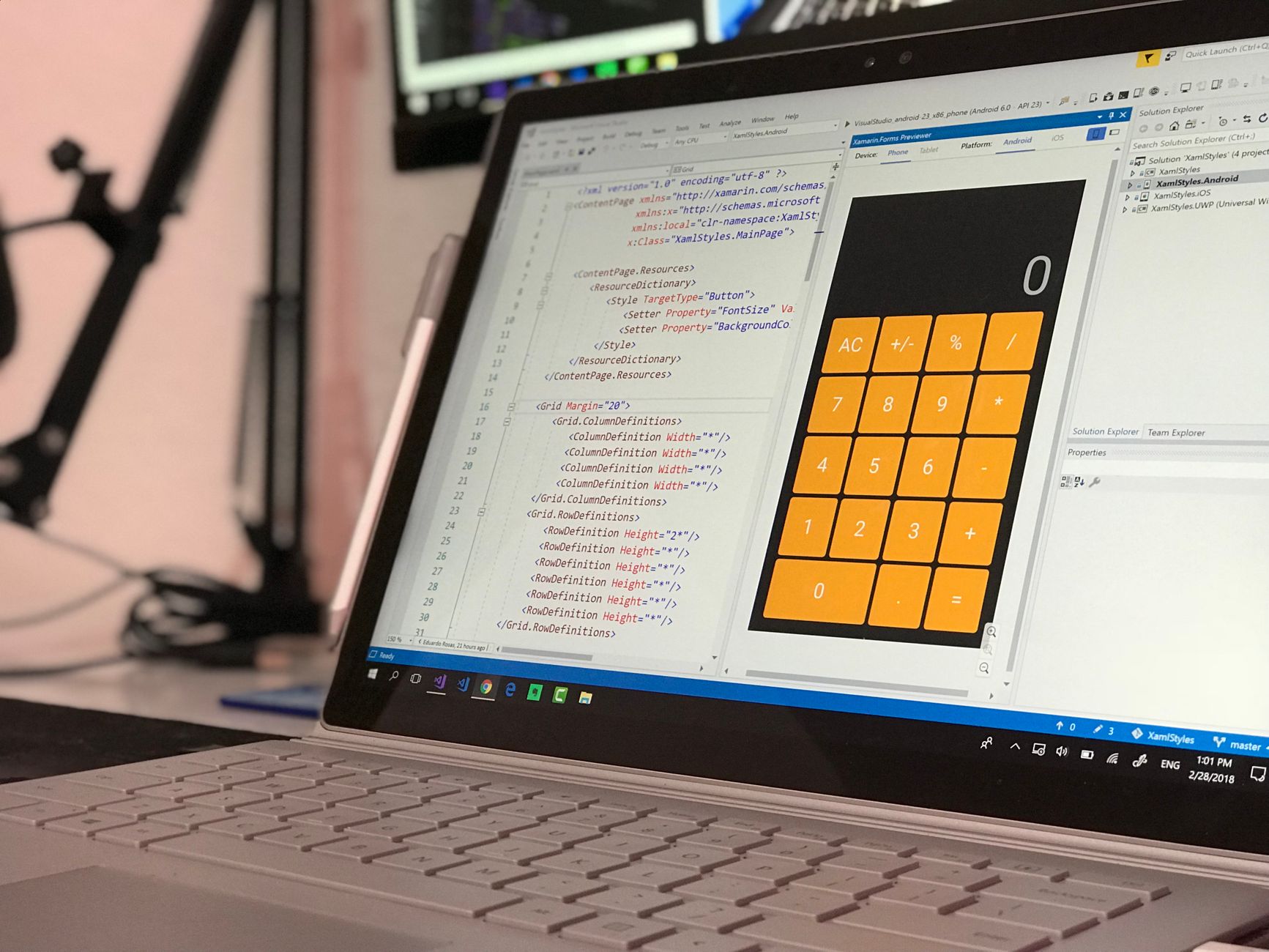
What Are JavaScript Functions Used For?
JavaScript functions handle repeat jobs, return values, and keep code in tidy chunks, which matters once a script grows past 30 or 40 lines. A function can turn "maria" into "Maria," add 2 numbers, or check whether a field has 8 characters. That is the whole trick: you write the logic once, then call it wherever the same task appears.
The catch: Without functions, you end up copying the same code block 3, 5, or 12 times, and every later fix turns into a scavenger hunt. That gets messy fast, and it also makes testing harder because you have more places where the same bug can hide.
Functions also make code easier to read because they give a job a name. A line like calculateTotal() tells you more than 9 lines of raw math. That naming matters in team projects, where 2 developers may read the same file on Tuesday and again on Friday. Clear function names help them see the intent without guessing.
I think this is where beginners start to feel real control. A function is not magic. It is a labeled box. Put one task inside, and the rest of the program can call it like a tool. If a checkout page needs the same tax formula for 1 item and 15 items, the function keeps the math in one place, which cuts maintenance work and lowers the chance of inconsistent results.
How Do JavaScript Function Syntax And Calls Work?
A function has two jobs: you define it once, then you call it when you want it to run. JavaScript gives you a few common ways to write that definition, and the parentheses control when data goes in and when code actually executes.
- Start with a function declaration if you want a named block you can call later, such as
function greet() {}. The name matters because it shows up in stack traces and makes debugging faster. - A function expression stores a function in a variable, like
const greet = function() {}. Developers use this style when they want the function to behave like any other value, especially in code bases with 100+ lines. - Arrow functions use a shorter form, like
const greet = () => {}. They became part of JavaScript in ECMAScript 2015, and many teams use them for small tasks that take 1 or 2 lines. - Parentheses matter because they hold arguments, the values you pass in, such as
sum(4, 9). No parentheses means you have defined the function; parentheses mean you are asking it to run right now. - A function call executes the code, so
sum(4, 9)does the work and can return 13 immediately. That difference between defining and invoking code trips up beginners in the first 2 weeks. - Arguments can change what the same function does, which makes one function useful for 10 different inputs. That is the whole reason functions beat copy-paste in real projects.
Learn Introduction To Javascript Online for College Credit
This is one topic inside the full Introduction To Javascript course on UPI Study — a self-paced online class for college credit. Credit recommended by ACE and NCCRS; your college decides how credits transfer. Courses start at $250 with no deadlines and lifetime access.
Explore on UPI Study →Why Are Parameters And Return Values Important?
Parameters let a function accept input, and return values send a result back to the rest of the program. That split matters because a function without input can only do 1 fixed job, while a function with 2 parameters can handle many cases, like adding prices or formatting names.
What this means: You can write formatName(first, last) once and use it for 1 student, 12 employees, or 500 customers. The function gets values through arguments, then returns a finished string such as "Ava Chen" or "Total: $48.50". That is cleaner than building the same text by hand every time.
Return values also let functions feed other functions. A validation function can return true or false, and a checkout function can use that result before it charges a card. A math function can return 24, then another part of the program can add shipping or tax. Small pieces like that make code easier to test because each function has 1 clear job.
I like this part of JavaScript because it feels practical right away. You see input go in, a result come out, and the program move forward. If the function returns nothing, or returns the wrong thing, the bug usually shows up fast, which beats hidden chaos in a 300-line file.
Which JavaScript Function Types Should You Know?
JavaScript gives you 5 function forms that show up in real code, and each one solves a slightly different problem. You do not need all of them on day 1, but you do need to recognize them in a 20-line snippet or a 2,000-line app.
- Function declarations fit basic reusable tasks, like
function total(price, tax) {}. They read clearly and work well when you want a named function at the top of a file. - Function expressions let you store a function in a variable, which helps when you pass behavior around in 1 file or across 3 modules.
- Arrow functions use shorter syntax, and many developers reach for them in modern code after ES2015. They feel compact, though they can confuse beginners who expect every function to look the same.
- Anonymous functions have no name, and you often see them inside event handlers or array methods. That saves space, but it can make debugging less friendly.
- Callback functions run after another function finishes, like after a button click or a 2-second timer. They power a lot of browser work and keep code responsive.
- Named functions help in larger projects because a label like calculateDiscount() beats "anonymous" when you read logs at 11 p.m.
How Are JavaScript Functions Used In Real Programs?
JavaScript functions drive the small jobs users notice all day: checking a form field, reacting to a click, calculating a cart total, and changing text on the screen. A page that looks simple may call 6 to 20 functions just to load, validate, and update content. That is normal. A browser app without functions would feel like a pile of one-off tricks, and that gets ugly fast.
Reality check: One login form may call 3 functions before a user sees an error message, and a shopping site may call 10 more before checkout finishes. Those functions can trim spaces, compare passwords, format prices, and update the DOM in under 1 second.
- Form validation checks 1 email field, 1 password field, and 1 submit button before data goes through.
- Event handlers run after clicks, key presses, or scrolls, so the page reacts right away.
- Data transforms can turn 5 raw items into 5 clean display rows for a table.
- Math functions handle totals, tax, and discounts, which matters when prices change by the cent.
- UI update functions can swap text, classes, or images after a user action.
If you are taking an introduction to javascript class, this is where the language stops feeling abstract. Functions let one small script act like a set of tools instead of a single block of text. That is why beginners who understand functions usually move faster through events, arrays, and DOM work. They can read code as a chain of jobs instead of one giant wall.
Frequently Asked Questions about JavaScript Functions
The biggest wrong idea is that JavaScript functions are just fancy math tools; they’re reusable blocks of code you call by name, like `sayHi()` or `totalPrice()`. You use them to avoid repeating the same 3-line task 10 times, and they can take inputs, return values, or just run code.
If you skip functions, your code gets harder to read, harder to fix, and way more repetitive. A small app with 5 repeated tasks can turn into 50 copied lines fast, and one bug means you patch the same mistake in every copy.
A basic JavaScript function starts with the `function` word, then a name, parentheses, and curly braces, like `function greet() {}`. If you add `name` inside the parentheses, that becomes a parameter, and `return` sends a value back to the place that called it.
Start by spotting repeated code in a simple `introduction to javascript` exercise, like adding two numbers or showing a message 4 times. Then turn that repeated block into one function, call it in 2 places, and watch the code shrink.
What surprises most students is that a function can finish its job without showing anything on the page, because `return` hands back data for later use. A function can return `42`, a string, or `true`, and the next line can use that value right away.
This applies to anyone taking an `introduction to javascript course`, whether you're in high school, college, or an `online course`; it doesn't require prior coding experience. If you can read `if` statements and loops, you can start using functions on day 1.
Most students memorize syntax first and freeze when they meet parameters, but what actually works is writing 3 tiny functions: one that prints text, one that adds numbers, and one that returns a result. That hands-on loop builds real understanding of `understanding javascript functions principles and applications` faster than note-taking.
With $0, you can use a function to check a form field, update a shopping cart total, or format a date in under 5 lines of code. Those same patterns show up in quizzes, dashboards, and simple games.
Parameters are the names inside the function, and arguments are the real values you pass in when you call it, like `square(5)`. That `5` becomes the input, and the function can use it to calculate `25` or build a custom message.
JavaScript functions matter in `study online` programs because many platforms bundle coding practice with assessment systems that can support `college credit`, `transferable credit`, and sometimes `ACE NCCRS credit`. A course on functions usually sits inside a broader `online course` on programming basics, not a credit claim by itself.
Functions matter because they cut repetition, keep logic in one place, and make a 200-line script easier to test than 20 copied chunks. If you change one function that handles login, price math, or validation, you change the behavior everywhere that function gets called.
Final Thoughts on JavaScript Functions
JavaScript functions sound small, but they shape almost every useful program. They let you write a task once, run it many times, and keep the code readable when a project grows from 12 lines to 120. They also give you a clean way to pass input in and send results back out, which is why they show up in forms, buttons, calculators, and data tools. The best part is not the syntax. It is the habit. Once you start thinking in functions, you stop asking, "How do I cram this into one file?" and start asking, "What job should this piece do?" That shift makes code easier to test and easier to change later. It also cuts the odds that one small update breaks 4 other spots. Some beginners overthink function types and miss the bigger idea. A declaration, an expression, and an arrow function all still solve the same basic problem: they package behavior so you can call it again. Learn the pattern first. The fancy parts can wait. If you are studying JavaScript now, build 3 tiny functions today: one for text, one for math, and one for a simple true-or-false check. Then call each one twice and watch how fast the logic becomes clearer.
How UPI Study credits actually work
Ready to Earn College Credit?
Credit recommended by ACE and NCCRS · Self-paced · Your college decides how credits transfer · $250/course or $99/month (US)