
JavaScript syntax is the set of rules that tells the browser or Node.js how to read your code. If you break those rules, the engine stops before your script starts, even if your idea was good. A missing quote, a bad bracket, or the wrong letter case can sink a beginner file in 2 seconds. Think of syntax as the grammar of code. You can have the right words, but if you place them badly, the engine throws a syntax error and refuses to parse the file. This matters in an introduction to javascript because beginners often confuse syntax problems with logic problems. Syntax errors stop the code from running. Logic errors let the code run, but the result comes out wrong. For a student in a computer support or web development track, this shows up fast. A script with a stray comma may fail in Chrome, Firefox, and Node.js the same way. A script with clean syntax can still do the wrong thing, but at least it starts. That first step saves time when you study online, read error messages, and build small projects one line at a time. If you want to understand javascript syntax, start with the rules that control valid structure, readable names, and clean statement endings. Those rules make beginner code easier to write and much easier to fix.
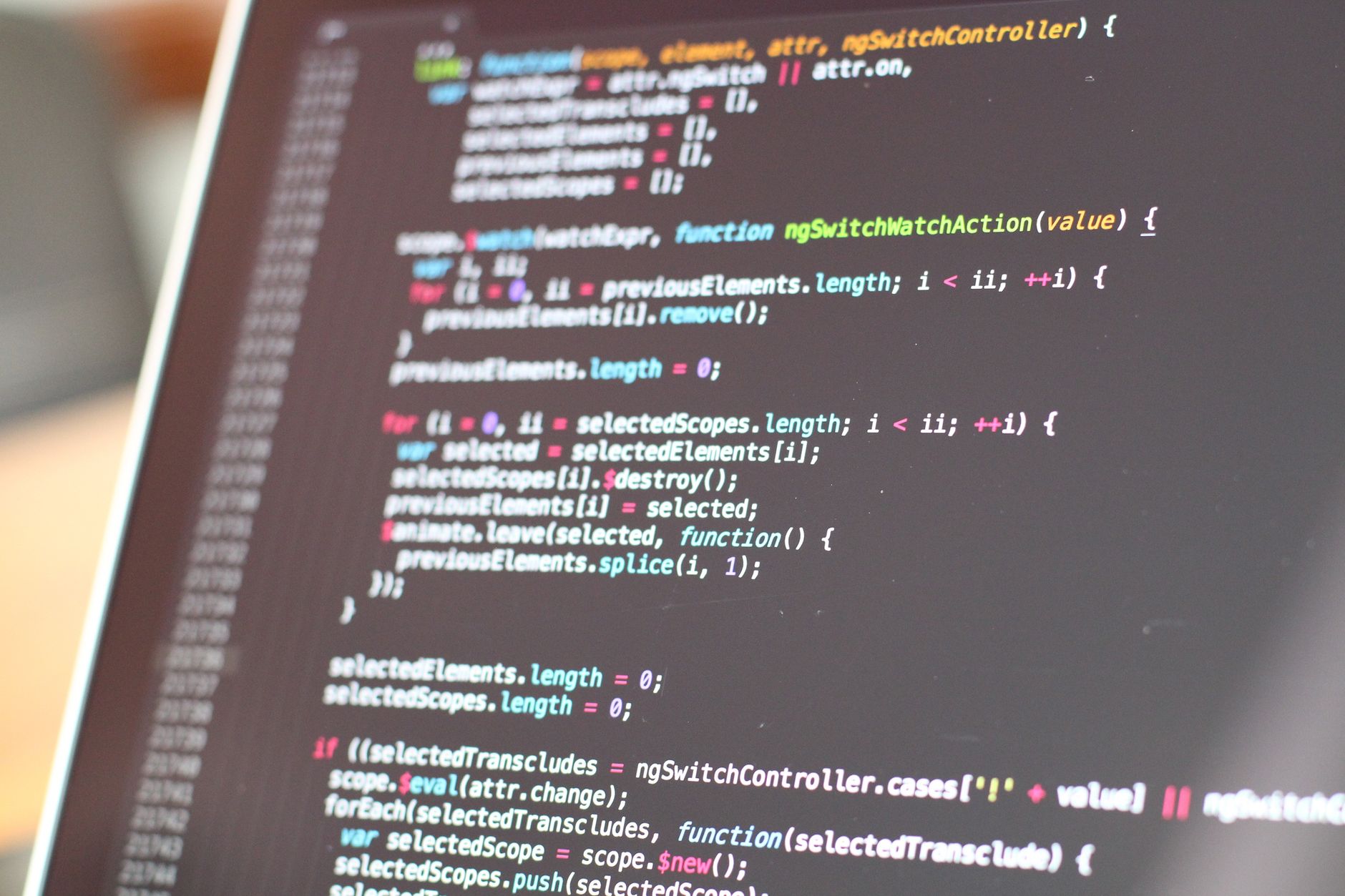
What Makes JavaScript Syntax Valid?
JavaScript syntax stays valid when the engine can parse each statement, token, and delimiter without confusion. A browser or Node.js reads your code from left to right, and one missing parenthesis on line 8 or one extra comma in an object can stop the whole file before it runs.
That is why syntax and logic live in different lanes. Syntax answers, “Can the engine read this?” Logic answers, “Does this code do the right thing?” A script can pass syntax checks and still print the wrong result. A script with bad syntax never gets that far. A missing closing quote, a broken arrow function, or a malformed if statement triggers a parse error in 1 shot, not after 10 tests.
The catch: Syntax errors often show up at the wrong spot. The engine may point to line 12 even when the real mistake sits on line 11, because the parser only notices the break when it hits the next token.
That makes beginner debugging weird. You fix a semicolon, run the code again, and the error moves. Annoying? Yes. Random? No. The parser follows strict rules, and it treats punctuation like commas, braces, and colons as part of the language, not decoration.
A clean introduction to javascript course spends time on this because syntax habits pay off fast. You learn to spot a missing ) in 5 seconds instead of hunting through 50 lines. That skill matters in small scripts and in bigger ones with 3 nested blocks, where one tiny typo can break the whole file.
I like syntax as a starting point because it gives beginners quick wins. Fix the shape of the code first, then worry about what the code should do. That order saves time.
A rough file with perfect ideas still fails if it breaks the grammar, and that feels harsh the first 20 times, but it is how the language stays consistent across browsers and Node.js.
Why Does JavaScript Case Sensitivity Matter?
JavaScript treats uppercase and lowercase letters as different, so myValue, MyValue, and myvalue count as 3 separate names. That rule affects variables, functions, object properties, and class names, and it creates ReferenceError problems when you type one letter wrong.
Beginner mistakes usually come from mixing naming styles. camelCase fits variables and functions like totalPrice or getUserName, while PascalCase often fits classes like StudentRecord or CourseList. Keywords stay lowercase: let, const, if, and return all use 2 to 6 letters in exact form. Write Let instead of let, and JavaScript does not treat it as the same word.
Reality check: Case bugs hide in plain sight. totalprice, totalPrice, and TotalPrice can sit on the same page for 30 lines before one wrong call triggers a ReferenceError.
That is why case sensitivity feels picky. It is picky. And that pickiness helps you spot sloppy naming before it spreads through a file. A clean naming pattern also makes code easier to scan during a 20-minute study session, because your eyes can separate variables from classes at a glance.
Mixing styles hurts reading too. If one function uses getData and another uses Getdata, the code looks messy even when it runs. Good syntax work at this level keeps names steady across the whole file, which matters more than most beginners expect.
If you want a Introduction to JavaScript course that makes this part click, focus on naming drills early. Small files expose case errors fast. Big files hide them.
Learn Introduction To Javascript Online for College Credit
This is one topic inside the full Introduction To Javascript course on UPI Study — a self-paced online class for college credit. Credit recommended by ACE and NCCRS; your college decides how credits transfer. Courses start at $250 with no deadlines and lifetime access.
Explore on UPI Study →How Do Whitespace, Comments, and Semicolons Work?
JavaScript gives you room with spaces, tabs, and line breaks, but it still gets fussy about statement endings and line breaks in places where the parser expects a clear stop. That mix trips up beginners because a file can look clean on screen and still fail on line 14 when automatic semicolon insertion guesses wrong. Comments help you explain intent in 1 line or 5 lines, while semicolons protect you when two statements touch each other in a way the engine misreads. A lot of style guides, including Airbnb and many team codebases, still use semicolons for that reason.
What this means: Good spacing makes code easier to scan in under 10 seconds, but line breaks can still change meaning in return statements and chained calls.
- Use whitespace to group ideas; 1 blank line between blocks often beats a wall of text.
- Write comments to explain why, not what; 2 words of intent can save 20 minutes later.
- Keep semicolons steady in a 100-line file so automatic insertion does not guess wrong.
- Use // for short notes and /* */ for 3-line explanations, not whole essays.
- Avoid random tabs and mixed spaces; uneven formatting makes bugs harder to see on line 1.
A beginner who studies online can feel the difference fast: one neat file reads like a map, while one sloppy file feels like static. If you want a second pass at this material, Introduction to JavaScript gives you practice with the exact spacing and comment habits that keep small scripts sane.
Bottom line: Semicolons do not fix bad logic, but they do block a lot of annoying parser mistakes in 1 keystroke.
I prefer clear semicolon use because it reduces guesswork. JavaScript lets you be casual, but casual code often turns into confusing code by week 3.
Which JavaScript Literals And Identifiers Should You Know?
Literals are the fixed values you type directly, and identifiers are the names you invent for things in your code. In a first JavaScript file, 7 literal types and a few naming rules cover most beginner problems before they start.
- Strings hold text like "hello" or '2026'. Quote style can change readability, but both work the same way.
- Numbers include 12, 3.14, and 0. JavaScript uses one Number type for most numeric values, which keeps things simple and weird at the same time.
- Booleans use true and false. They drive if statements, loops, and 2-way choices all over a script.
- null means “nothing on purpose,” while undefined means a value has not shown up yet. That difference matters in debugging.
- Arrays store ordered items like ["A", "B", "C"], and objects store labeled data like { name: "Ana", age: 19 }. Both show up early in any intro to javascript course.
- Identifiers can use letters, numbers, $, and _. They cannot start with a number, so 3name fails while name3 works.
- Readable names beat clever names. totalPrice and courseCount tell the truth fast, while x1 and temp2 force you to guess.
If you are building college credit through an online course, this part matters because instructors grade clear code as much as correct code. A file with clean literals and sensible identifiers reads faster, and that saves time during reviews, quizzes, and project checks.
How Do Syntax Rules Help You Debug JavaScript?
Syntax rules help you debug faster because they tell you where to look first: quotes, brackets, commas, names, and line endings. In a beginner class, 80% of early syntax mistakes come from a few repeat offenders, especially missing ), missing }, and a typed name that does not match the one above it.
Error messages get easier to read once you know the pattern. A parser error usually points to a broken structure before the code runs, while a runtime error appears after the engine starts and hits a bad value or missing property. That difference matters in a 4-week introduction to javascript course because it keeps you from chasing the wrong problem.
Worth knowing: A syntax fix can take 30 seconds, but a logic bug can eat 30 minutes if you mix the two up.
Good syntax habits also make your code easier to review in an online course setting. Clean indentation, steady semicolons, and names that match case exactly help a teacher or tutor spot the break without reading every line twice. That feels minor until a tiny file with 15 lines stops on line 7 and the real mistake sits on line 6.
I think this is where beginners start to feel real progress. You stop guessing. You start reading the code like the engine reads it, and that shift cuts a lot of frustration.
Once you can separate syntax errors from runtime problems, you waste less time and fix the right thing the first time.
Frequently Asked Questions about JavaScript Syntax
If you get JavaScript syntax wrong, your code stops running and the browser usually throws a syntax error before line 1 finishes. A missing quote, bracket, or semicolon can break the whole script, so beginner code often fails fast and loudly.
Most students are surprised that JavaScript cares about tiny details like case, quotes, and brackets, not just the idea behind the code. `let name` works, but `Let name` and `LET name` mean something else or fail, because JavaScript reads names exactly as written.
The most common wrong assumption is that JavaScript guesses what you meant. It doesn't. A string needs quotes, an array needs square brackets, and an object needs curly braces, or the code won't parse as valid JavaScript.
Start by writing tiny lines of code and checking each symbol, one at a time. Type `const age = 18;`, then change the quotes, brackets, and semicolon so you can see how one small change affects the result.
This helps anyone starting an introduction to javascript, including people in an introduction to javascript course or an online course for college credit, and it doesn't help much if you already write functions and debug daily. The same rules apply whether you study online for ace nccrs credit or transferable credit.
Six rules matter most at the start: case sensitivity, whitespace, comments, semicolons, literals, and identifiers. Miss one of those, and you can turn a clean 3-line script into a hard-to-read mess or a syntax error that takes 10 minutes to find.
JavaScript syntax is the set of rules that tells you how to write valid code, from `let` declarations to `//` comments and `;` semicolons. It also controls literals like numbers and strings, plus identifiers like `totalScore` and `userName`, though some style rules vary by team.
Most students stuff code onto one line or copy spacing from random examples, and that makes errors harder to spot. What works is using 2-space or 4-space indentation, one statement per line, and blank lines only between separate ideas.
Comments matter because they explain intent without changing the code, and JavaScript ignores them during execution. Use `//` for one line and `/* ... */` for blocks, especially when you study online and want to remember why a line exists later.
A literal is a value written directly into code, like `42`, `'hello'`, `true`, `null`, or `[1, 2]`. Beginners mix literals with identifiers a lot, so `42` is a value, while `answer` is a name that points to a value.
Identifiers are the names you give variables, functions, and objects, and good names make code easier to read in 5 seconds instead of 30. Use letters, digits, `$`, and `_`, but don't start with a number, and keep names clear like `birthYear` rather than `x1`.
Final Thoughts on JavaScript Syntax
JavaScript syntax looks small from the outside, but it controls almost everything a beginner does right or wrong. Case sensitivity, whitespace, comments, semicolons, literals, and identifiers all shape how the engine reads your file, and they also shape how you read it back a day later. That is the part people miss. Syntax does not just keep code valid. It also makes code survivable. A neat file with steady names and clean endings gives you fewer false alarms when you test in Chrome, Firefox, or Node.js. A messy file turns simple fixes into scavenger hunts. If you are learning from scratch, spend real time on the boring parts. Copy small examples. Change one symbol. Run them again. Break a line on purpose and see what the error says. That kind of practice pays off faster than memorizing 20 definitions you never touch. The best beginner habit is plain and stubborn: write small, readable code first, then check every quote, brace, and name before you move on.
How UPI Study credits actually work
Ready to Earn College Credit?
Credit recommended by ACE and NCCRS · Self-paced · Your college decides how credits transfer · $250/course or $99/month (US)