
C++ takes input with cin and prints output with cout, and that is the whole basic idea behind console I/O. You type something, the program reads it, does a small task, then shows a result on the screen. That back-and-forth feels simple because it is simple. The user sends data into the program through the keyboard, and the program sends text back through the terminal. In plain terms, that is two-way communication: one side talks in, the other side talks out. A lot of beginners get stuck because they think C++ “runs itself,” but it only reacts after you give it data. That matters in programming in cpp course work, practice labs, and any first file you write in an editor like Visual Studio Code or Code::Blocks. The clean part is that C++ keeps this flow readable. You can ask for a name, read a number, add 10 to it, then print the answer in 1 screenful of code. The messy part shows up when students mix up input and output symbols or forget the iostream header. Those are tiny mistakes, but they stop the whole program fast. If you want to answer the question “do you take input and print output in c++,” the short version is this: use cin to capture what the user types, store it in a variable, then use cout to display the result. Once you see that pattern once, you can reuse it in nearly every beginner console program.
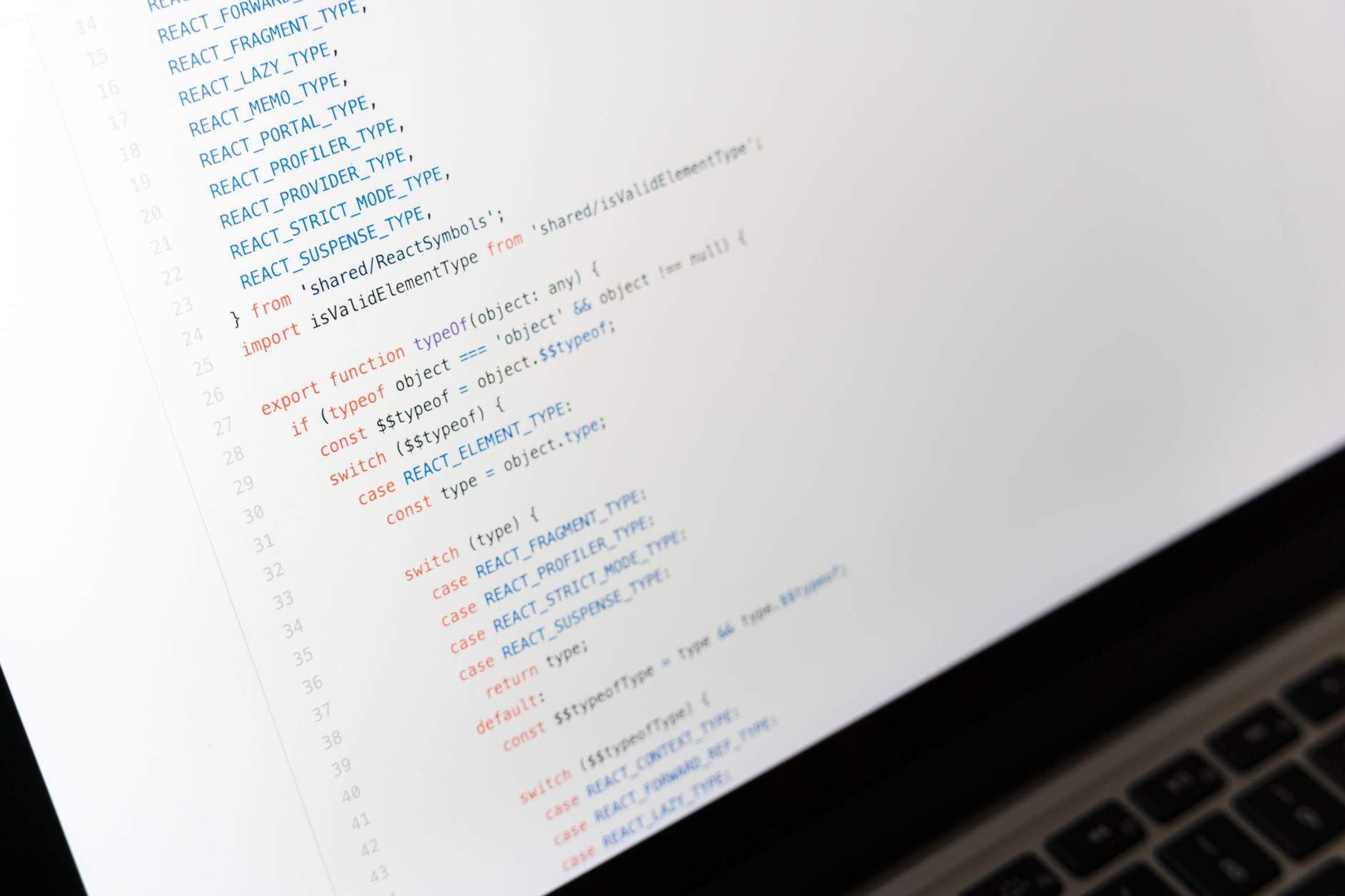
How Do You Use cin and cout in C++?
cin and cout work like a 2-way street in C++: cin takes data from the user, and cout sends text back to the screen. The program does not guess what you want. It waits for 1 typed value, stores it, and then prints a message or result right after.
Think of the stream like a pipe. Data flows in one direction when you use cin, and it flows out in the other direction when you use cout. That idea sounds small, but it saves beginners from a lot of confusion. A program asking for 2 numbers does not “see” them on its own; it reads them one by one from the input stream.
The catch: C++ console I/O only feels magical until you mix up the directions, because << sends output out and >> pulls input in.
Here is the plain version. The keyboard sends characters into the program, cin stores them in variables such as int age or string name, and cout prints the response after the program finishes its small job. That flow shows up in almost every starter file, from a 5-minute lab to a first-week assignment in a programming in cpp course.
Reality check: A beginner who types 2 words into a single int variable will not get a friendly result, because cin stops at the first non-number.
That is the part students miss. C++ does not read minds, and it does not clean up bad input for you. It reads exactly what the stream gives it, which is why your first examples should stay tiny: 1 name, 1 age, 1 total, 1 printed message. If you keep the flow that narrow, the code stays easy to trust.
Which C++ Input and Output Pieces Matter Most?
The core tools for basic console I/O fit on 1 small screen, and that is good news. If you know 6 pieces—header, namespace, two stream objects, two operators, and a line break—you can write your first input/output program in under 10 minutes.
- #include <iostream> gives you cin, cout, and endl. Without it, the compiler complains right away.
- std::cin reads input from the keyboard. It works with numbers, words, and simple values one at a time.
- std::cout prints output to the screen. Use it to show prompts, results, or quick status messages.
- << sends data toward cout, while >> pulls data from cin. Students swap them a lot on the first 3 tries.
- std::endl and '\n' both make a new line. '\n' feels lighter for most beginner programs.
- Forgetting the header or the semicolon after a line causes a fast error. That is annoying, but the fix usually takes 30 seconds.
- Using cin for output or cout for input makes no sense. The directions matter, and C++ treats them like different roads.
What this means: If you remember only 4 symbols—cin, cout, <<, and >>—you can already write a working 3-line console program.
One opinionated take: beginners should stop decorating their code and learn these pieces first. Fancy menus come later. Clean I/O comes first.
Learn Programming In C Plus Online for College Credit
This is one topic inside the full Programming In C Plus course on UPI Study — a self-paced online class for college credit. Credit recommended by NCCRS; your college decides how credits transfer. Courses start at $250 with no deadlines and lifetime access.
Browse Programming In C Plus →How Do You Take Input And Print Output In C++ Step by Step?
A good first C++ pattern has 5 steps, and you can copy it into almost any small console task. Keep the order steady: set up the header, name your variables, ask the user for data, read it, then print the result. That sequence works whether you are checking a score, a price, or a simple age calculation.
- Start with #include <iostream> so the compiler knows what cin and cout mean. Without that line, even a 10-line file can fail before it runs.
- Add using namespace std; if your class allows it, or write std::cin and std::cout every time. Either way, be consistent from line 1.
- Declare variables before you read them, like int age; and string name;. That gives the program a place to store the 1 or 2 values the user types.
- Print a clear prompt with cout, then read the answer with cin. If you expect a price or score, tell the user the number range, like 0 to 100.
- Process the data with a simple calculation, such as age + 1 or total + 10. A small threshold like 18 or 50 keeps the logic easy to check.
- Print the final result with cout and end the line with '\n' or endl. That last line is what the user actually sees, so make it readable.
Bottom line: The best starter pattern asks once, reads once, calculates once, and prints once.
A lot of students try to skip straight to loops. Bad move. A single clean input-output file teaches more in 15 minutes than a messy project teaches in 2 hours.
Why Does C++ Console Input Sometimes Act Weird?
C++ input usually acts weird because the stream keeps leftover characters, not because the language is random. A newline from a previous cin call can sit in the buffer, and then getline reads that 1 extra line right away. That is why a name field sometimes seems to get skipped after an int.
Whitespace matters too. cin stops at spaces, so if you type 2 words into a single string read with cin, it grabs only the first word and leaves the rest behind. That catches students in labs all the time, especially when they move from a 1-word test like “Maya” to a full name like “Maya Chen.” In a class demo from 2025, that tiny switch can change the whole output.
Worth knowing: Most “skipped input” bugs come from newline handling, and 1 extra \n can change what getline reads next.
The fix is not mystery magic. You either use getline for full lines, clear the buffer when needed, or keep your inputs simple and separate. My honest take: beginners should not blame C++ first. The stream is doing exactly what you told it to do, even when that feels rude.
Another common snag shows up when students mix numbers and text in the same program. If you read an int, then ask for a sentence, the leftover line break can still sit there. That is normal behavior, and once you expect it, you stop getting surprised by it.
What Simple C++ Example Can Students Reuse?
A first-year student in a programming in cpp course at Seattle Central College might use a tiny console file to practice before turning in a 1-credit lab, and that same pattern works for anyone studying online for transferable credit. The student asks for a name and age, stores both values, then prints a personal message and a small computed result like age + 1. That example matters because it shows the full loop in 20 lines or less: prompt, read, calculate, print. A lot of people like to make their first sample too fancy, but a plain name-and-age program teaches the real skill better than a flashy menu with 6 options.
- Ask for 2 inputs: a name and an age.
- Store them in string and int variables.
- Print a message like “Hi, Maya.”
- Show the next age with age + 1.
- Keep the output to 2 or 3 lines.
What this means: A tiny reusable sample beats a giant project when you need to prove you understand cin and cout.
If you want a matching practice track, Programming in C++ gives you a clean place to drill this exact pattern. The same lesson also pairs well with Programming in C when you want to compare how input and output work across 2 close languages.
One sharp detail: keep the example simple enough that you can type it from memory in under 5 minutes. That is how the pattern sticks.
Frequently Asked Questions about C++ Console I O
What surprises most students is that C++ input and output use two different stream objects: cin for input and cout for output. You type data on the keyboard, your program reads it with cin, then it prints results with cout on the console.
Most students try to write the output first and skip the input step, but what actually works is reading data with cin, then using that value in cout. In programming in cpp, that simple order matters because the program can’t print a useful result until it has something to work with.
The most common wrong assumption is that cout can also collect user input, but it can't. In two way communication capturing user input and printing results, cin pulls data in and cout sends data out, and that split keeps console programs easy to read.
If you get C++ input and output wrong, your program may show blank values, skip the user’s data, or print the wrong answer. That gets messy fast in a programming in cpp course, especially when a student expects 2 numbers to add up but never stores the input first.
This applies to anyone starting programming in cpp, including students in an online course or a college credit class, and it does not depend on your major. If you want transferable credit or ace nccrs credit, you still use the same cin and cout basics in every beginner C++ lab.
Start by writing `#include <iostream>` and `using namespace std;`, then use `cin >> variable;` before `cout << variable;`. That one small flow lets you study online and test a simple program like reading a name or age, then printing it back.
C++ input and output work by moving data in one direction with cin and out the other with cout. For `int age; cin >> age; cout << age;`, the program waits for one number, stores it, and prints it back right away.
You can learn the basic `cin` and `cout` pattern in about 15 to 30 minutes, and that’s enough for most first console labs. If you want ace nccrs credit or transferable credit, this is the first C++ skill you’ll use in an online course.
You use `cin >>` for one-word input and `getline(cin, text);` for full lines with spaces. That matters because `cin` stops at the first space, so a full name like `Mary Jane` needs `getline` instead of plain `cin`.
You test it by running the program, typing a known value like `7`, and checking that `cout` prints the exact result you expect. If you add 7 and 3, you should see 10, not a blank line or stale data.
Final Thoughts on C++ Console I O
C++ input and output look small, but they shape everything else you write. If you can read 1 value with cin and print 1 result with cout, you already know the core flow of a console program. That flow also teaches a habit that pays off fast: ask clearly, store carefully, and print cleanly. A lot of beginners rush past these basics and then wonder why later code feels brittle. The truth is simpler. Strong beginners learn the plain stuff first, then build speed on top of it. Keep your first programs tiny. Ask for a name. Ask for a number. Print a result. Then change one line and see what breaks. That kind of test teaches more than copying a long sample from a slide deck. If you remember one thing, remember this: input comes in, output goes out, and the program sits in the middle doing the work. Once that clicks, the rest of beginner C++ gets a lot less spooky. Write your next test file with 2 inputs and 1 printed result, and you will see the pattern stick much faster.
How UPI Study credits actually work
Ready to Earn College Credit?
Credit recommended by NCCRS · Self-paced · Your college decides how credits transfer · $250/course or $99/month (US)