
A for loop in C++ repeats code a set number of times, and it does that by using a counter, a stop check, and an update step in one line. That makes it great for tasks like printing 1 to 5, looping through 10 quiz answers, or running a block of code 12 times without writing the same lines again. Students usually meet this loop early in programming in cpp because it reads like a control panel: start here, keep going while this stays true, then move the counter. That structure matters more than the fancy syntax. If you know the repeat count, a for loop often beats a while loop because you can see the whole plan at once. This loop also helps in real class work. A lab at Northern Virginia Community College might ask you to print numbers 1 through 5, and a second exercise might ask you to count 3 failed quiz attempts before stopping. Both tasks use the same idea: the loop runs while the counter stays inside a range. That is why students who get comfortable with this loop usually make fewer off-by-one mistakes later. The big idea is simple. You set a starting value, check a condition, and change the counter after each pass. Once you see those 3 parts working together, the syntax stops looking strange and starts looking like a small machine that repeats code on purpose, not by accident.
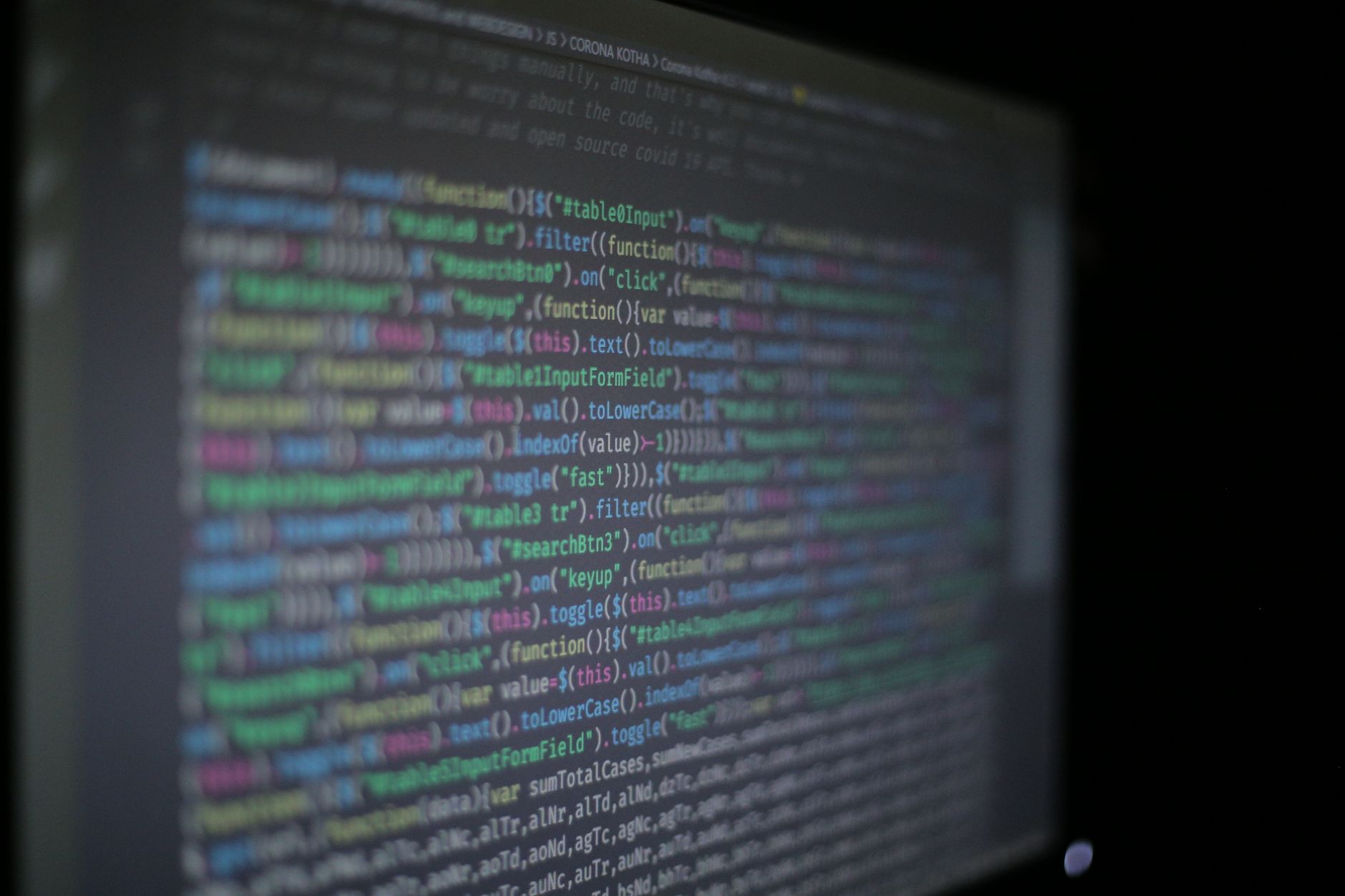
What Is a For Loop in C++?
A for loop in C++ is counter-based iteration: you use a counter to repeat code a fixed number of times, like 5 prints, 10 menu items, or 20 array slots. That makes it a clean fit for programming in cpp when the stop point already has a number attached to it.
The syntax packs 3 jobs into one line, and that is why students like it once it clicks. You start with a value, test a condition, and update the counter after each pass. A loop that prints 1 through 5 tells the story clearly: start at 1, keep going while the number stays at 5 or below, then move up by 1. That same pattern shows up in grading scripts, file checks, and simple class exercises.
The catch: A for loop looks tiny, but it handles a lot of control in a very small space, and that can trip up beginners who read too fast. If you know the number of repeats before the loop starts, this loop usually beats a while loop because you can see the whole range right there.
A lot of teachers use it early in a programming in cpp course because it teaches structure fast. One minute you are counting from 0 to 9; the next you are stepping through a 100-item array without copying code 100 times. That is the real power here: the code stays short, but the repetition stays exact.
How Do Initialization, Condition, and Update Work?
The three parts of a C++ for loop work like a tiny control system: initialization starts the counter, the condition checks whether the loop keeps running, and the update changes the counter after each pass. Once you see the order, the syntax stops feeling random and starts acting like a clear 3-step routine.
- Initialization sets the counter before the first run, often with something like
int i = 1. That first value matters because it defines where the loop begins. - The condition decides whether the loop runs again, like
i <= 5. A 5-step loop stops as soon as the counter moves past 5, so the end point stays exact. - The update changes the counter after each pass, often with
i++. This one move pushes the loop forward by 1, which prevents the same line from repeating forever. - The order matters every time: start, test, then change. If you swap those parts, the loop may skip a value or run one time too many.
- A small change can flip the result fast. If you use
i < 5instead ofi <= 5, you get 4 passes instead of 5.
What this means: A loop that starts at 0 and stops before 10 runs 10 times, and that exact count helps in homework, quiz scoring, and array work. The update step does the quiet heavy lifting. Without it, the loop stalls on the same number and never reaches the 2nd or 3rd pass.
Why Is a For Loop Best for Repeating Counts?
A for loop is the best choice when the number of repeats is known, like 8 quiz questions, 12 months, or 50 array items. That is why programmers reach for it when they need clean counter-based iteration the for loop and how it operates in a way that reads fast and stays exact.
It also works well for arrays because the index already acts like a counter. If a class assignment asks you to process 6 grades, the loop can move from 0 to 5 without guesswork. That same setup appears in data work, printing tasks, and simple practice labs in C++. The code looks neat, and neat code matters because students debug it faster.
Reality check: A while loop can make more sense when you do not know the stop point yet, like waiting for a file to open or a user to type the word stop. That is the limit of a for loop: it shines with fixed counts, but it feels awkward when the end depends on a changing event.
A lot of beginners use a for loop too early or too late, and both choices cause pain. Use it for 1-to-n counting, fixed repeats, and array scans. Use another loop when the number might be 3 today and 300 tomorrow.
Learn Programming In C Plus Online for College Credit
This is one topic inside the full Programming In C Plus course on UPI Study — a self-paced online class for college credit. Credit recommended by NCCRS; your college decides how credits transfer. Courses start at $250 with no deadlines and lifetime access.
Explore Programming In C Plus →How Does a Simple C++ For Loop Repeat?
A simple class task at Northern Virginia Community College might ask you to print numbers 1 through 5 in a programming in cpp course, and that tiny job shows the whole loop in 5 passes. You see the counter start at 1, move one step at a time, and stop after the fifth print. That matters because students often think loops “magically” repeat, but the loop only repeats when the counter and condition keep agreeing. Here is the code:
```cpp for (int i = 1; i <= 5; i++) { cout << i << endl; } ```
- Pass 1 prints 1, then
i++changes the counter to 2. - Pass 2 prints 2, then the loop moves to 3.
- Pass 3 prints 3, which shows the counter stepping up by 1 each time.
- Pass 4 prints 4, and the condition still allows one more turn.
- Pass 5 prints 5, then
ibecomes 6 and the loop stops.
Bottom line: The loop repeats because the condition stays true for 1, 2, 3, 4, and 5, then turns false at 6. That pattern is easy to test in class, and it gives you a quick check that your counter starts and stops in the right places.
Which For Loop Mistakes Should You Avoid?
Five common mistakes cause most for-loop bugs in beginner C++, and most of them come from missing one tiny number or using the wrong sign. A loop that should run 4 times can run 3 times, 5 times, or forever if you rush the setup.
- Watch for off-by-one errors. If you want 5 runs, use the right boundary, like
i <= 5ori < 5, not a guess. - Do not forget the update. A loop with
i++missing never reaches the next value, so it can freeze on 1. - Use the correct comparison operator.
<and<=do different jobs, and that difference changes the total count by 1. - Start at the right value. If a task asks for items 1 through 10, starting at 0 shifts everything and confuses your output.
- Check your array index carefully. If an array has 6 slots, valid indexes usually run from 0 to 5, not 1 to 6.
- Print the counter while testing. Seeing
ion screen makes it easier to spot a mistake in 2 seconds instead of 20.
Worth knowing: A bad loop often looks fine at first glance, which is why students trust it too fast. The fix is boring but effective: test one change at a time and watch the counter step by step.
When Should You Use a For Loop in C++?
Use a for loop when the number of repeats is known, the work follows a counter, or the code needs to read cleanly in 1 glance. That makes it a strong choice for programming in cpp online practice, especially in tasks that ask you to count from 1 to 10, scan 15 grades, or repeat a message 3 times.
Students also use this loop when they want practice that can support college credit work later. A programming in cpp course often asks for fixed-count loops because they teach control, syntax, and debugging in one shot. If you study online and want transferable credit, this skill shows up early because it proves you can manage repeated logic without hand-writing every line.
A for loop feels best when the end point looks certain, not fuzzy. If the stop point depends on a user choice or an unknown event, another loop can fit better. For fixed jobs, though, the for loop stays hard to beat: short code, clear count, fewer surprises.
Programming in C++ practice often uses this exact pattern, and that makes the loop worth getting right on day 1.
Frequently Asked Questions about For Loops
If you get a for loop wrong, your code can run forever, skip the last value, or start with the wrong counter, and that can break a 10-step task fast. A for loop uses 3 parts: start, stop check, and update.
What surprises most students is that the loop can handle all 3 jobs in one line: set the counter, test it, and change it after each round. In programming in cpp, that makes fixed repeats like 5 or 10 times easy to read.
The most common wrong assumption is that counter-based iteration the for loop and how it operates only matters for big programs, but it also helps with tiny jobs like printing 1 to 5. You use it when you know the repeat count before the loop starts.
A basic C++ for loop has 3 parts inside the parentheses: `for (int i = 0; i < 5; i++)`, and that means the loop runs 5 times. Many online course examples use that pattern because it shows `i` changing from 0 to 4.
Most students try to move the counter by hand outside the loop, but what actually works is letting the update part change it every round, like `i++` or `i += 2`. That keeps the loop clean and stops extra mistakes.
A for loop in C++ repeats code a set number of times by using an initialization, a condition, and an update in one line. It works best when you know the count already, like 3, 8, or 12 repeats, and you want tight control over the counter.
Start by choosing the counter name and the first value, like `int i = 0`, then set the stop check such as `i < 10`. In study online work, that first step helps you build loops that count from 0 to 9 without guesswork.
A for loop fits you if you know the repeat count ahead of time, like 4 menu items or 20 exam questions, and it doesn't fit as well when the stop point changes unpredictably. That matters in a programming in cpp course and in real code with fixed arrays.
Initialization sets the counter once, the condition checks it before each run, and the update changes it after each pass, so the loop can stop at the right time. In `for (int i = 1; i <= 5; i++)`, you print 1, 2, 3, 4, and 5.
You can use a for loop in labs that count items, grades, or test cases, and that matters in college credit classes that include C++ practice. Some ACE NCCRS credit online course setups use simple loops because they test control flow clearly.
A for loop is the best choice when you know the exact repeat count, like 6 rounds, 24 hours, or 100 items, because it keeps the counter in one place. It also helps you avoid forgetting the update step.
A simple loop like `for (int i = 0; i < 3; i++) cout << i;` prints 0, 1, and 2, so you can see the counter control the repeats. That pattern works the same in C++ and in many transferable credit coding classes.
Final Thoughts on For Loops
A for loop looks small, but it teaches a big habit: set the count, watch the condition, and move the counter with care. That habit shows up in printing numbers, walking through arrays, and checking repeated work in almost every C++ class. The best part is that the loop gives you control you can see. You know where it starts. You know where it stops. You know what changes in between. That makes it easier to spot mistakes fast, especially when one wrong symbol turns 5 runs into 4 or 6. Students who get this loop early usually feel less lost when they meet bigger topics like nested loops, arrays, and search tasks. The syntax stays the same, but the jobs get larger. That is a good trade. Treat the counter like a scoreboard. Watch it move, test it with 1-to-5 examples, and write out the values by hand when the code feels slippery. If you can explain what happens on each pass, you already understand the core idea. Start with one loop. Make it print cleanly. Then build from there.
How UPI Study credits actually work
Ready to Earn College Credit?
Credit recommended by NCCRS · Self-paced · Your college decides how credits transfer · $250/course or $99/month (US)