
A variable in C is a named spot in memory that holds a value your program can read, change, and use again. That sounds plain, but it sits at the center of programming in C, because every score, age, count, and average lives somewhere in memory for the code to reach later. Think about a first programming in C course where you store a student’s age, a quiz grade, or the number of books sold in a campus club. The program does not just stare at those values once. It keeps them, updates them, and uses them in math or display output. That is why the question “what is a variable in c and how is it used” matters so much on day 1. C asks you to give each variable a type and a name. The type tells the compiler how much memory to set aside and how to read the bits there. The name gives you a human-friendly label, which beats trying to remember raw memory addresses. Skip either one, and C gets picky fast. If you are learning C for a computer science class, a software job, or a college credit path, variables are the first tool you really need. Once you get them, the rest of the beginner code starts to make sense.
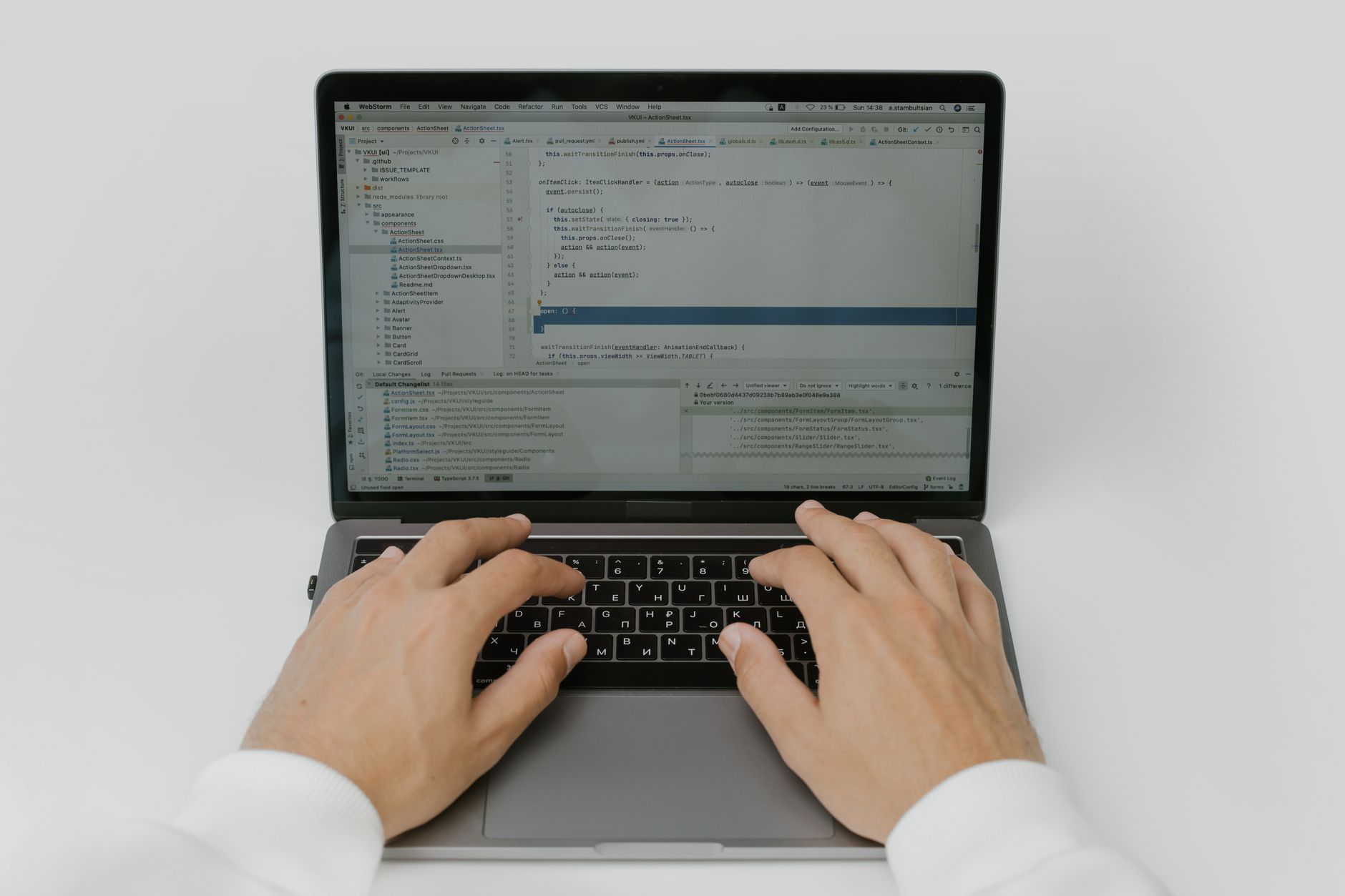
What Is a Variable in C?
A variable in C is a named storage spot in memory that keeps one value at a time, like 18, 92.5, or 'A'. In a programming in C course, that idea shows up on the first few pages because it lets a program hold an age, a grade, or a count and use that value later.
Here is the simple part: if your code reads a user’s age once and then uses it in 3 different calculations, you do not want to type the number again and again. You store it in a variable, give it a clear name like age, and let the program reuse it. That saves time and cuts mistakes.
I like this concept because it feels almost physical. You hand the computer a little box, label the box, and drop a value inside. Then you can open the box 5 seconds later, 5 minutes later, or after 50 lines of code, and the value still sits there unless your program changes it.
A beginner might store a quiz score, a total number of items, or a temperature reading. Those examples show why variables matter in real code, not just in examples on a slide. Without them, a C program would have to hard-code every value, which gets clumsy after about 2 or 3 lines.
Why Do C Variables Need a Type?
C variables need a type because the compiler must know how many bytes to reserve, what values fit, and how to treat the bits inside that memory. An int usually holds whole numbers, float and double hold decimals, and char holds a single character such as 'C' or '7'.
The catch: A type is not just a label; it changes how C stores the value and how it does math with it. If you use int for 5 and 2, C gives you whole-number behavior, but if you use float or double, you can get 2.5, 3.14, or 98.6 without the strange cuts that happen with integers.
That matters more than most beginners expect. If you store 3.9 in an int, C drops the decimal part, and that can wreck a grade average or a money total. I think this is one of the sneaky parts of programming in C, because the code may still run while quietly giving you the wrong answer.
Types also help the compiler catch bad moves early. You cannot treat a char like a full math bucket and expect perfect results, and you cannot stuff text into an int without trouble. In a real program, the type choice decides whether your result looks clean or breaks in a way that takes 20 minutes to spot.
How Do You Declare and Initialize C Variables?
Declaring a variable means telling C its type and name, and initializing it means giving it a first value right away. A lot of beginners mix those steps up, but the syntax stays short once you see it 2 or 3 times.
- Start by writing the type, then the name. For example,
int age;declares a whole-number variable named age. - Give it a value with an equals sign.
age = 19;stores 19 in that variable, and C will keep it until your program changes it. - Combine both steps if you already know the value.
int age = 19;does the job in one line and saves time in small programs. - Use valid names that start with a letter or underscore, not a number.
2agefails fast, and a missing semicolon can stop the code at line 1 instead of line 10. - Keep the name and type honest. If you need 2.5, do not force it into an int just because the line looks shorter.
Learn Programming In C Online for College Credit
This is one topic inside the full Programming In C course on UPI Study — a self-paced online class for college credit. Credit recommended by NCCRS; your college decides how credits transfer. Courses start at $250 with no deadlines and lifetime access.
Explore Programming In C →How Are C Variables Stored in Memory?
C stores each variable in a memory location with its own address, and the variable name points your code to that spot. That address acts like a room number in a dorm with 100 rooms: the name says where to go, and the value says what sits inside.
Reality check: A variable name can stay the same while the value changes 10 times in one run. That is normal, and it is exactly why counters, totals, and loop values work so well in C.
Suppose you write int score = 80; and then later set score = 95;. The program still uses the same memory spot, but it now reads a different value from that spot. The compiler tracks the address, so you do not need to remember a raw memory number like 0x7ffe...
This part feels abstract at first, and that is fair. Still, once you connect the name to a real memory address, C stops looking like magic and starts looking like a system with rules. That shift helps a lot when you later study pointers, arrays, or functions in a programming in C course.
Which Variable Rules Should Beginners Remember?
C keeps variable rules strict, and that saves you from messy bugs in the first 20 minutes of coding. A few small naming habits make a huge difference, especially when you start mixing 3 or 4 variables in one program.
- Start a name with a letter or underscore.
totalworks, but1totaldoes not. - Use no spaces in variable names.
quizScoreworks;quiz scorebreaks the code. - C treats uppercase and lowercase as different names, so
Ageandageare not the same. - Do not use reserved words like
int,float, orreturnas variable names. - Match the value to the type. An
inthandles 12, but acharis for one character like 'B'. - Watch for the semicolon. One missing
;can create 5 compiler errors from a single line.
How Do Variables Work in Simple C Programs?
Variables sit in the middle of input, calculation, and output, which is why a tiny C program can feel alive instead of frozen. A student types 2 numbers, the program stores them, adds them, and prints a result. That same pattern shows up again in loops, menus, and grade calculators, so the skill transfers well in a college credit course or any online course that teaches programming in C.
What this means: One variable can hold a counter, another can hold a total, and a third can hold a temporary value while the program does math. That simple split keeps code readable and cuts confusion when you have 3 steps or 30.
- Counter: track how many times a loop runs.
- Total: add prices, scores, or hours worked.
- Average: store the sum, then divide by 4 or 10.
- Temporary value: save one number while swapping two values.
Those uses show up in day-one exercises and in harder classes later. If you can read and write variables cleanly, you can handle most beginner C programs without panic.
How UPI Study fits
A 1-course test run can make a big difference when you want transferable credit without waiting for a 15-week semester. UPI Study gives you 90+ college-level courses, each recommended for credit by NCCRS or ACE, so the credit side stays simple for partner schools in the US and Canada.
Programming in C fits this topic well because it matches the same basics students need first: variable names, types, memory, and simple code practice. UPI Study also keeps the pace flexible with $250 per course or $99/month unlimited, and the self-paced format helps if you want to study online around work, family, or another class.
UPI Study makes sense for students who want college credit, not just loose practice, and it pairs well with a programming in c course that starts from variables before moving to loops and functions. If you want a clean path from beginner code to NCCRS credit, UPI Study keeps the path short and focused.
Frequently Asked Questions about C Variables
This applies to you if you're starting C with zero or little experience, and it doesn't fit you if you already know arrays, pointers, and 2-byte versus 4-byte data sizes. A variable in C is a named spot in memory with a type like int, char, or float.
The most common wrong assumption is that a variable is just a label on paper, but C gives it a real memory location that holds a value like 10, 'A', or 3.5. You use that name in code to read, change, and compare the stored data.
What surprises most students is that the type does more than name the data; it tells C how many bytes to reserve and how to interpret them, such as 1 byte for char or 4 bytes for many int values. That choice affects what you can store.
Start by picking the type first, then write the name, like int age; or float price;. This is the clean first move in programming in c because C needs both pieces before it can reserve memory and let you use the value.
You need 2 parts: a type and a name, and a simple declaration like int count; uses 1 line and 1 memory slot. If you also initialize it, you can write int count = 0;, which sets the value right away.
You initialize a variable by giving it a value at the moment you declare it, like char grade = 'B'; or int score = 95;. The caveat is that the value must match the type, so 3.14 doesn't fit cleanly in an int.
Most students copy variable names from examples without thinking, but what actually works better is picking short, clear names like total, temp, or age and matching them to the type. In a programming in c course, that habit cuts down on syntax mistakes fast.
If you get a variable wrong in C, the compiler may stop with an error, or the program may store the wrong value and act weird at runtime. A misspelled name, like counnt instead of count, can break a simple print statement right away.
A variable in C can store data by reserving a small memory location with a fixed size, such as 1 byte for char or 4 bytes for many int values. The name points to that spot, and the type tells C how to read it.
Yes, you can declare, initialize, and use them in a few lines, like int age = 18; printf("%d", age);. In a real program, that same pattern shows up in input, math, and message display.
A programming in c course can count for college credit when it comes through an NCCRS- or ACE-recommended provider, and many students study online for that route. Some programs also list transferable credit, so the course can support a degree plan.
Yes, an online course can carry ACE NCCRS credit if the provider lists that approval, and students often use that for flexible study online schedules. That matters when you want formal credit without sitting in a 15-week campus class.
Variables connect to transferable credit because C basics show up in many intro programming classes, and schools often accept that foundation from ACE or NCCRS-backed work. If you can declare `int x = 5;`, you already know the core pattern most courses test.
Final Thoughts on C Variables
A variable in C looks tiny on the screen, but it does a lot of heavy lifting. It gives your program a place to keep a value, a name to call it by, and a type that tells C how to treat it. Those 3 pieces work together every time you store a score, count items, or calculate an average. Once you get the pattern, the rest feels less random. Declare the variable. Give it a type. Pick a clear name. Set a value. Then use that value in math, input, or output. That is the whole loop, and it shows up in almost every beginner C program you will write. The tricky part usually comes from small slips, not big ideas. A missing semicolon, a bad name, or the wrong type can send you down a weird path for 10 minutes or more. That is normal. Good C code rewards careful habits, and the first habit is treating variables like real storage spots, not just words on a page. Try writing 3 tiny programs next: one that stores an age, one that stores a grade, and one that stores a total. Keep them short. Then change each value once and see how the output changes.
How UPI Study credits actually work
Ready to Earn College Credit?
Credit recommended by NCCRS · Self-paced · Your college decides how credits transfer · $250/course or $99/month (US)