
A hostname is the name people type, and an IP address is the number devices use. DNS connects the two. That simple handoff lets your laptop find a website, your phone reach a mail server, and a printer show up on a local network without anyone memorizing a 32-bit IPv4 number or a 128-bit IPv6 address. Think about the last time you typed a name into a browser. You did not enter 142.250.72.14 or a long IPv6 string. You typed a hostname, and the device asked DNS where that name lives. That lookup often happens in under 1 second, and the result can come from cache, a recursive resolver, or an authoritative server. This matters far beyond web browsing. A home router, a school lab, and a company network all depend on hostname resolution for email, shared drives, video calls, and internal tools. If the name does not resolve, the service feels broken even when the server itself still runs. That is why DNS sits near the center of everyday networking. The process also scales well. One DNS name can point to different IP addresses over time, which helps sites move servers, spread traffic, and recover from outages without forcing users to change what they type. That mix of human-friendly names and machine-friendly numbers is the whole trick.
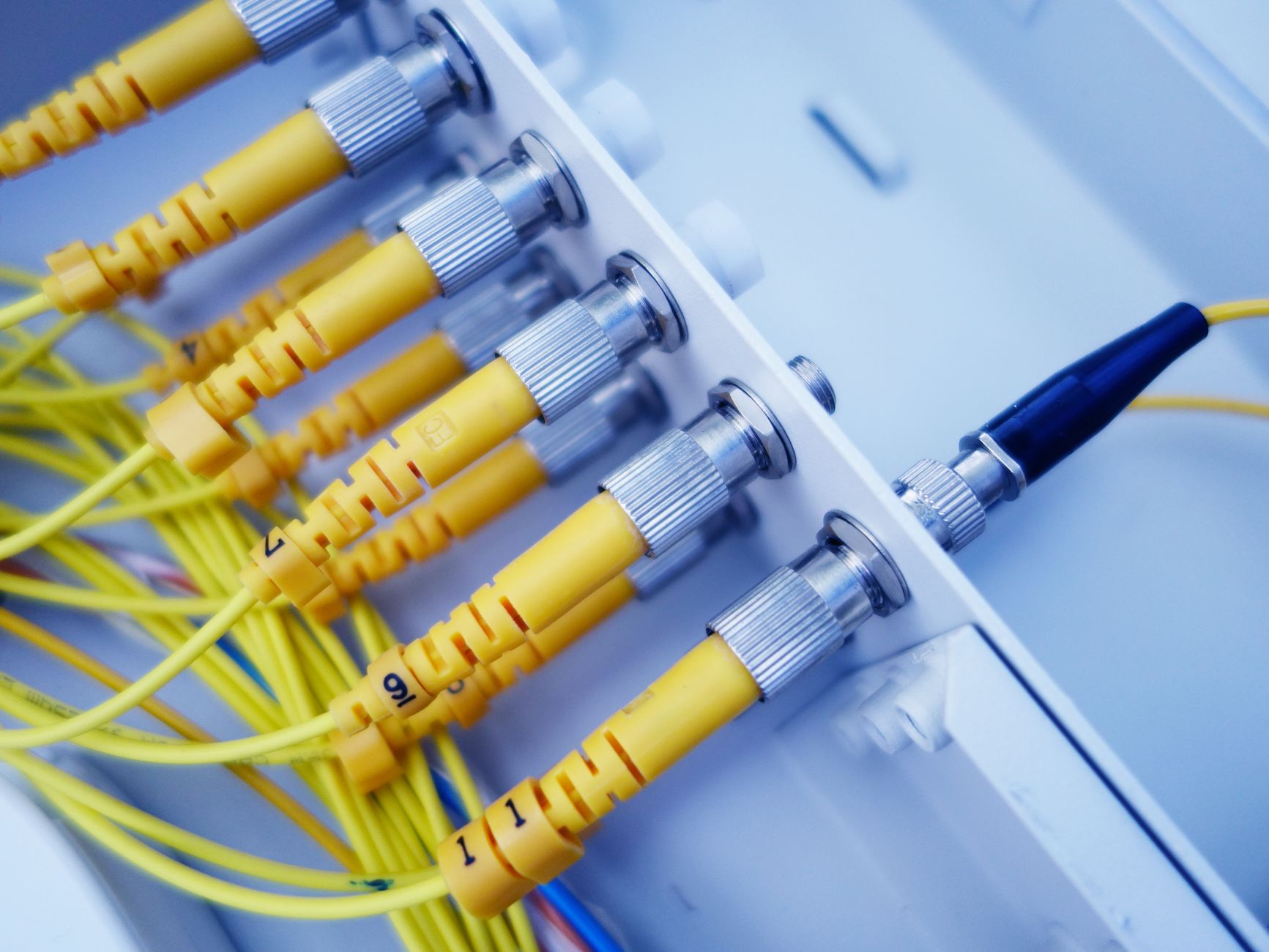
How Do Hostnames and DNS Resolve Addresses?
A hostname gives a device a readable name, and DNS turns that name into an IP address that routers can route in milliseconds. A hostname can be something like www.school.edu, while an IP address looks like 203.0.113.25 or a longer IPv6 string such as 2001:db8::1.
Resolution means the name gets matched to the number. That sounds small, but it runs the internet. Your browser cannot send traffic to a word; it needs a numeric destination, and DNS supplies that destination after a lookup that often starts inside the device and ends at a DNS server on the internet.
The catch: People remember names, not numbers, and that gap is why DNS exists at all. A 2024 browser session might ask for 20 different names before one page fully loads, from the main site to images, fonts, and analytics.
A hostname also helps on local networks. A laptop can reach a printer named office-printer or a file server named nas01 without anyone typing a 4-part IPv4 address. I like that because it keeps networking humane; nobody wants to babysit 12-digit strings just to print a PDF.
DNS matters for more than convenience. Sites can change IP addresses, move between cloud regions, or spread traffic across 2 or 20 servers, and the hostname can stay the same. That stability keeps bookmarks, email links, and app settings working even when the back end changes.
What Happens During A DNS Lookup?
A DNS lookup follows a clean chain: the device checks what it already knows, then asks outside servers until it gets an IP address. The whole trip often takes less than 100 milliseconds on a warm cache and a little longer on a cold start.
- The user types a hostname, like www.example.com, into a browser or app. The device first checks its own cache, because a fresh answer can save a round trip.
- If the answer is not local, the stub resolver asks a recursive resolver, often run by an ISP, a company, or a public service. That step usually happens in a few milliseconds on a normal network.
- The recursive resolver checks its cache too. If it has a valid record, it returns the IP right away; if not, it starts asking higher-level DNS servers.
- The resolver asks a root server, then a TLD server such as .com or .org, and then the authoritative server for the domain. Each server gives a smaller and more exact pointer than the last.
- The authoritative server returns the final record, such as an A record for IPv4 or an AAAA record for IPv6. The resolver sends that answer back to the device, which then opens the connection.
- The browser or app uses the IP address to reach the target server and start the real traffic, like HTTP on port 80 or HTTPS on port 443. Reality check: If the answer is stale, the lookup can fail even though the name looks fine.
Which DNS Servers Do The Work?
A DNS lookup is not one server doing all the work. It is a relay. The device asks one place, that place asks another, and caching cuts the cost of repeat lookups by a lot. This is why a page can load fast the second time even when the first lookup felt slow. The roles differ, and the table below shows who knows what.
| DNS role | What it knows | What it returns | Speed / cache note |
|---|---|---|---|
| Stub resolver | Local request only | Query to recursive resolver | Near instant |
| Recursive resolver | Cached answers, asks others | Final IP address | Often under 100 ms from cache |
| Root server | Top-level pointers | TLD referral | Small answer, not final |
| TLD server | .com, .org, .edu records | Authoritative referral | Usually one more hop |
| Authoritative server | Domain records for 1 zone | A, AAAA, MX, TXT | Source of truth |
What this means: The recursive resolver does the heavy lifting, and its cache saves time on repeat visits within the record’s TTL, which can range from seconds to hours.
A neat part of this system is that the device never needs to know the whole chain. It asks once, and DNS does the rest. That design keeps the network from turning into a mess of manual lookups.
Learn Introduction To Networking Online for College Credit
This is one topic inside the full Introduction To Networking course on UPI Study — a self-paced, online class that earns real college credit. Credits are ACE and NCCRS evaluated and transfer to partner colleges across the US and Canada. Courses start at $250 with no deadlines and lifetime access.
Explore Networking Course →Why Does Hostname Resolution Matter?
Hostname resolution matters because people need names and machines need numbers, and DNS gives both sides what they want in one clean step. Without that step, every user would have to memorize IP addresses that can change in 1 day, 1 month, or even 5 minutes during load balancing.
Usability is the first win. A person can type mail.company.com, app.school.edu, or printer-floor2 and get where they need to go without learning the network’s raw address scheme. That cuts friction on day one, and I think that matters more than people admit, because bad naming makes good tech feel clumsy.
Worth knowing: DNS also supports scale. A site can answer the same hostname with 2, 10, or 200 different IP addresses, which helps spread traffic and keep one server from getting hammered.
Reliability comes next. If a company moves a service from one cloud region to another, the hostname can stay the same while the IP address changes behind the scenes. That means old bookmarks, saved login links, and app configs keep working after the move.
DNS also helps service discovery inside offices and schools. A file share, a print server, or an internal API can use names that make sense to humans, while the network handles the routing. When DNS gets slow or broken, the symptom often looks bigger than the cause: a 2-second delay feels like the whole internet is sick.
What Can Break DNS Hostname Resolution?
DNS fails in a few common ways, and most of them leave a trail. If a name works on one device but not another, or it times out after 3 to 5 seconds, the clue usually points to cache, resolver, or firewall trouble.
- Bad local cache: The device may hold an old answer for a record whose TTL expired 10 minutes ago. Clearing the cache can fix a name that points to the wrong IP.
- Typo in the hostname: One missing letter in www.example.com sends the query nowhere. I call this the easiest mistake to make and the most embarrassing one to chase.
- Unreachable recursive resolver: If the DNS server at 8.8.8.8 or a company resolver does not answer, every lookup stalls. A ping test or resolver test can show the break.
- Expired or changed records: An A record or MX record can point to an IP that no longer runs the service. That often shows up after a move, a migration, or a 24-hour DNS change window.
- Firewall blocking DNS: Port 53 UDP, and sometimes TCP 53, must pass. If a firewall blocks either one, name lookups can fail while web traffic looks fine on the surface.
- Mismatched device settings: A laptop may use one DNS server while the router uses another. That split often creates weird results, especially on guest Wi‑Fi or VPN links.
How Do Hostnames And DNS Help Devices Find Each Other?
On a local network, hostname resolution lets one device ask for another by name and still land on the right IP address. The same idea works on the internet, just with more hops, more DNS servers, and more records spread across the 13 root server groups and countless domain zones.
That name-to-address match is what makes web access, email delivery, file sharing, and printer access feel easy. A user types a web address. An email server looks up an MX record. A laptop finds a shared folder. A smart printer answers to a name instead of a number. None of that feels magical once you see the lookup, but it still feels clean.
The payoff shows up in daily work. A school lab can rename a server without forcing 30 students to edit settings. A business can move an app to a new IP in 1 night and keep the same hostname in the morning. A home network can keep a NAS, a router, and a camera system reachable by names that make sense.
Bottom line: DNS turns a messy network of numbers into a system people can actually use, and that is the whole reason hostnames matter.
I like DNS because it hides the ugly part without hiding the useful part. That balance is rare, and network tools that pull it off usually become invisible in the best way.
Frequently Asked Questions about DNS Resolution
If you get hostname and DNS resolution wrong, your device can't find the right IP address, so the site, printer, or server just won't load. DNS turns names like "example.com" into numbers like IPv4 or IPv6 addresses, and a bad lookup blocks that match.
Most students think the hostname itself holds the address, but DNS stores the mapping in records like A, AAAA, and CNAME. You type a name, your device asks a DNS server, and the server replies with the IP in a few steps.
Most students try to guess the address or keep typing names by hand, but what works is letting the device query DNS, then cache the reply for a short time. That cache speeds up the next lookup and cuts extra network traffic.
Start by checking whether your device already has the answer in its local cache. If it doesn't, it asks a configured DNS resolver, which then checks higher-level servers until it finds the matching IP address.
A DNS lookup usually takes a tiny amount of time, often just milliseconds, but slow servers or bad links can stretch it to 1 second or more. That tiny delay still matters when a page needs 20 or 30 separate lookups.
Hostnames and DNS work together by turning a human-friendly name into the IP address a network uses to route traffic. DNS servers store the records, your device asks for the name, and the reply points traffic to the right machine; the same idea shows up in an introduction to networking course and any introduction to networking lesson.
This applies to anyone using a TCP/IP network, from home Wi‑Fi users to people in offices with 100+ devices, and it doesn't apply if you reach a machine by typing its raw IP address. Even then, DNS still helps most services find mail, web, and login servers.
What surprises most students is that DNS doesn't just return one answer; it can return different records for the same name, like A for IPv4, AAAA for IPv6, or MX for mail. That makes one hostname useful for 2 or more services at once.
Hostname resolution matters because people remember names, not 32-bit IPv4 numbers or 128-bit IPv6 addresses. Without DNS, you'd need to type every address by hand for websites, shared drives, and network tools, which breaks fast on a big network.
A DNS server answers the question "what IP belongs to this name?" by looking up a stored record and sending back the address. If the first server doesn't know, it can ask other DNS servers and pass the result back to you.
Yes, you can study online through an online course and earn college credit if the class carries ACE NCCRS credit or transferable credit. That matters for an introduction to networking course because the same DNS idea shows up in labs, quizzes, and exam questions.
Caching lets your device save a DNS answer for the record's TTL, which might be 60 seconds or 24 hours depending on the server. That means the second visit to the same hostname can skip a full lookup and load faster.
DNS resolution means your device asks a DNS server to translate a hostname into an IP address, then uses that address to send traffic to the right device. That's the whole trick behind name-based access on modern networks.
Final Thoughts on DNS Resolution
DNS looks small on paper, but it holds a huge part of modern networking together. A hostname gives people something readable. An IP address gives routers something precise. DNS sits between them and makes the handoff fast enough that most users never think about it. That hidden work touches almost everything. Your browser uses it. Your email client uses it. Your printer, file share, VPN, and app login all depend on it too. If the name does not resolve, the service feels broken even when the server still runs. That is why DNS problems can look random and still follow a very plain pattern. The lookup chain also explains why network admins care so much about cache, TTL, authoritative records, and resolver choice. One stale record can confuse one user. One bad resolver can break a whole office. One typo can waste 30 minutes. Small issues, big mess. A good next step is simple: watch a DNS lookup in your browser tools or run a lookup command on your own network, then trace the path from name to IP address. Once you see the pattern once, it starts showing up everywhere.
How UPI Study credits actually work
Ready to Earn College Credit?
ACE & NCCRS approved · Self-paced · Transfer to colleges · $250/course or $99/month