
Denial of service attacks in networking try to make a service unavailable by flooding it, exhausting CPU or memory, or burning through connection tables. They do not need to steal files to cause damage. They just need to stop real users from getting through. That is why these attacks matter in an introduction to networking course. A website, DNS server, VoIP system, or campus portal can look fine from the outside and still fail under load. One burst of junk traffic can chew up bandwidth, overload a router, or force a server to spend all its time answering nonsense instead of real requests. The ugly part is how little effort an attacker needs in some cases. A few hundred requests per second can hurt a weak service. A bigger botnet can hit at tens of thousands of requests per second, and the target feels that pain right away. Students need to understand the basic pattern: attack traffic rises, resources run out, and availability drops. Availability means people can reach the system when they need it. If a service stays up 99.9% of the time, that still leaves about 43 minutes of downtime in a 30-day month, and even that can be expensive. A bank, a class site, and a student email server all suffer when users cannot connect. You will also see the difference between a single-source DoS attack and a distributed one. That split matters because the defense changes. One machine is easier to block than 5,000 infected devices firing at once.
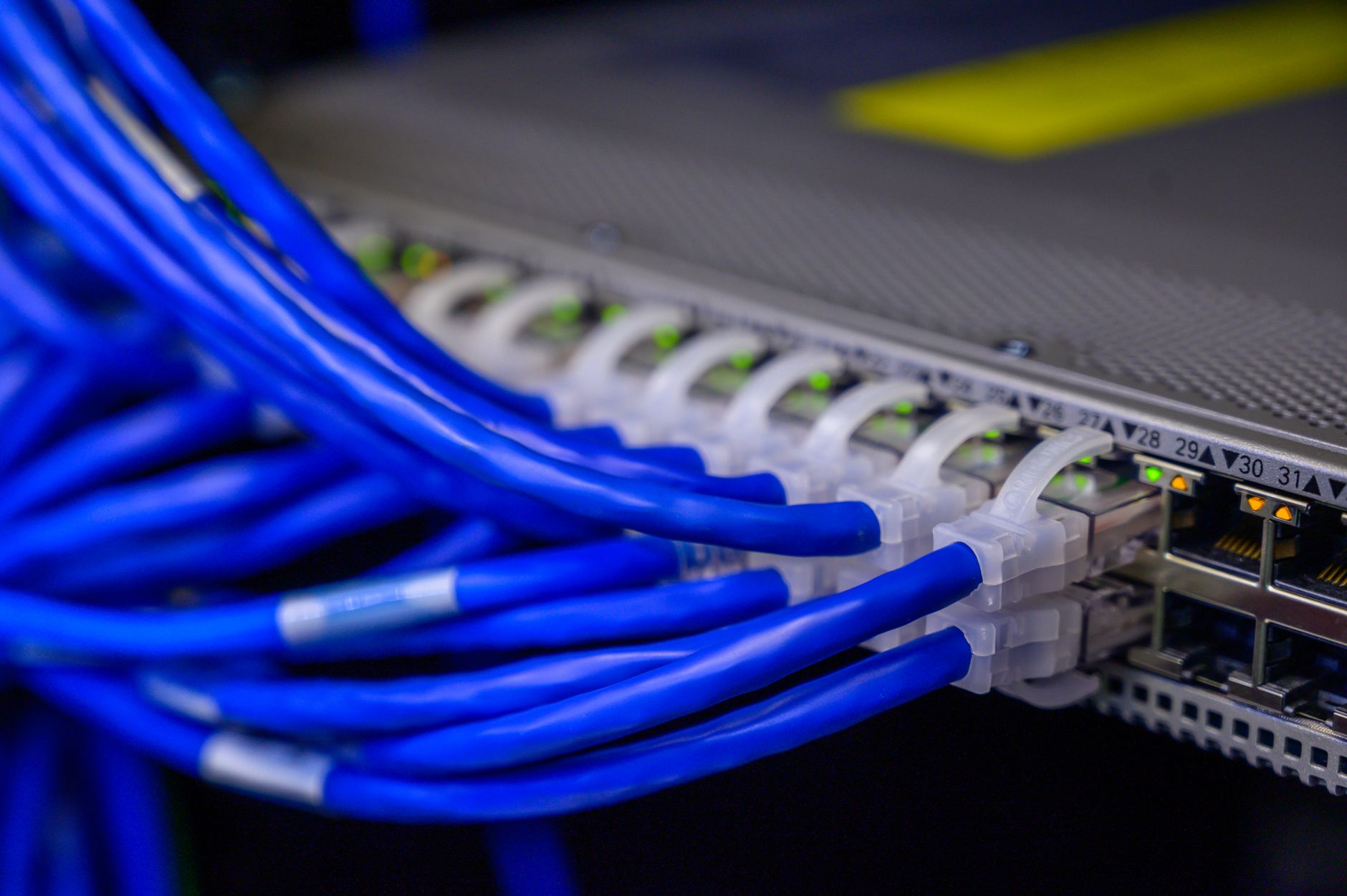
What Are Denial Of Service Attacks?
Denial of service attacks in networking are attempts to make a service unavailable by pushing it past its limits. The target might run out of bandwidth, CPU cycles, memory, or open connection slots, and then real users hit a wall.
The catch: The attacker does not need to steal a single file. If a web server handles 2,000 normal requests an hour and an attacker sends 20,000 junk requests in the same window, the service starts failing for everyone else.
That is the whole trick. A DoS attack targets availability, not secrecy or data theft. A site can still hold all its files and still become useless at 9:00 a.m. when the traffic spike starts.
Some attacks hit the network pipe first. Others hit the machine itself, like a router that must process every packet or a server that must track each new TCP connection. A small service with 512 MB of RAM can buckle faster than a bigger system with 16 GB, especially if the attack keeps opening sessions and never finishes them.
Students sometimes think “attack” always means broken passwords or malware. Not here. A DoS attack can be brutally simple: send enough junk, and the service spends all day serving junk instead of people.
That is why networking classes keep this topic near the start. Introduction to Networking covers the basic ideas behind packets, hosts, and service limits, and this attack type shows what happens when those limits get crushed. On a 1 Gbps link, even a short traffic flood can push real users out of the queue.
The weak point changes from system to system, but the goal stays the same: make the service stop working long enough to hurt users.
How Do DoS Attacks Disrupt Networks?
DoS attacks disrupt networks by forcing devices to spend time, memory, and bandwidth on traffic that nobody wants. If a firewall sees 50,000 packets in a few seconds, it still has to inspect them, and that work can slow or freeze normal service.
Availability means people can reach the system when they need it. A DNS server that fails for 10 minutes can block websites, email, and app logins across an entire campus or company, because other services depend on it.
Reality check: Short outages hurt more than students expect. A 3-minute outage during a lab deadline can stop file uploads, lock out a VoIP call, and trigger help desk tickets at the same time.
Attackers use three broad paths. They can flood bandwidth, force expensive processing, or abuse application-layer requests that look real but drain resources anyway. A web app that checks every login, search, or comment box request may burn CPU fast if 1,000 fake users hit it at once.
Routers and switches can also suffer. If a device fills its connection table or queue, it starts dropping packets, and packet loss makes video calls stutter and cloud apps lag. That matters in places like Zoom, Microsoft Teams, DNS, and campus portals, where a delay of even 2-5 seconds feels broken.
I think students should treat availability as the star of the show. Security classes love to talk about leaks, but a service that nobody can reach has already failed in a very loud way.
A single overloaded host can also spread pain across shared infrastructure. On a busy subnet, one bad actor can make the whole network feel sick.
Which Common DoS Attack Methods Matter Most?
The main DoS methods all chase the same result, but they do it in different ways. Some hammer bandwidth, some waste CPU, and some abuse how servers handle 3-way handshakes or web requests. Once you know the pattern, the names stop sounding mysterious.
- Traffic flooding sends huge volumes of junk packets so the link or device hits its ceiling. A 100 Mbps line can choke fast if the flood keeps going.
- SYN floods hit TCP by starting many connections and never finishing them. The server burns memory on half-open sessions and runs out of space for real users.
- UDP floods push random datagrams at a target, often with little setup cost. They can overwhelm a firewall, router, or small server that must inspect every packet.
- ICMP or ping floods hammer a host with echo requests. Even simple packets can cause trouble if the device answers each one and the rate climbs into the thousands per second.
- Application-layer attacks aim at web pages, login forms, or search tools. These requests can look normal, which makes them sneaky and annoying to filter.
- Amplification and reflection abuse third-party servers so the victim receives a much larger blast than the attacker sends. DNS and NTP have both been used this way, and that is why misconfigured public services matter.
- Network and System Security helps students connect these attack styles to firewalls, logs, and hardening steps.
Worth knowing: The nastiest attacks are not always the biggest ones. A 1,000-request web flood that hits the right endpoint can hurt more than a 50,000-packet spray that the server mostly ignores.
Learn Introduction To Networking Online for College Credit
This is one topic inside the full Introduction To Networking course on UPI Study — a self-paced online class for college credit. Credit recommended by NCCRS; your college decides how credits transfer. Courses start at $250 with no deadlines and lifetime access.
Browse Networking Course →How Is Distributed DoS Different?
A distributed attack comes from many systems at once, so the target cannot block one source and call it done. That is the big shift. A single-host DoS attack can look noisy but simple. A DDoS attack can come from 100, 1,000, or 100,000 compromised devices, and the traffic mix changes fast enough to confuse weak defenses.
| Column 1 | DoS | DDoS |
|---|---|---|
| Source systems | 1 attacker host | Many bots, often 100+ machines |
| Scale | Small to moderate | Large bursts, often multi-Gbps |
| Detection | Easier to spot and block | Harder; traffic looks scattered |
| Traffic pattern | Single source, steady or spiky | Mixed sources, shifting IPs |
| Common impact | Local outage or slowdown | Wider outage, load spikes, packet loss |
The practical difference is nasty. One bad IP address can hit a firewall rule. Thousands of infected devices from different countries can make simple blocking useless, and that is why DDoS gets the louder headlines.
Why Do Denial Of Service Attacks Matter?
Denial of service attacks matter because downtime burns time, money, and trust in minutes. A 15-minute outage on a shopping site can stop orders, break payments, and flood support channels, while a 30-minute outage on a university portal can wreck deadlines and attendance checks.
A concrete example makes it plain. In an introduction to networking course at a school like Arizona State University, one overloaded lab server can block classmates from the same assignment page at 2:00 p.m., even if their laptops work fine. The problem sits on the server side, not the student side.
Bottom line: Shared systems turn one bad event into a group problem. If 40 students need the same portal and the server hits its limit, every student waits, and the professor gets a pile of excuses instead of completed work.
That same pattern shows up in hospitals, banks, and city services. A VoIP system that drops calls for 8 minutes can disrupt staff. A DNS outage can make multiple websites vanish at once. A busy e-commerce site can lose sales by the minute, and the lost cash never magically comes back.
Resource exhaustion also hurts the hardware itself. Fans spin harder, logs grow, queues fill, and admins spend hours cleaning up after 1 ugly incident. I do not think students take that chain seriously enough until they see it live.
This topic matters because networking is about steady access, not just fast speed. A 1 Gbps network that collapses under a flood is worse than a slower network that stays alive when people need it.
What Basic Defenses Reduce DoS Impact?
Layered defense works better than any single fix because DoS traffic can hit at the edge, the server, or the app. A firewall alone cannot save a weak web app, and a load balancer alone cannot stop a huge flood. Good defenses aim to absorb, filter, or reroute traffic before it crushes one point of failure. That matters when a bad burst lasts 5 minutes or 50 minutes.
- Rate limiting caps requests per second, so one source cannot hog the line.
- Firewalls block obvious junk and bad ports, which cuts noise fast.
- Intrusion detection spots strange spikes in seconds or minutes.
- Load balancing spreads traffic across 2 or more servers.
- Upstream scrubbing filters large floods before they hit your network.
What this means: Redundancy matters because one dead server should not take down the whole service. If a site has 2 DNS servers and 1 fails, users still have a path.
Monitoring helps too, and I mean real monitoring, not wishful thinking. A sharp traffic jump at 11:30 p.m. deserves an alert, not a sleepy glance the next morning.
Students studying Cybersecurity see why this mix works better than panic fixes. A solid control set does not make attacks disappear. It makes them less damaging, and that is the honest goal.
Frequently Asked Questions about Denial Of Service Attacks
The most common wrong assumption is that a denial of service attack steals data, but it actually blocks access by flooding a server, router, or app with junk traffic until real users can't get in. A single attack can hit one service or a whole network.
What surprises most students is that a DoS attack does not need fancy malware to cause damage. A flood of 1,000,000 fake requests, bad packets, or broken connections can slow or crash DNS, web, or email services in minutes.
Most students think one firewall stops everything, but what actually works is layered defense: rate limiting, traffic filtering, load balancing, and a DDoS protection service. You also want logs watched in real time, because attack traffic often shifts fast.
A denial of service attack comes from one source or a small number of sources, while a distributed DoS attack comes from many systems at once, often a botnet with hundreds or thousands of devices. The distributed version is harder to block because the traffic spreads out.
If you get this wrong in an introduction to networking course, you'll mix up service outages, security attacks, and bandwidth problems on exams and in labs. That matters because DoS attacks target availability, not password theft or data leaks.
Start by watching how a normal request flows through a network, then compare it with a flood of traffic that hits the same path. In a 2-hour lab, you can see how packet rate, latency, and server load rise together.
You should know at least 3 common methods: volumetric floods, protocol abuse, and application-layer attacks. Volumetric attacks try to fill bandwidth, protocol attacks hit connection limits, and app-layer attacks target HTTP or DNS with slower, harder-to-spot requests.
This applies to you if you study networks, run a website, or manage a school or company lab, and it doesn't apply if you only need a basic intro to networking course with no security unit. The same ideas show up in home routers, cloud apps, and campus networks.
DoS attacks reduce network availability by making services slow, unstable, or completely unreachable for real users. Even a few minutes of downtime can break logins, drop video calls, and stop online checkout, which is why uptime matters so much in networking.
Basic defenses include rate limiting, firewalls, intrusion detection, and redundancy across 2 or more servers. You can also use content delivery networks, traffic scrubbing, and simple ACL rules to block obvious junk before it reaches the main service.
Yes, you can study online and earn college credit through an online course that offers ACE NCCRS credit, and some schools treat it as transferable credit. That matters if you want flexible timing, because you can finish lessons from home instead of sitting in a fixed class.
A DoS attack comes from an attacker who sends traffic on purpose, while a normal outage comes from broken hardware, a bad config, or a power cut. If 10,000 requests per second hit your site and it dies, you should think attack first, not random failure.
Final Thoughts on Denial Of Service Attacks
Denial of service attacks are not fancy. They are brute force with a network mask on. A single attacker can break a weak service, and a distributed attack can turn a small problem into a full outage. That is why networking people care so much about bandwidth, connection tables, and server limits. Students should remember the split between the attack and the damage. The attack sends traffic. The damage hits availability. Once users cannot reach a site, a router, or a VoIP system, the network has failed its job no matter how clean the code looks or how fast the server specs sound on paper. The best defenses do not chase one magic fix. They spread risk with filtering, rate limits, load balancing, redundancy, and good monitoring. That mix sounds boring. It also works better than hope, which is a terrible security plan. If you study this topic with real examples in mind, the terms stop feeling abstract. SYN flood, UDP flood, amplification, reflection, DDoS — these are just different ways to break access. Learn the pattern, watch the traffic, and pay attention to where the weak point sits. That habit will save you time in class and keep you from underestimating a very ordinary-looking outage.
How UPI Study credits actually work
Ready to Earn College Credit?
Credit recommended by NCCRS · Self-paced · Your college decides how credits transfer · $250/course or $99/month (US)