
A computer network is a group of devices linked by wired or wireless connections so they can exchange data and share resources like files, printers, and internet access. That can mean 2 laptops in a room or thousands of devices across campuses, offices, and cities. People ask about networks and their features and limitations because the upside looks obvious, but the tradeoffs matter just as much. A network saves time, cuts repeat work, and lets one device reach another in seconds. It also opens the door to security problems, setup costs, and outages that can stop work for everyone on the system. Think of a network as the plumbing for digital life. Your phone, laptop, server, smart TV, and printer all send data packets through switches, routers, or access points. Some networks stay tiny, like a home Wi‑Fi setup. Others stretch across a school district, a hospital chain, or a multinational company. A good introduction to networking starts with one simple idea: connected devices can act like a shared system instead of isolated boxes. That shared setup gives speed and convenience, but it also means one weak password, one bad update, or one downed router can affect a lot of people at once.
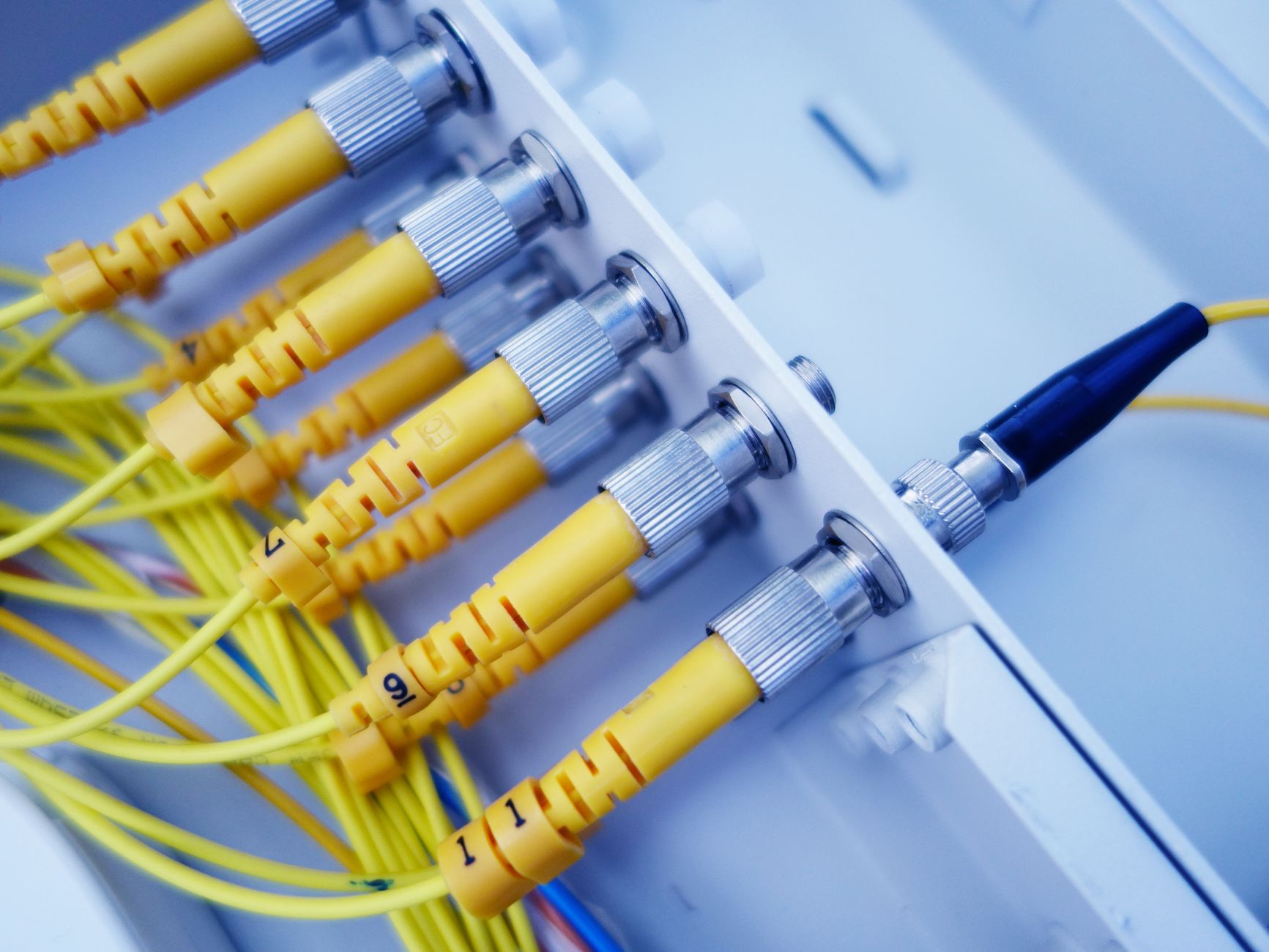
What Is a Computer Network?
A computer network is a set of 2 or more devices connected by cables or wireless signals so they can exchange data and share resources. That can be a tiny home setup or a system with 10,000 users, but the basic idea stays the same: one device talks to another through a shared connection.
The parts are plain enough. A laptop, phone, printer, server, or smart camera sends data in small chunks, and the network moves those chunks through routers, switches, access points, or a modem. Ethernet uses physical cables, while Wi‑Fi uses radio signals, and both can carry the same kind of digital traffic.
Networks can stay local or stretch far beyond one building. A local area network, or LAN, usually covers one room, floor, office, or home. A wide area network, or WAN, links places that sit miles or even countries apart, like 2 branch offices in different cities or a university system spread across a region.
The catch: A network only works when the devices agree on the same rules for sending and receiving data, so a bad router setting can break the whole chain.
That is why networking feels simple on the surface but gets tricky fast. One shared system can make 20 machines act like one team, yet one weak point can affect all 20 at once. I think that tradeoff is the real heart of an introduction to networking course.
Which Features Make Networks Useful?
Networks matter because they let 1 device do the work of many, and that saves time in places that handle a lot of data every day. A school with 500 students, a clinic with 30 staff members, or a small office with 8 people can all use the same printer, files, and internet line instead of buying separate gear for each person.
- Resource sharing lets 15 users use one printer, one storage drive, or one app license.
- Connectivity links devices across 1 room, 1 building, or 3 countries through wired and wireless links.
- Scalability helps a network grow from 5 devices to 500 without starting from zero.
- Communication moves messages, video calls, and file updates in seconds instead of manual handoffs.
- Shared data cuts duplicate work, which matters when a team edits the same file 20 times a day.
What this means: A network turns isolated tools into a shared system, and that is why one internet connection can serve a whole lab, classroom, or office.
Resource sharing looks small until you need it. One scanner can serve a front desk, one database can support 200 users, and one cloud folder can keep a team on the same version of a report. Connectivity does not just mean “online”; it means devices can find each other and send data without someone moving a USB drive around.
Scalability matters when a group grows from 12 people to 120. Communication matters just as much, because a network can move an email, a live meeting, or a backup file far faster than hand delivery. That speed feels normal after a while, but the convenience hides how much the system depends on clean setup and steady uptime.
Learn Introduction To Networking Online for College Credit
This is one topic inside the full Introduction To Networking course on UPI Study — a self-paced online class for college credit. Credit recommended by NCCRS; your college decides how credits transfer. Courses start at $250 with no deadlines and lifetime access.
Explore Intro Networking Course →How Do Networks Share Resources and Data?
A network shares resources by following a simple chain: a device asks, the system routes the request, the shared item answers, and the user gets the result. Permissions decide who can open a file, use a printer, or reach a server, and the link must stay live the whole time.
- A device sends a request, such as opening a shared folder or printing a 12-page report.
- The network checks the route and sends the request through switches, routers, or Wi‑Fi access points in less than 1 second on a strong local connection.
- The shared resource verifies permission, which can block a guest user or allow a logged-in student to continue.
- The server, printer, or storage device responds with the file, the print job, or the data packet.
- The user sees the result, and the network keeps the session active until the task ends or the connection drops.
- If the connection fails for even 30 seconds during a file sync, the transfer can pause, retry, or stop completely.
Reality check: Access control matters more than people expect, because a network without permissions turns into an open door.
This is where the mechanics get real. A shared folder on a campus network works because the server checks your login, then sends only the files you can see. A printer in a lab works the same way. A device with the wrong password or a broken link gets nowhere, even if the hardware still looks fine. That is why an introduction to networking course spends time on permissions, routing, and live connections instead of just names for parts.
Introduction to Networking gives a clean way to see those steps in action, and the same pattern shows up again in Fundamentals of Information Technology.
Why Do Networks Have Security Risks?
Networks create security risks because every extra connection adds another path for bad actors, and a system with 100 devices gives attackers far more doors than a system with 5. Weak passwords, old software, and sloppy settings can let an outsider get in, move across shared files, or spread malware from one machine to the next.
The problem gets worse when users share the same login on 20 computers or leave a router on its default admin password. Data interception can happen when traffic moves across public Wi‑Fi or through a poorly protected wireless network, and that risk rises fast when a file travels between a phone and a server in the same minute. I do not like how easy people make this look; convenience often tempts them to skip the boring safety steps.
A larger network also creates a larger attack surface. That phrase sounds technical, but the idea is plain: more devices, more software, and more entry points give attackers more chances to find a weak spot. One bad laptop can spread malware to a shared drive in minutes, and one misconfigured device can leak data from a whole office. That tradeoff sits right at the center of Network and Systems Security, and it shows why security never feels like a one-time fix.
Bottom line: Networks make work faster, but they also make mistakes spread faster, and that is the part people ignore until something breaks.
What Are the Costs and Maintenance Limits?
A network can save time, but it can also cost money upfront and keep costing money after setup. Even a small office may need routers, switches, cabling, software licenses, and someone who can fix problems when 1 device knocks others offline.
- Setup cost can start with 2 or 3 devices, but bigger systems need more gear, more labor, and more planning.
- Hardware ages out, so switches, access points, and cables need replacement or updates over time.
- Software maintenance never stops; admins patch routers, update firmware, and watch for bugs every month.
- Troubleshooting gets messy fast, because 1 broken cable, 1 dead port, or 1 bad update can affect 50 users.
- Uptime matters because a 10-minute outage can stop file access, printing, and shared apps for everyone online.
- Continuous administration is part of the deal, and that means logs, backups, and security checks on a regular schedule.
- Big networks need trained staff, and that adds another layer of cost that small teams often forget to budget for.
Worth knowing: A network never stays fixed, because devices change, software changes, and people keep adding new demands.
The maintenance side is where a lot of students get surprised. A network is not a “set it and forget it” tool. It needs updates, monitoring, and regular fixes, and one short outage can interrupt work for 100 users just as fast as a long one. That is why the hidden cost often lives in the labor, not just the hardware.
Frequently Asked Questions about Networking Basics
A computer network links 2 or more devices so they can share files, printers, and internet access, and it also brings real limits like security risks, setup cost, and downtime. In an introduction to networking, you'll usually see features like communication, resource sharing, and scalability, plus tradeoffs that matter in school and work.
Start by learning 3 parts: what a network is, how devices connect, and what features it gives you, like sharing and fast communication. In an introduction to networking course, you'll also see the main drawbacks, including maintenance work, setup cost, and dependence on the network staying online.
The most common wrong assumption is that a network only means Wi‑Fi, but a network can also use cables, switches, routers, and servers. That matters when you're unveiling the concept of networks features and cons, because the same system that shares resources can also create security gaps and outages.
What surprises most students is that resource sharing can save money, but it can also spread a problem fast across 20 or 200 devices. A network helps you share printers, storage, and internet access, yet one weak password or bad update can affect the whole group.
Most students memorize terms, but what actually works is matching each feature to a real use, like sharing a scanner in a lab or sending data between offices. If you're studying networks and their features and limitations, that simple habit makes the benefits and drawbacks easier to remember.
Yes. Networks connect devices so they can communicate and share resources, but they also add security risk, cost, and maintenance work. If you study online, that short definition helps you link the feature with the tradeoff without mixing them up.
This applies to anyone taking an online course, a college credit class, or an introduction to networking course, and it doesn't depend on your major. The same ideas also show up in ACE NCCRS credit classes, because network basics matter in IT, business, and health tech.
If you get it wrong, you may pick the wrong setup, miss security risks, or underestimate downtime when the network fails. That mistake can cost time and money, and it can hurt your transferable credit planning if your coursework doesn't match the network concepts your school expects.
Yes, many network courses can count as college credit when they come from credit-recommended providers, and some also count for ACE NCCRS credit. That matters if you're choosing an online course, because the same class can build skills and support transfer planning.
Network features matter because they decide how well people share files, connect across rooms or cities, and keep systems running under load. Strong connectivity helps 5, 50, or 500 users, but weak security, high setup cost, and constant maintenance can cancel out the benefit fast.
Final Thoughts on Networking Basics
Networks look simple from far away. Devices connect, files move, printers print, and people talk across screens. Up close, though, the tradeoffs show up fast. A network can save hours of manual work, but it also creates new risks, new costs, and new ways for one small failure to spread. That mix is why students should treat networking as both a tool and a system. Resource sharing helps teams use fewer devices. Connectivity keeps people linked across rooms or cities. Scalability lets a network grow with demand. Communication makes fast work possible. Then the limits show their teeth: security gaps, setup bills, maintenance work, and outages that do not care how busy you are. A smart learner does not only ask what a network can do. They ask who controls it, what it costs to keep alive, and what happens when one part goes down for 10 minutes. That last question matters a lot, because a network only feels invisible when it works well. If you are studying this topic, keep the basic pattern in mind: more connection gives more convenience, and more connection also gives more exposure. Learn both sides, and the whole subject starts to make real sense.
How UPI Study credits actually work
Ready to Earn College Credit?
Credit recommended by NCCRS · Self-paced · Your college decides how credits transfer · $250/course or $99/month (US)