
TCP/IP is the set of rules that lets devices send data across a network and reach the internet. TCP handles order and reliability, while IP handles addressing and routing, so a file, web page, or message can move from one device to another without chaos. A common student mistake is treating TCP/IP like one single protocol. It is not. TCP/IP is a protocol suite, which means a group of related rules that work together, and TCP plus IP do different jobs inside that group. That split matters because one part cares about where data goes, and the other part cares about whether the data arrives whole and in the right order. A lot of students hear “protocol” and picture a hidden technical trick. The reality is more basic. Your laptop, phone, router, and server all speak in packets, addresses, and checks. IP gives each packet a source and destination, and TCP checks that the full message lands correctly. That is why a 5 MB download, a live class video, and a simple email can all move through the same internet without stepping on each other. Once you see the roles clearly, the whole thing stops looking mysterious and starts looking almost stubbornly practical.
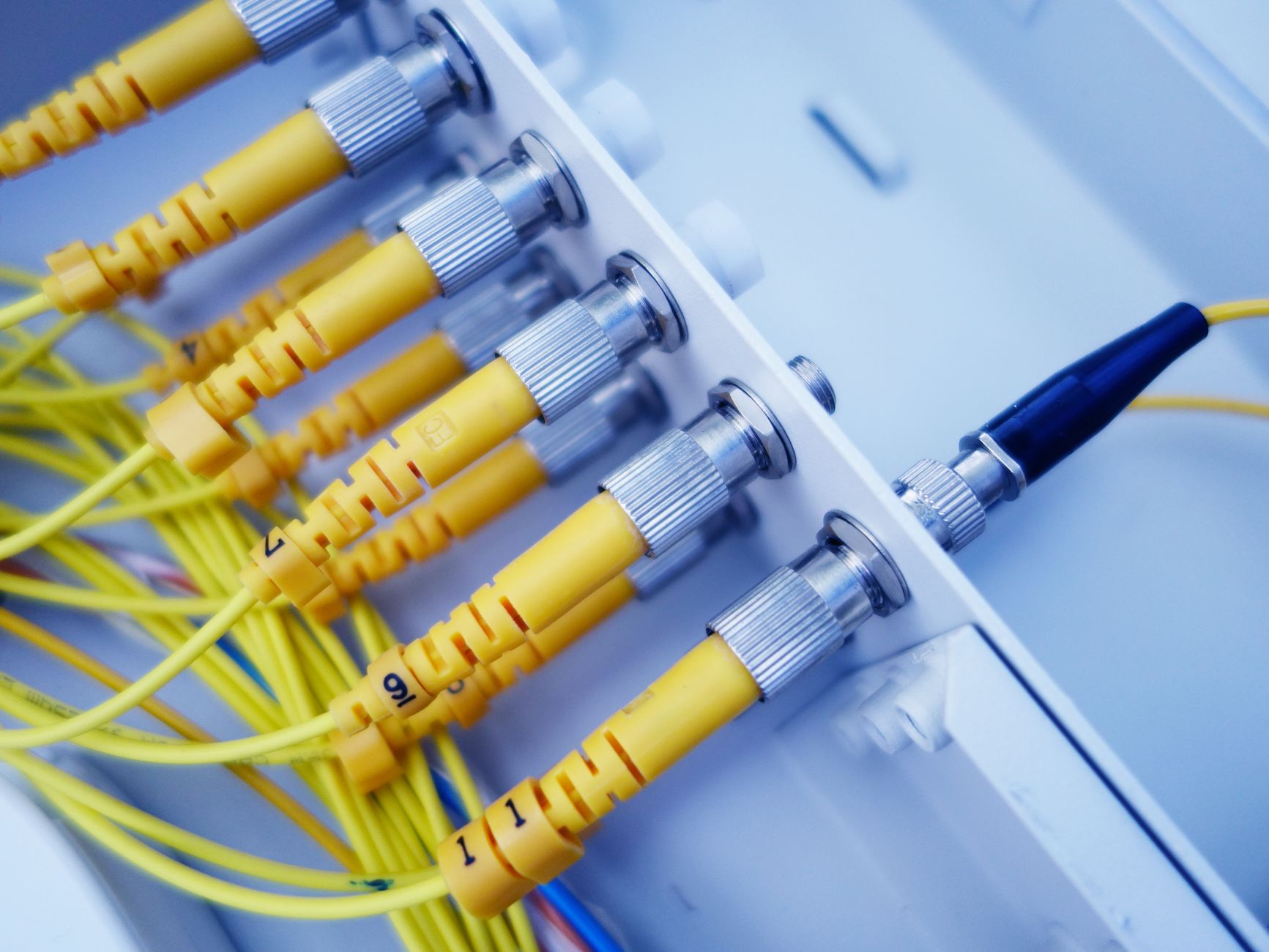
What Is TCP/IP in Networking?
TCP/IP is the basic rule set that lets different devices talk across a local network, a campus network, or the global internet. The name stands for Transmission Control Protocol and Internet Protocol, but the real point is bigger than the two names. TCP/IP sits underneath web pages, email, streaming, and file downloads, and it has done that since the 1970s, long before most students ever heard the word “packet.”
Common mistake: Students often think TCP/IP means one protocol with one job, but that idea misses how the stack works in real life. IP handles addresses and routing, TCP handles order and delivery checks, and other layers sit above them to run apps like HTTP and SMTP. That split is why a phone in Ohio can talk to a server in Japan through the same core rules.
I like this part of networking because it is plain once you strip away the jargon. A packet leaves one device, gets stamped with source and destination data, then moves hop by hop through routers. TCP watches for missing pieces and out-of-order chunks, while IP keeps the packet moving toward the right place. Some students expect a shiny one-step process. That never happens on a real network, and the messier truth is more useful.
The term “TCP/IP” also shows up in an introduction to networking course because it explains almost everything else in the class. If you understand the stack, you can make sense of ports, routers, subnets, and client-server traffic without memorizing random terms. That matters in a college credit class, because the ideas repeat across exams, labs, and even a 6-week online course.
The protocol suite acts like a shared grammar for internet communication. Without it, each brand of device would need its own private language, and the internet would fracture into small islands instead of one giant system.
How Do TCP and IP Work Together?
TCP and IP divide the work so data can move across networks without getting scrambled. IP gives each packet a source address, a destination address, and a path through routers, while TCP sets up the connection, numbers the pieces, and checks that the other side receives all of them. That pairing has carried internet traffic since the early 1980s, and it still does the heavy lifting today.
The catch: IP does not care if packet 17 arrives before packet 16, and that is exactly why TCP exists. TCP opens a connection, tags segments with sequence numbers, and waits for acknowledgments from the receiving device. If one segment goes missing, TCP sends it again. If 4 packets arrive out of order, TCP puts them back in line before the app sees them.
Picture a 20 MB file moving from one laptop to another. TCP breaks the file into smaller chunks, maybe hundreds of segments depending on the path and the network settings, then IP ships those segments across routers one by one. A router at one end does not need to know the whole file. It only needs the packet header, which tells it where to send the next piece. That design keeps the network fast and keeps each router simple.
I think this split is the smartest part of TCP/IP. IP is blunt and efficient. TCP is careful and a little fussy. That fussiness matters when a student uploads homework, refreshes a grade page, or joins a 45-minute class video. If the network drops 2 packets, TCP notices. If the path changes halfway through, IP can route the next packet somewhere else.
You can see this pairing in Introduction to Networking, where the same logic shows up in labs and diagrams. The two protocols do not compete. They work like a courier and a proofreader on the same delivery.
Learn Introduction To Networking Online for College Credit
This is one topic inside the full Introduction To Networking course on UPI Study — a self-paced online class for college credit. Credit recommended by NCCRS; your college decides how credits transfer. Courses start at $250 with no deadlines and lifetime access.
Explore on UPI Study →Why Does TCP/IP Use Packets and Addresses?
TCP/IP uses packets and addresses because large data travels better in small pieces than in one giant block. A packet usually carries a header plus payload, and that header includes source and destination IP addresses, so routers can move it toward the right network. This packet-based design helped the internet scale from the ARPANET era to billions of devices.
Worth knowing: A 1 GB video file does not move as one lump. TCP chops it into many segments, and IP gives each one an address label that routers can read in seconds. That is why a single file can cross 10 networks, 20 routers, or more without the sender and receiver staying in one place.
The source address tells the network where the packet came from. The destination address tells it where the packet should land. Routers look at the destination address, pick the next hop, and forward the packet along. They do not open the whole message or care whether it contains a webpage, a PDF, or a chat message. That narrow job keeps the system fast.
This is also where students sometimes miss the big picture. They think the internet works because of speed alone. Speed helps, but structure matters more. Packetization lets many users share the same links, and addressing lets those packets find the right home even when the route changes mid-trip. A packet can take a different path from the one before it, and TCP can still rebuild the message at the far end.
Introduction to Networking often uses this packet view because it makes routing feel concrete instead of magical. Once you understand source and destination labels, the rest of the network stack starts to look like a set of very sensible tradeoffs.
Which Parts of TCP/IP Make Data Reliable?
TCP gives the internet its reliability layer, and that matters because IP alone does not promise delivery or order. A packet can vanish, arrive late, or show up out of sequence, so TCP adds checks that keep a 5 KB message and a 500 MB download from turning into noise.
- Sequence numbers let TCP put segments back in the right order, even if 3 arrive late.
- Acknowledgments tell the sender that a packet arrived, so TCP knows what to keep and what to resend.
- Error detection catches damaged data with checksums, which helps TCP spot bad segments before the app reads them.
- Retransmission sends missing data again after a timeout, which matters on shaky Wi-Fi and long-distance links.
- Flow control slows the sender when the receiver’s buffer fills up, so a fast server does not crush a slow laptop.
- Connection management sets up and closes the session with a handshake, which keeps both sides in sync from start to finish.
- IP still routes packets without promising delivery, so TCP carries the trust layer while IP carries the address layer.
How Does TCP/IP Power the Internet?
TCP/IP became the internet’s common language because it works across different hardware, different operating systems, and different network sizes, from a small office to a global backbone. The original TCP/IP architecture took shape in the 1970s and became the standard way to connect networks by January 1, 1983, when ARPANET switched over. That date matters because it marks the moment one shared protocol family started replacing a pile of incompatible systems. I think that move was one of the smartest design choices in computing.
Reality check: The internet does not need every device to speak the same app language. It only needs them to agree on TCP/IP at the lower layers, and that agreement lets email, web pages, video calls, and course platforms work across continents.
- Web browsing uses TCP to keep page data complete and ordered.
- Email still relies on TCP-based delivery for SMTP, IMAP, and POP3.
- File transfer uses TCP to move large files without silent damage.
- Streaming often mixes TCP and other tools, depending on the service and delay needs.
- Online course platforms use TCP/IP every time you load a page, submit work, or watch a lesson.
That is why understanding protocols TCP/IP and its explanation matters in an introduction to networking course. You are not just memorizing names for a quiz. You are learning the logic behind websites, cloud apps, and labs that run while you study online for transferable credit. A student who gets TCP/IP can read a network diagram and know where the data starts, where it goes, and why it arrives in one piece.
Introduction to Networking often uses TCP/IP as the first real anchor because the whole internet builds on it. If you want to see where the theory turns into a course-grade skill, that is the place to start.
Frequently Asked Questions about TCP IP Networking
4 layers make up TCP/IP: link, internet, transport, and application. You use IP to address and route data, and you use TCP to check that packets arrive in order without missing pieces.
This applies to you if you're taking an introduction to networking course, studying for a cert, or reading about college credit in an online course; it doesn't apply if you only need a one-line definition. TCP/IP matters because it describes how devices send, route, and verify data across real networks.
Most students memorize the acronym and stop there. What works is tracing one message from your laptop to a server: IP handles the address, routers move the packet, and TCP checks delivery with sequence numbers and acknowledgments.
The part that surprises most students is that TCP/IP is not one protocol, but a suite that splits the job across layers. IP handles best-effort delivery, while TCP adds reliability with retransmission and flow control when packets drop or arrive out of order.
If you mix up TCP and IP, you'll miss how data is addressed, transmitted, routed, and checked, and that can cost points on quiz questions worth 5 to 20 marks. You may also misunderstand why HTTP, DNS, and email all ride on the same network stack.
The most common wrong assumption is that TCP and IP do the same job. They don't: IP moves packets toward the right address, and TCP checks that the data arrives complete, ordered, and ready for the app on top.
TCP/IP in networking is the core ruleset for internet communication, and it also runs most local networks, Wi-Fi links, and campus systems. The caveat is that apps still sit above it, so web pages, email, and file transfers each add their own protocols.
Start by drawing the 4 TCP/IP layers and placing one real example under each, like IP, TCP, DNS, and HTTP. That 5-minute sketch turns study online work into something you can explain in class or in an ACE NCCRS credit review.
TCP/IP often shows up in an online course because schools treat it as core material in computer networking, especially in programs that list ACE NCCRS credit or transferable credit. You learn the same basic stack that supports the modern internet, so the concept carries across platforms and vendors.
TCP/IP is the foundation because it gives every device a common way to address, send, route, and verify data across different networks. Without it, a laptop, phone, and server from different makers couldn't agree on how a packet gets from source to destination.
Final Thoughts on TCP IP Networking
TCP/IP works because it splits one hard problem into two simple jobs. IP moves packets to the right place, and TCP checks that the data arrives in order and in full. That split sounds ordinary, but it changed computing. A phone in one city can talk to a server in another country, and both sides can trust the exchange enough to run banking, schoolwork, streaming, and file transfers on the same core rules. The common mistake still trips people up: they hear “TCP/IP” and picture one protocol that does everything. That picture breaks fast once you look at packet headers, router hops, acknowledgments, and retransmission. The stack works because each layer stays in its lane. IP does not babysit delivery. TCP does not pick routes. That clean split keeps the network flexible and stable at the same time. Students usually get stuck when they memorize terms without seeing the flow. Start with the path: data gets broken into packets, labeled with addresses, routed across networks, then checked and rebuilt on the far side. Once that sequence clicks, networking stops feeling random. It starts feeling like a system with rules you can actually trace. If you want to keep going, study a few packet diagrams, trace one TCP handshake, and watch how a single web page request moves from sender to receiver.
How UPI Study credits actually work
Ready to Earn College Credit?
Credit recommended by NCCRS · Self-paced · Your college decides how credits transfer · $250/course or $99/month (US)