
The MAC protocol in networking tells devices when they can send data on a shared network medium, so traffic does not turn into a pileup. MAC sits in the data link layer, not the routing layer. It handles access to the wire or radio channel, while routers handle where data goes next. That split matters. A laptop, phone, printer, and access point can all share the same network, but they cannot all speak at once without wasting time. On Ethernet, older networks used collision rules tied to a shared cable. On Wi-Fi, the problem gets messier because radio signals overlap in the air, and devices cannot hear every other device clearly while they transmit. MAC rules keep that chaos under control. They decide who waits, who sends, and what happens if two devices try at the same time. That sounds dull, but it is the reason a classroom lab, a home network, and a campus Wi-Fi system can move packets without constant mess. Students often mix up MAC with a MAC address. Related, yes. Same thing, no. The address identifies a device at layer 2, while the protocol rules govern access to the medium. Miss that difference and the whole topic gets fuzzy fast.
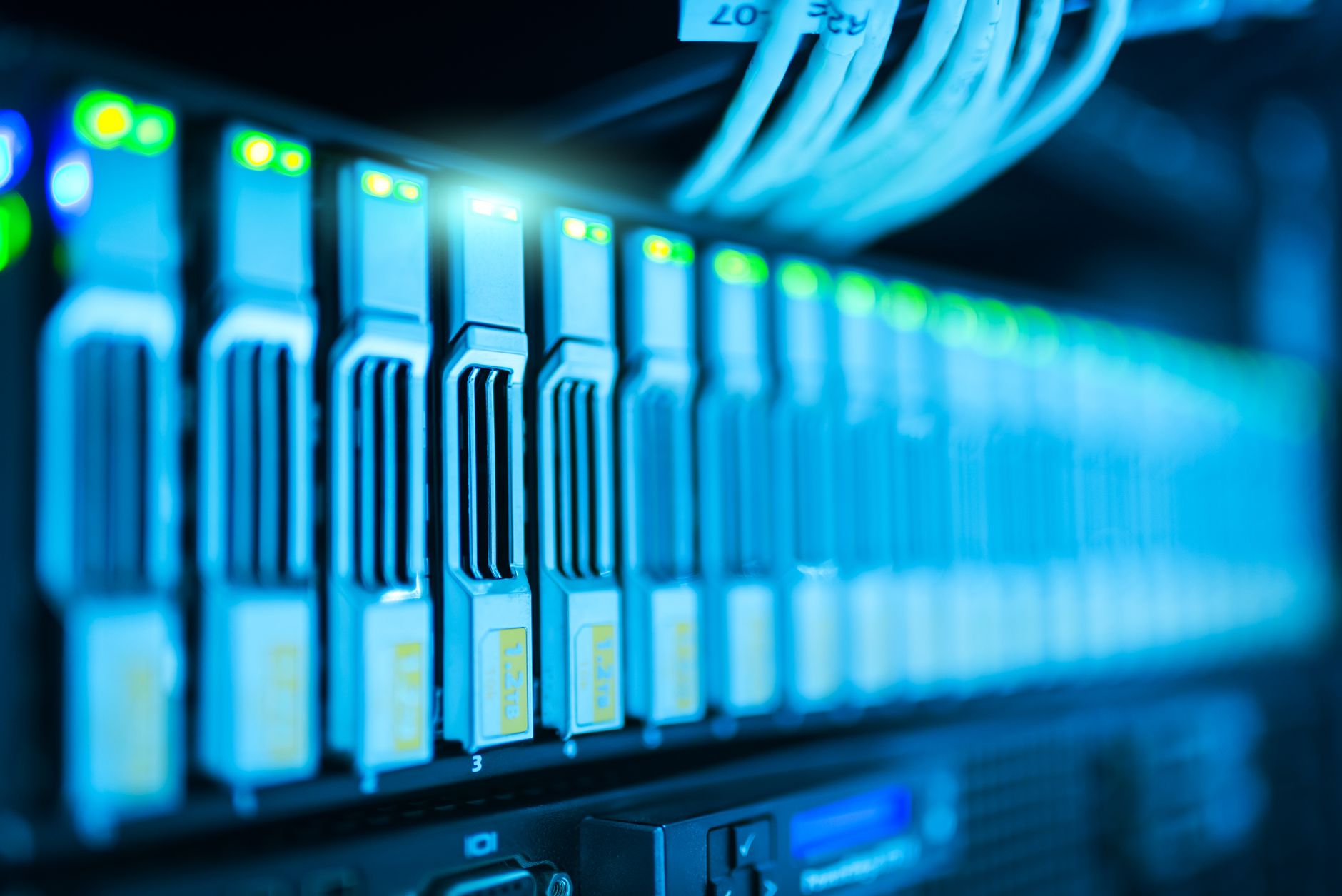
What Is the MAC Protocol in Networking?
Media Access Control, or MAC, is the part of the data link layer that decides which device gets to transmit on a shared medium at a given moment. That medium can be a copper Ethernet cable, a fiber link, or a Wi-Fi channel in the 2.4 GHz or 5 GHz bands. The job is simple on paper and messy in real life: stop devices from shouting over one another.
MAC does not route packets across the internet. That job belongs to layer 3 devices like routers. MAC stays local. It controls access inside one network segment, such as a switch port, an office wireless cell, or a dorm network with 30 laptops trying to sync cloud files at 9:00 p.m.
Clear distinction: A MAC address identifies a device, but MAC protocol rules control transmission order, and that difference trips up a lot of beginners in an introduction to networking course.
On Ethernet, the protocol history includes CSMA/CD, which means devices sensed the line and backed off after a collision on shared hubs. On modern switched Ethernet, collisions dropped hard because each port gets its own link, but the idea still matters for understanding how the layer works. On Wi-Fi, the access rules look different because devices share radio space, and two transmitters can drown each other out even when they cannot “see” the problem.
That is why MAC matters. A network with 10 devices behaves very differently from one with 200 devices. More devices mean more waiting, more contention, and more wasted airtime if the rules get sloppy.
The protocol also shapes speed. A clean access method can move small frames fast, while a bad one creates retries and lag that make a 1 Gbps link feel sluggish. That hurts voice calls, cloud apps, and anything that hates delay.
Why Does MAC Protocol Prevent Collisions?
MAC prevents collisions by making devices share a medium in an orderly way instead of all talking at once. On a busy network, 5 devices can still collide if they all sense idle space at nearly the same time, so the protocol adds rules for waiting, listening, and retrying.
Reality check: A shared channel with 20 active devices can waste a lot of airtime if nobody follows backoff rules, and wireless networks feel that pain faster than wired ones.
A collision happens when two frames overlap on the same channel and neither arrives cleanly. Ethernet once handled that with collision detection: devices sent, checked, and then stopped if they heard a clash. Wi-Fi cannot do that well while sending, so it leans on collision avoidance instead. It tries to stop the mess before it starts.
Backoff is the part students should remember. A device waits a random amount of time before trying again, and that random wait lowers the chance that the same two devices will clash twice in a row. That is not magic. It is just a smart way to spread out traffic across milliseconds.
Acknowledgments matter too. When a device gets a clear response or sees no response after a retry limit, it learns whether the frame got through. Without that feedback, a sender would keep guessing, and guessing burns bandwidth.
The downside is plain: MAC rules add delay. A network with strict access control sends more reliably, but a network under heavy load can feel slower because devices spend more time waiting than talking. That tradeoff beats chaos every time, especially on shared Wi-Fi in a lecture hall with 40 phones.
Learn Introduction To Networking Online for College Credit
This is one topic inside the full Introduction To Networking course on UPI Study — a self-paced online class for college credit. Credit recommended by NCCRS; your college decides how credits transfer. Courses start at $250 with no deadlines and lifetime access.
Explore on UPI Study →How Do Ethernet And Wi-Fi Use MAC?
Ethernet and Wi-Fi both use MAC, but they handle shared access in different ways. Ethernet started with shared cables and CSMA/CD, while Wi-Fi uses CSMA/CA because radio traffic is harder to monitor and collisions are more expensive. That difference matters in a 3-credit Introduction to Networking class, where students compare wires, switches, and airwaves side by side.
| Feature | Ethernet | Wi-Fi |
|---|---|---|
| Access method | CSMA/CD | CSMA/CA |
| Shared medium | Cable or old hub | Radio channel |
| Collision handling | Detect, stop, retry | Avoid, wait, retry |
| Why it matters | Less waste on wired links | Less interference in air |
| Modern setup | Switched ports, 1 Gbps common | 2.4 GHz and 5 GHz bands |
The table makes the split easy to see. Wired links can watch the line more directly, but wireless devices share a noisy airspace where hidden nodes and weak signals make collision avoidance a much bigger deal.
Which MAC Rules Should Networking Students Learn?
A student who wants to understand MAC should learn a small set of rules first, not a giant pile of acronyms. In a 12-week introduction to networking course, these 6 ideas show up again and again in quizzes, labs, and exam questions.
- Frames carry the data at layer 2, and each frame has headers, payload, and trailer fields.
- MAC addresses are 48-bit identifiers, usually written in hex like 00:1A:2B:3C:4D:5E.
- Access methods decide who talks first, such as CSMA/CD on old Ethernet and CSMA/CA on Wi-Fi.
- Backoff adds a random wait after contention, which cuts repeat collisions on a busy channel.
- Acknowledgments tell the sender a frame arrived, and missing ACKs usually mean a retry is coming.
- MAC does not do signaling at the physical layer, so a 100 Mbps electrical signal and a 2.4 GHz radio wave still follow different rules.
- Hidden-node problems show up in wireless, where 2 laptops may miss each other but still hit the same access point.
The catch: Students who memorize only the acronym often miss how frames, addresses, and backoff work together, and that gap shows up fast on lab day.
A good instructor will push simple scenarios: one printer, 8 laptops, and a switch, then the same setup on Wi-Fi. That contrast sticks because it shows the rules in action, not just on a slide.
How Does MAC Show Up In A Real Class?
A real class makes MAC click fast, especially when the course carries 3 credits and the grade depends on labs, not just multiple-choice questions. In a campus or online section of Introduction to Networking, students often watch traffic from 2 devices, then 10 devices, then a whole lab group, and the difference gets obvious. The quiet network works fine. The crowded one starts waiting, retrying, and losing time. That is MAC in the wild.
- At Northern Virginia Community College, a 3-credit networking class can use shared-medium demos to show why access rules matter.
- A quiz might ask why Wi-Fi uses CSMA/CA instead of CSMA/CD, and the answer ties back to radio limits.
- A lab with 5 laptops and 1 access point shows how backoff changes traffic flow in seconds.
- Students who study online still see the same 48-bit MAC address format in packet captures.
What this means: A student who understands MAC can explain why the same file moves faster on a wired switch than on a crowded wireless channel.
The smartest part of this topic is also the boring part: MAC rules keep a shared medium from turning into a shouting match. If you can trace one frame from sender to receiver and explain the wait in between, you already know more than half the class on day 1.
Frequently Asked Questions about MAC Protocol
The MAC protocol in networking is the set of rules that lets devices share one network medium without talking over each other. It sits in the data link layer and controls access on Ethernet and Wi‑Fi, where collisions can happen if 2 devices send at once.
What surprises most students is that the MAC layer does not move data by itself; it decides who gets to send, when to send, and how to retry after a clash. That matters on shared links like Wi‑Fi, where devices compete for airtime in milliseconds.
Most students think fast internet means every device can send anytime, but what actually works is strict turn-taking rules at layer 2. Ethernet uses MAC addresses and switches, while wireless uses access rules like CSMA/CA to cut down collisions.
If you get MAC rules wrong, your network gets slow, noisy, and wasteful because devices keep colliding or backing off too often. On a busy Ethernet LAN or 2.4 GHz Wi‑Fi network, that means more retries, lower throughput, and ugly delays.
Start by learning the difference between the MAC sublayer and the logical link control part of the data link layer. Then map that to one Ethernet example and one Wi‑Fi example, because 2 media types use different access rules.
A 3- to 4-credit introduction to networking course can cover MAC rules, Ethernet framing, and wireless contention in one term. If your program offers ace nccrs credit, you can study online and still build transferable credit in a standard college format.
This applies to you if you work with Ethernet, Wi‑Fi, or any shared network, and it does not matter whether you're in a lab, office, or home setup. The same MAC ideas also show up in an introduction to networking class and in many intro cert paths.
The common wrong assumption students have is that MAC means only a hardware address, but the protocol also covers how devices share the channel. Looking at the message access protocol definitions and the real MAC rules shows why address labels and access rules are not the same thing.
MAC helps you avoid collisions by giving devices a clear rule for who sends first, who waits, and how long to back off after a busy signal. Ethernet uses switching to reduce shared traffic, and Wi‑Fi uses contention rules so 2 laptops don't shout at once.
Yes, because MAC shows up in packet traces, switch labs, and wireless tests where you see 48-bit MAC addresses and layer 2 frames. If you can explain why 1 device waits while another sends, you already have the core idea.
Final Thoughts on MAC Protocol
MAC is the traffic cop inside the data link layer. It does not decide the destination of a packet, and it does not care about your IP route. It cares about who gets the medium, when they send, and what happens if two devices try to speak at once. That small job has huge effects. On Ethernet, MAC rules helped tame shared cables and old hubs. On Wi-Fi, they still matter every second because radio space gets crowded fast, especially in dorms, offices, and lecture halls where 10 or 50 devices all want airtime now. The clean way to remember it is this: MAC controls access, not location. That one split clears up a lot of confusion about layer 2, MAC addresses, collisions, acknowledgments, and backoff. Miss that split and networking feels like a pile of random terms. Get it right and the whole stack starts making sense. If you want to study smarter, trace one frame on Ethernet and one on Wi-Fi, then write out what each device does before it sends. That exercise tells you more than memorizing definitions ever will.
How UPI Study credits actually work
Ready to Earn College Credit?
Credit recommended by NCCRS · Self-paced · Your college decides how credits transfer · $250/course or $99/month (US)