
An IDE in Python programming is a single workspace where you write code, run it, spot errors, and keep files organized. It combines a code editor, a console, and often a debugger, so you do not have to jump between 3 separate tools just to test one script. The common mistake is simple: students think an IDE is Python itself. It is not. Python is the language, and the IDE is the place where you work with that language. Think of it like a desk, a pencil sharpener, and a lamp all in one room. The desk does not replace the book you are reading. That matters because Python beginners spend a lot of time fixing tiny mistakes, like missing colons, wrong indentation, or file names that do not match. A good IDE catches those problems fast. Some also help you manage 2, 5, or 20 files in one project without turning your screen into a mess. If you are taking a programming in python course, the right IDE can make the first week feel less chaotic. If you study online, it can make the feedback loop tighter too: type, run, read the result, fix, repeat. That rhythm helps students build skill faster than copying code into random tools and hoping for the best.
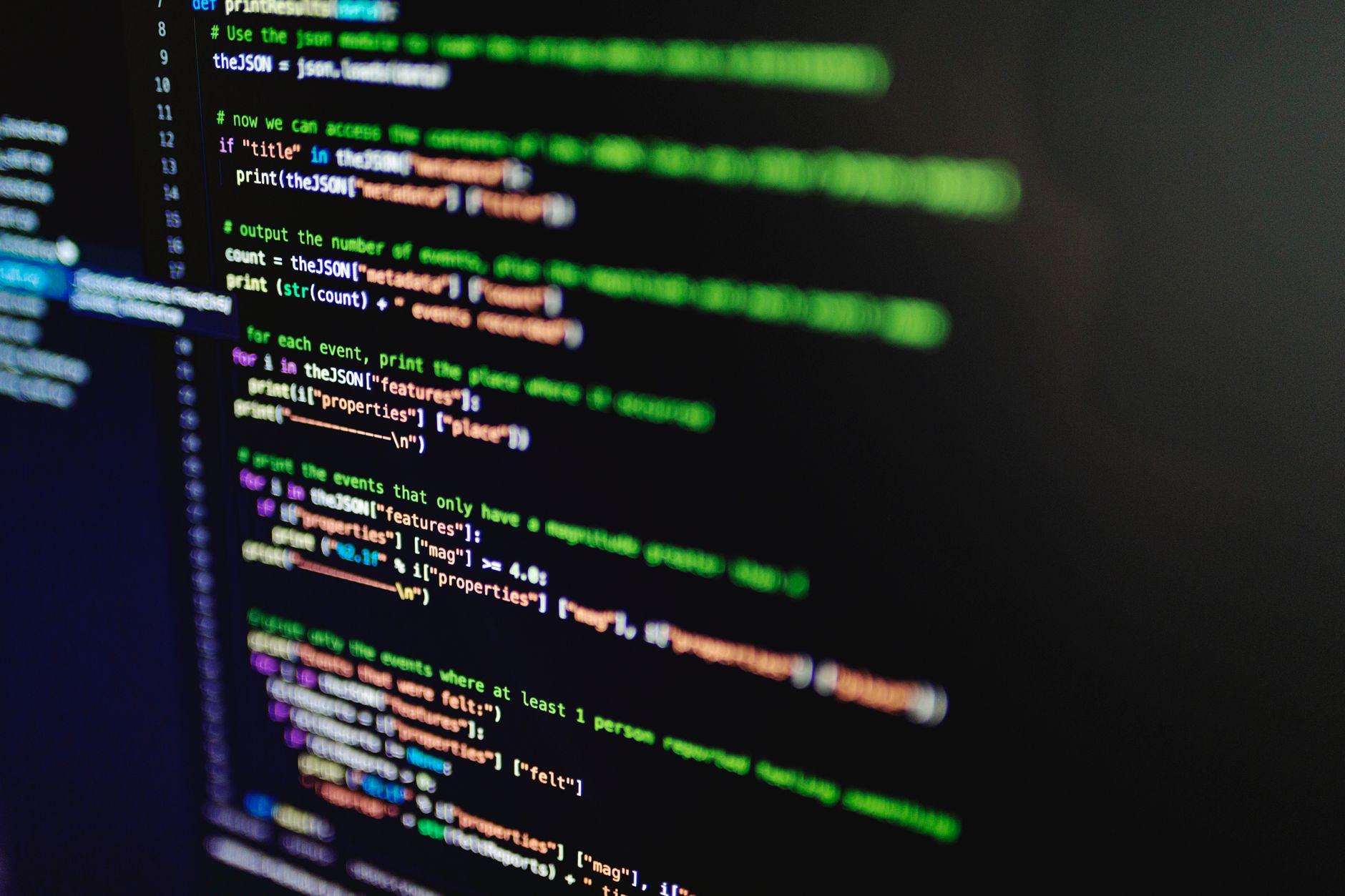
What Is An IDE In Python Programming?
An integrated development environment IDE is a program that puts several coding tools in one place, and that setup helps Python learners move faster than using 3 separate apps. In plain terms, it gives you a screen for typing code, a place for running it, and tools for catching mistakes before they snowball.
The catch: An IDE is not Python, and that mix-up trips up a lot of first-time students in 2025. Python is the language you learn; the IDE is the workspace you use to write, test, and organize that language.
That difference matters more than people think. A text editor can hold code, sure, but an IDE usually adds syntax color, file tools, a run command, and often a debugger that shows line-by-line behavior. That is why a student working through Programming in Python can keep one project open, one terminal ready, and one set of files in view instead of juggling windows.
Some learners hear “IDE” and picture a giant, scary professional tool. Bad read. Plenty of IDEs stay simple enough for a 10th grader, and the real win is speed, not flash. If you write 4 tiny scripts in one week, an IDE saves more time than it takes to learn.
The downside shows up too. Heavy IDEs can eat memory on older laptops, and a first launch may feel crowded if you only need 1 file and a run button. Even then, the structure helps most beginners more than it hurts because it keeps code, output, and errors in the same place.
Why Do Python Learners Use An IDE?
Python learners use an IDE because it shortens the loop between typing code and seeing what broke, and that loop matters in the first 2 weeks of practice. You can run a file, spot a NameError, fix one line, and try again in under a minute instead of guessing in the dark.
What this means: Faster feedback builds confidence, and confidence matters when you hit your first 5 syntax errors before lunch. A student who studies online can test small changes without losing track of where each file lives, which makes the whole process feel less like chaos and more like practice.
An IDE also helps with experimentation. If you want to change 1 variable, add 2 print statements, or test a loop with 10 items, you can do that without rewriting the entire script. That small freedom helps students learn by trying, not just by reading.
File handling sounds boring until you lose a project named final.py, final2.py, and final_real.py. An IDE’s project view keeps folders and files together, so you can see what belongs where. That matters in a programming in python course because classwork often starts with 1 script and ends with 6 files, 2 folders, and a README.
I think this is where beginners get the biggest payoff: less friction, more reps. A fancy setup does not make someone good at coding, but a clean one lets them practice more often. The tradeoff is real, though; if the IDE takes 15 minutes to set up, it can slow a very early learner down.
Learn Programming In Python Online for College Credit
This is one topic inside the full Programming In Python course on UPI Study — a self-paced online class for college credit. Credit recommended by ACE and NCCRS; your college decides how credits transfer. Courses start at $250 with no deadlines and lifetime access.
See Programming In Python →Which IDE Features Matter In Python?
A good Python IDE does 7 jobs at once, but beginners only need to recognize the parts that help them write, test, and fix code without losing their place. The rest can wait until later.
- The code editor is the main typing area. It colors keywords like
ifandfor, which makes Python code easier to scan in 2026. - The console or terminal shows what your script prints. If you run
print("Hello"), this is where the 1-line result appears. - The debugger lets you pause code at a specific line. That helps when a loop runs 20 times and you need to see the exact step that breaks.
- The file or project explorer keeps folders in order. Students using Programming in Python can track 3 files or 30 without guessing where each one lives.
- The run button starts your program fast. One click beats copying code into a separate shell every single time.
- Autocomplete suggests variable names and built-in functions. That can save 5-10 keystrokes per line and cut down on spelling mistakes.
- Error highlighting marks problems in red or yellow before you even run the file. That early warning helps with missing colons, bad indentation, and mismatched brackets.
How Do You Use An IDE In Python?
Using an IDE in Python follows a simple loop: open a project, create a file, write code, run it, read the output, and fix what breaks. Once you do that 4 or 5 times, the pattern stops feeling new and starts feeling normal.
- Open a new project or folder first. That gives your Python work one home instead of scattering files across your desktop.
- Create a file with a clear name, like
main.pyorlesson1.py. Good names save time when you have 2 or more files in the same project. - Write your code in the editor and save it before running. Many beginners lose work because they skip this step, and that mistake hurts more than any bug.
- Click run or use the shortcut your IDE shows, then read the console output. A good first script should show feedback in under 10 seconds.
- Fix the error, rerun, and compare the new output. That repeat cycle teaches more than staring at a syntax message for 15 minutes.
- As your work grows, add more files to the same project and connect them with imports. That step matters when a 1-file exercise turns into a 3-file assignment in a college credit course.
Which IDE Should Python Students Choose?
The best IDE for a beginner is the one that gets out of the way fast, and that matters more than having 40 buttons nobody uses. A student who only needs 1 project, a run button, and a debugger should not start with a tool built for 200-file software teams. Pick the setup that makes programming in python feel clearer on day 1, not the one that looks impressive in a screenshot.
Bottom line: Ease of setup beats feature overload for most new learners, especially in the first 30 days. If the tool opens in 10 seconds and lets you write code without a maze of menus, you are already ahead.
- Choose a tool that installs in under 15 minutes, not half a day.
- Look for a built-in debugger if you plan to study online or work through labs.
- Pick project tools that keep 2-6 files organized without extra setup.
- Use an IDE that fits a college credit or online course flow, not just hobby tinkering.
- Avoid heavy features if they slow your laptop below 8 GB of RAM.
Frequently Asked Questions about Python IDE
Start by opening the editor and typing a tiny Python file, like a 3-line script that prints text. An IDE, or integrated development environment IDE, gives you one place for writing, running, and debugging code, so you don't keep jumping between apps.
What surprises most students is that the console and debugger matter as much as the editor. In programming in python, you can write code in one pane, run it in another, and spot errors with line numbers instead of guessing.
Most students type code in a plain text box and then try to run it somewhere else, but that slows them down fast. What works better is using the file tree, editor tabs, and run button inside one integrated development environment ide.
This helps anyone learning programming in python course work, from college students to self-taught beginners, and it doesn't force you into advanced tools on day 1. A simple IDE still gives you editor, console, and file tools in one screen.
The most common wrong assumption is that an IDE only matters for big apps. In a small online course or a first Python lab, the same tools help you run 5-line examples, inspect variables, and save files in named folders.
$0 is the usual price for popular Python IDEs like Thonny, IDLE, and Visual Studio Code, so you don't need to pay just to start. That matters when you study online for ace nccrs credit or transferable credit, because the tool itself doesn't add a fee.
If you get the IDE basics wrong, you'll waste time chasing setup mistakes instead of learning Python, and a missing file path or hidden error can stop your code from running. You also lose the debugger, which shows where the program breaks.
An IDE helps you write code, run it, debug it, and manage files in one place. It doesn't replace practice, and it won't turn a 2-hour coding session into a finished project without you reading errors and fixing them.
You should recognize the editor, console, debugger, and project or file panel first. The editor holds your .py file, the console shows output like print() results, and the debugger lets you pause on a bad line and inspect values.
Yes, an IDE supports Python work that can sit inside a programming in python course tied to college credit or ace nccrs credit. Use it to save assignments, run tests, and keep each lab in its own folder so your work stays organized.
Final Thoughts on Python IDE
An IDE in Python programming gives beginners a single place to think, type, test, and fix code, and that matters because coding always moves faster when the feedback shows up right away. The real value does not come from fancy colors or a crowded toolbar. It comes from fewer distractions, cleaner files, and faster error checks. The best learners treat the IDE like a workbench. They open one project, write one script, run it, and read the output before they touch the next line. That habit sounds small, but it changes how fast someone improves over 2 weeks or 2 months. A plain editor can still work for tiny exercises, but an IDE gives you more room once your code grows past a single file. One practical mistake to avoid: do not chase the tool with the longest feature list. If the interface slows you down or makes you click through 8 menus just to run code, it works against you. Simpler tools often help students build better habits because the code stays in front of them instead of the settings panel. Start with one IDE, one folder, and one small Python file. Learn the editor, the console, and the debugger in that order, then build from there.
How UPI Study credits actually work
Ready to Earn College Credit?
Credit recommended by ACE and NCCRS · Self-paced · Your college decides how credits transfer · $250/course or $99/month (US)