
Project planning is the step that turns an idea into a real action plan. It defines what the project will do, who will do the work, how long it should take, and what it should cost. Without that step, even a strong idea can turn messy fast. In project management, planning comes before the schedule, before the budget, and before the team starts work. A good plan sets scope, objectives, deliverables, resources, risks, and communication rules. That matters in school projects, office rollouts, and client work alike. A student in a project management course usually learns that planning is not just guesswork with a calendar. It is a set of choices. You decide what belongs in the project and what stays out. You break the work into pieces. You set dates that people can actually hit. You also build a plan for the parts that go wrong, because they usually do. The tools matter too. Work breakdown structures, Gantt charts, network diagrams, risk registers, and planning software all help you see the work in different ways. Some tools show tasks. Some show timing. Some show dependencies. Used together, they make the plan usable instead of vague.
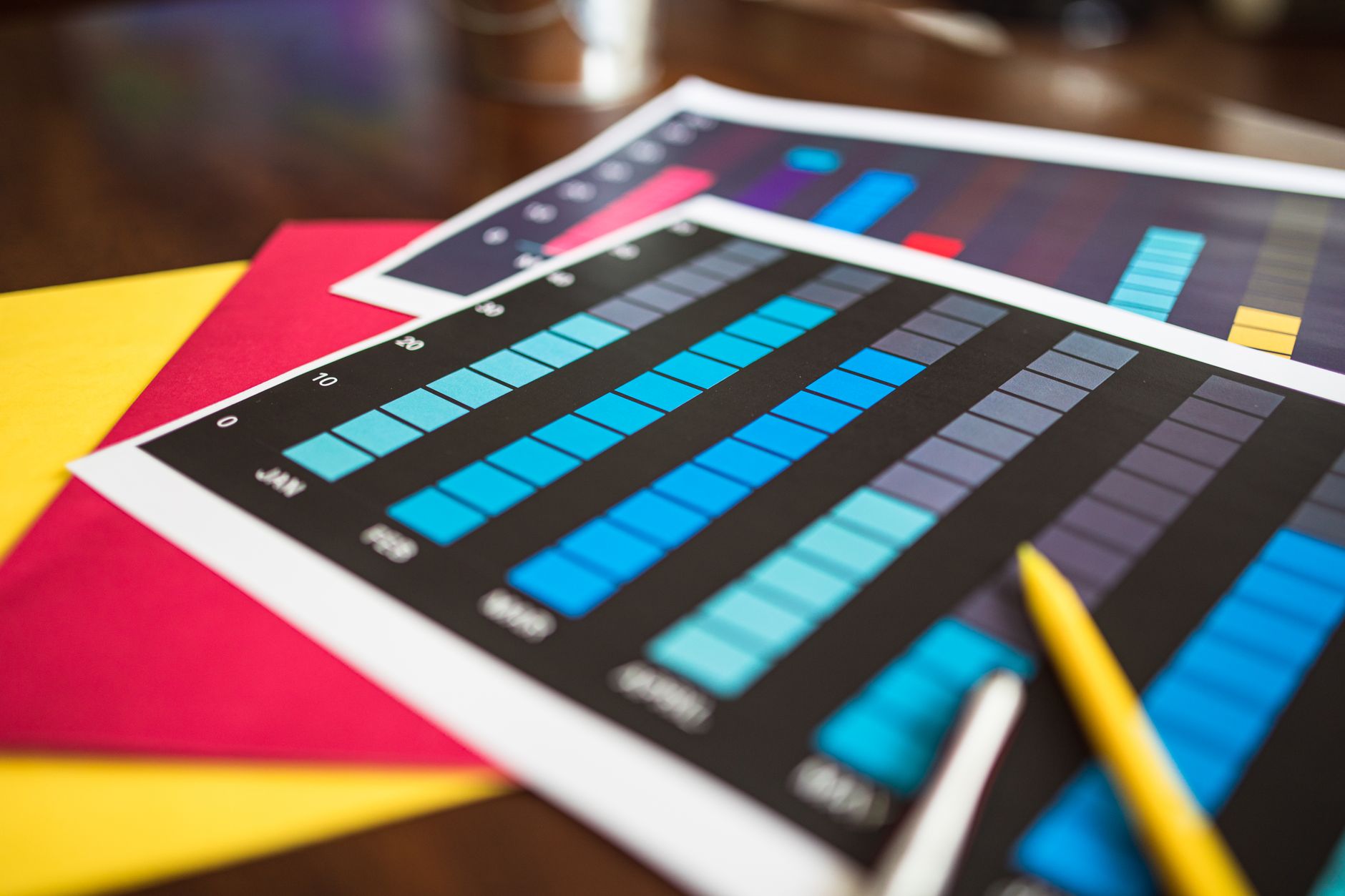
What Does Project Planning Actually Include?
Project planning is the bridge between an idea and execution, and it usually starts with 7 core outputs: scope, objectives, deliverables, timeline, budget, resources, and communication rules. In a project management course, this is the point where vague talk turns into a working map. A plan without those pieces often fails before the first task ends.
Scope says what the project will do and what it will not do. Objectives give the target, like launching a website by 30 June or cutting response time by 15%. Deliverables name the real outputs, such as a report, app, event, or training session. Those details matter because a team cannot manage what it cannot define.
Reality check: A 12-task plan can still fail if it leaves out resources or risks. That is why good planning also names who owns each task, how many hours the work needs, and what problems could slow the job by 2 weeks or more.
Communication also sits inside the plan, not outside it. A team might set weekly check-ins, a 24-hour response rule for approvals, and one shared file for updates. That sounds plain, but I have seen more projects slip because nobody knew who had the latest version than because the work itself was hard.
How Do You Build A Project Plan Step By Step?
A clean plan follows order, not mood. Start with the problem, then set the target, then lock the work, the people, the dates, and the cost. That sequence keeps the plan honest and stops teams from building a schedule before they know what they are building.
- Define the problem and the objective in one clear sentence. If a project cannot state its goal in 25 words or less, the team usually has not agreed on it yet.
- Set the scope by naming what belongs in the project and what stays out. A tight scope can save 10 or 20 hours of rework later.
- Break the work into tasks and deliverables. Many teams use a work breakdown structure at this stage because it turns one big job into smaller parts that people can actually assign.
- Assign responsibility and estimate time and cost. If a task needs 3 days and 2 people, say that now, not after the deadline slips.
- Build the draft schedule and check the order of work. A task that depends on approval before 5 p.m. cannot start on the same day as the request.
- Review the full plan and send it for approval. A manager, client, or faculty reviewer should sign off before work begins, because changes after launch usually cost more.
What this means: The plan gets stronger at each step because each step removes one kind of guesswork. That is why Project Management courses spend so much time on sequence and control.
Why Do Scope, Schedule, And Budget Matter?
Scope, schedule, and budget form the three limits that shape almost every project, whether the work lasts 2 weeks or 12 months. If one changes, the other two usually change too. That trade-off feels annoying, but it keeps the plan real instead of dreamy.
Scope creep happens when people keep adding work after the plan starts. One extra feature may sound small, but 5 small changes can turn a 40-hour project into a 60-hour one. In office work, that is where teams start missing dates and burning out. In school projects, it is where groups split apart.
Schedule matters because time sets the pace for every task. A 6-week plan needs different choices than a 6-month plan. If a task depends on another task, you cannot jam both into the same day and pretend it will work. That is why project managers watch task order so closely.
Budget matters because money puts a hard ceiling on people, tools, travel, and materials. A plan that ignores cost usually collapses when the bill arrives. My blunt take: good planners name the trade-offs early, while bad planners hope the numbers will fix themselves.
Learn Project Management Online for College Credit
This is one topic inside the full Project Management course on UPI Study — a self-paced online class for college credit. Credit recommended by NCCRS; your college decides how credits transfer. Courses start at $250 with no deadlines and lifetime access.
Explore on UPI Study →Which Planning Tools Should Students Learn?
A solid planning toolkit usually includes 7 items, and each one answers a different question about the job. In Project Management, students learn that no single chart does everything, which is why real planners mix tools instead of clinging to one favorite.
- A work breakdown structure splits the project into smaller pieces, often 3 levels deep, so the team can assign work without guessing.
- A Gantt chart shows tasks against time, which makes a 4-week or 12-week schedule easy to scan.
- A network diagram shows task order and dependencies, so the team knows what must finish before the next job starts.
- A milestone chart marks major checkpoints, such as approval, launch, or handoff dates, and keeps big goals visible.
- A risk register lists what could go wrong, the chance of each risk, and the response plan if it happens.
- A resource plan tracks people, tools, and hours, which helps a manager avoid overloading 1 person with 3 jobs at once.
- Planning software like Microsoft Project, Asana, Trello, or Monday.com keeps updates in one place and makes sharing easier for remote teams.
The catch: A tool only helps if the team updates it. A perfect Gantt chart from Monday means little by Friday if nobody changed the 6 missed tasks.
How Do Planning Tools Turn Ideas Into Action?
A project plan turns useful when the tools work together, not as separate homework. First, the work breakdown structure makes the idea concrete by listing every task and deliverable. Then the Gantt chart puts those tasks on a timeline, and the network diagram shows which ones depend on others. That matters because one delay on a 2-day approval can shove three later tasks out of place. Planning software keeps the full picture live, which helps a team share updates, move dates, and track progress without rewriting the whole plan every time. Project Management students usually notice this only after they see a bad plan fall apart in real time.
- WBS turns a big goal into smaller work packages.
- Gantt charts show start dates, finish dates, and overlaps.
- Network diagrams expose the tasks that control the whole schedule.
- Software stores one current version, not 5 messy copies.
- Dashboards help a team spot 80% complete work and 20% left to fix.
Worth knowing: The best tool combo keeps people honest. A team can argue about feelings, but it cannot argue with a 3-step dependency chain that blocks launch on day 14.
If you study Principles of Management, this is where the ideas click, because planning stops looking abstract and starts looking like daily control.
What Makes A Project Plan Ready To Use?
A project plan becomes ready to use when 5 things line up: clear deliverables, realistic dates, named owners, known risks, and a communication rhythm that people can follow. If one of those pieces stays fuzzy, the plan looks polished on paper and weak in practice.
The final check should answer simple questions. Who owns each task? What finishes by Friday, 12 May, or the end of week 4? Which risks need backup plans? Who gets updates, and how often? A plan with answers to those questions gives the team a real working script.
Stakeholder approval matters too. A manager, instructor, client, or sponsor needs to sign off before work starts, not halfway through. That approval gives the team one shared version of the truth, which saves a lot of wasted motion later. I like plans that name one owner per task and one review point per week, because they stay cleaner under pressure.
The weak point of many plans is not the logic. It is the handoff. Once the plan leaves the planner and reaches the team, the words have to be plain enough for anyone to act on them.
Frequently Asked Questions about Project Planning
Project planning applies to you if you need to turn a project idea into a clear scope, schedule, budget, and risk plan; it doesn't apply if you only want a rough brainstorm with no dates, owners, or deliverables. You use it for project management in a project management course, online course, or real work.
Project planning is the process of setting scope, goals, tasks, dates, costs, people, and risks before work starts, and the main tools are a work breakdown structure, Gantt chart, network diagram, and planning software. That mix helps you turn one idea into a step-by-step plan.
The most common wrong assumption is that project planning means making a schedule only, but a real plan also covers scope, budget, resources, risk, and communication. If you skip those parts, your plan looks neat and still falls apart fast.
A basic project plan can take 2 hours for a small class assignment or 2 to 5 days for a real team project with budget and risk steps. The time grows fast when you add a work breakdown structure, a Gantt chart, and a resource plan.
Most students jump straight to tasks and dates, but what actually works is defining scope first, then breaking the work into smaller pieces and assigning owners. That order keeps the plan tied to the goal, not just a list of busywork.
If you get project planning wrong, you miss deadlines, spend too much, or leave work unassigned, and the whole project management plan can stall in week 1 or 2. A weak scope statement causes the worst damage because every other plan sits on top of it.
Start by writing the scope and objective in one clear sentence, then list the final deliverable, due date, and success measure. After that, you can build the work breakdown structure and turn it into a schedule.
What surprises most students is that a good plan spends as much time on communication and risk as it does on tasks, and some teams use 4 core planning tools before anyone starts work. A short risk log and a weekly update plan can save days of rework.
Yes, project planning skills can support a project management course that offers college credit or ace nccrs credit, especially when you study online and finish a graded plan, chart, and risk section. Some programs also treat the course as transferable credit.
A Gantt chart helps you see task order, overlaps, and deadlines fastest because it puts the full schedule on one timeline with start and finish dates. If you need to spot dependency gaps, a network diagram shows the task order even more clearly.
Final Thoughts on Project Planning
Project planning sounds dry until you see what it really does. It keeps a team from guessing. It sets the scope before the work grows legs. It gives you dates, owners, costs, risks, and a clear way to talk about the job. The best plans do not try to predict every problem. They make the next move obvious when the problem shows up. That is why the core tools matter so much. A work breakdown structure gives shape. A Gantt chart gives time. A network diagram gives order. A risk register gives backup thinking. Planning software keeps the whole thing current. Students often treat planning as paperwork at first, then they see how fast a project slips without it. That shift matters in class, at work, and in any project that has more than 1 person involved. A clean plan saves time later because it removes noise before the work starts. If you want to get better at project management, practice with a real project, even a small one. Build the scope, make the chart, name the risks, and test the schedule against the budget. Then do it again with a harder project.
What it looks like, in order
Ready to Earn College Credit?
Credit recommended by NCCRS · Self-paced · Your college decides how credits transfer · $250/course or $99/month (US)