
To add two numbers from user input in Java, you first read what the user types, store it in variables, convert it into a numeric type if needed, and then use the + operator. That basic flow is the whole trick: input, storage, conversion, arithmetic, output. Beginners often expect the keyboard input to arrive as a number immediately, but Java usually reads text first. This common misconception causes a lot of confusion: typing 5 and 7 into a program does not magically make them integers unless your code uses a numeric Scanner method or parses the text. Once you understand that distinction, the rest is simple. A Scanner can capture values from System.in, a variable can hold each value, and a print statement can show the result. Whether you are working through an introduction to java, building a tiny practice app, or preparing for an introduction to java course, the pattern is the same. This is one of the first skills that makes programming feel real, because the program reacts to what a person types instead of using only hard-coded values.
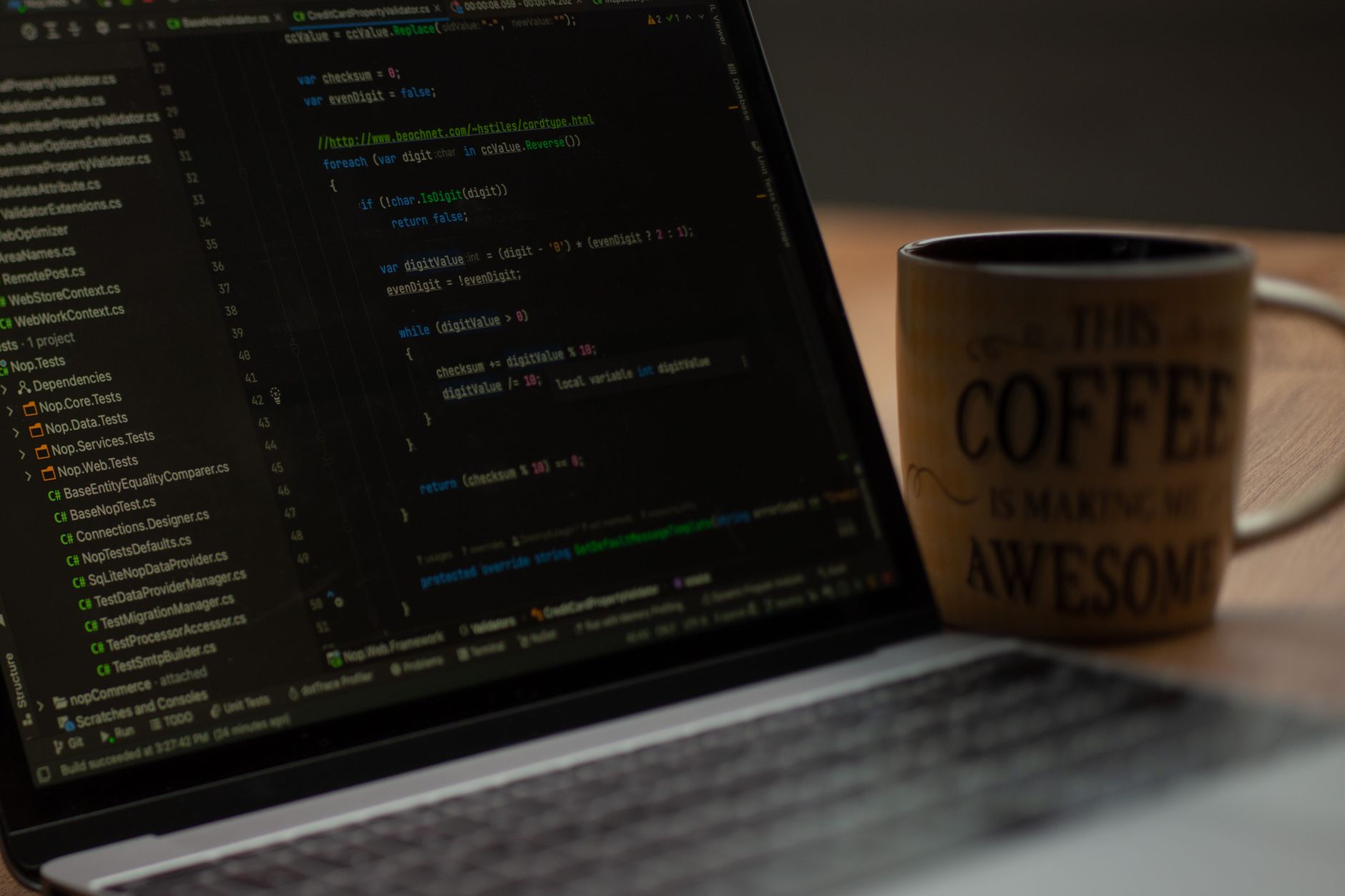
Which Java Scanner Methods Read Numbers?
If you are learning this in 2024, the main choice is whether you want Java to read a number directly or read text first and convert it. Both work, but they return different types and behave differently around line breaks.
- Scanner.nextInt() reads a whole number and returns an int. It is the easiest choice for values like 3, 25, or 1000.
- Scanner.nextDouble() reads decimals such as 4.5 or 19.99 and returns a double. Use it when cents or measurements matter.
- Scanner.nextLong() reads larger whole numbers and returns a long. It is useful when 2,147,483,647 is too small for your value.
- Scanner.nextLine() reads an entire line as text, so "8" still comes in as a String. You must convert it with Integer.parseInt() or Double.parseDouble().
- Parsing text is helpful when you want to validate input yourself. For example, "42" becomes 42 after Integer.parseInt("42").
- Mixing nextLine() with nextInt() can surprise beginners because of the leftover newline. If you switch methods, consume that extra line carefully.
How Do You Write The Simplest Java Example?
The cleanest beginner pattern has 6 steps: import Scanner, read 2 values, add them, and print the result. Each step matters because Java cannot do arithmetic on raw keyboard text, even if the user types perfect numbers in 5 seconds.
- Import Scanner at the top of the file with import java.util.Scanner;. Without that line, Java does not know which input tool to use.
- Create the Scanner object with Scanner input = new Scanner(System.in);. This connects your program to the keyboard for console input.
- Ask for the first number with a prompt like "Enter the first number:". Clear prompts reduce mistakes, especially when someone is typing quickly at 10 p.m.
- Store the first value in a variable, such as int first = input.nextInt();. That line turns what the user typed into a number you can use later.
- Ask for and store the second number the same way, for example int second = input.nextInt();. Now you have 2 separate values in memory.
- Add and display the result with int sum = first + second; and System.out.println("Sum: " + sum);. The program performs the math only after both values are stored.
Learn Introduction To Java Online for College Credit
This is one topic inside the full Introduction To Java course on UPI Study — a self-paced, online class that earns real college credit. Credits are ACE and NCCRS evaluated and transfer to partner colleges across the US and Canada. Courses start at $250 with no deadlines and lifetime access.
Browse Introduction To Java →How Do You Add Two Numbers From User Input In Java?
The core idea is simple: Java does not add raw keyboard text until you read it, store it, and convert it into a numeric type. If the user types 12 and 8, the program still needs two variables, such as int first and int second, before the + operator can produce 20.
Common mistake: The biggest student misconception is thinking Scanner.nextLine() or Scanner.next() returns numbers automatically. It does not. Those methods return text, so "12" is still a String until you parse it or use nextInt() or nextDouble(). That is why a program can fail even when the user typed the right digits.
Once the values are numeric, Java performs normal arithmetic in 1 line. For whole numbers, int works well; for decimals like 3.5 or 19.99, double is the better choice. A simple adding two from user example might ask for 2 values, add them, and print a total in under 10 lines of code.
This pattern is one of the first real wins in an introduction to java because it shows how data moves through a program. You collect input, keep it in memory, calculate with it, and send the answer back to the screen. That same flow appears in many beginner exercises, from temperature conversion to a tiny banking app.
Why Does Java Sometimes Reject User Input?
Java rejects user input most often when the text does not match the type you asked for. If the code expects an int and the user types 4.7 or hello, Scanner can throw InputMismatchException right away, even on the first line of input.
Type choice matters for 3 common cases. Use int for small whole numbers, long for larger counts, and double for values with decimals like 12.5 or 99.95. If you pick the wrong type, the program may reject valid-looking input or silently lose precision, which is a problem in examples that involve money, measurements, or totals above 2,147,483,647.
The safest habit is to match the variable type to the expected input before you run the program. If the user may enter fractions, do not use int. If the user may enter letters by mistake, add validation or a friendly retry message so the console program does not stop at the first error.
What Should You Check Before Adding Numbers?
Before you run a 2-number console program, check a few basics so the input, types, and output line up. A 30-second review can save several failed runs and a lot of confusion.
- Match the variable type to the input you expect. Use int for whole numbers, double for decimals, and long for larger values.
- Decide whether 0.5, 2.75, or 19.99 should be allowed. That choice controls whether your program should parse decimals or reject them.
- Write prompts that say exactly what to type. "Enter a whole number" is clearer than "Enter value" for a beginner at 9:00 a.m.
- Handle bad input before adding it. If the user enters abc, your program should explain the problem instead of crashing.
- Close the Scanner when the program is done, especially in longer apps. In a tiny example, input.close(); is a clean final step.
- Test the program with 2 or 3 inputs, including one tricky case. Try 5 and 7, then try 5.5 and 7.5 if your code allows decimals.
Frequently Asked Questions about Java Input Addition
If you read numbers as text and skip conversion, your program won't add them, and you might get string joining or a compile error. Use Scanner, store each input in int or double, then add with + and print the result with System.out.println().
The most common wrong assumption is that Java turns typed input into numbers by itself, but Scanner only reads text first. You need nextInt(), nextDouble(), or Integer.parseInt() before you can do arithmetic.
Start by creating a Scanner object, then ask for the first number and the second number one at a time. After that, save both values in variables and use + to add them, which is the basic flow for user input in Java.
What surprises most students is that the input line and the math step stay separate. Java reads from the keyboard first, stores the value in memory, and only then can you add 2 numbers or 2.5 numbers with int or double variables.
You usually need about 8 to 10 lines: import java.util.Scanner, create the Scanner, read 2 numbers, add them, and print the sum. A tiny program can still teach the full pattern fast.
You add two numbers from user input in Java by reading each value with Scanner, converting it to int or double, storing it in variables, and using + to get the sum. The only catch is that text input won't work until you convert it.
Most students type the numbers straight into a print statement and hope Java will do the rest, but that won't work. What actually works is Scanner for input, variables for storage, and one clean add step before you display the answer.
This applies to anyone learning Java basics, including someone in an online course, and it doesn't require college credit or ACE NCCRS credit to practice. If you want transferable credit later, a class like an introduction to java course can still use the same Scanner pattern.
Use double and Scanner.nextDouble() if you want decimals like 3.5 or 12.25. Then add the values with + and print the result, because int only handles whole numbers.
You read the first number, read the second number, store both in variables, add them, and print the sum. That 4-step flow works the same in a local class or when you study online with a Java lesson.
Java treats keyboard input as text first, so it won't do math until you convert that text into a numeric type. That's why nextInt(), nextDouble(), or parseInt() matter before the + sign can work.
Final Thoughts on Java Input Addition
Adding two numbers from user input in Java is one of the best beginner exercises because it teaches the full programming loop in a tiny package. You read data, store it, convert it if needed, perform arithmetic, and show the result. That sequence appears everywhere in coding, so once it clicks here, later topics feel less mysterious. The main thing to remember is that keyboard input usually starts as text. If you treat it like a number too early, Java will complain. If you choose the right Scanner method or parse the text carefully, the program becomes predictable and easy to debug. Start with whole numbers and then try decimals once the basics feel comfortable. Test a few inputs, including a wrong one, so you can see how the program behaves in real use. That small habit builds confidence faster than memorizing syntax alone. If you can write a 10-line program that adds 2 user-entered values, you already understand a core idea of Java programming. From there, you can move on to subtraction, multiplication, and simple menus with the same pattern: input, variable, operation, output.
How UPI Study credits actually work
Ready to Earn College Credit?
ACE & NCCRS approved · Self-paced · Transfer to colleges · $250/course or $99/month