
Client-server architecture in web development is the pattern where your browser asks for data and a web server sends back a response. The browser acts as the client, and the server handles the work behind the scenes, usually through HTTP requests and responses that happen in a fraction of a second. That setup sits inside almost every web page load, form submission, API call, and login screen. If you type a URL, click a submit button, or send data with JavaScript, you trigger this same back-and-forth cycle. A page can look simple on screen and still depend on 3 or 4 separate network steps. This matters because web development is not just about buttons and colors. HTML creates the form, CSS shapes the view, and JavaScript helps the browser collect input, validate it, and send it somewhere useful. The server then checks the data, stores it, or rejects it with an error message. Once you understand that flow, browser code stops feeling mysterious. You start seeing why some actions refresh the page, why others call fetch, and why a form can submit data even before a full page redraw happens. That understanding also helps if you are studying an introduction to javascript course or building toward transferable credit in a web-related program.
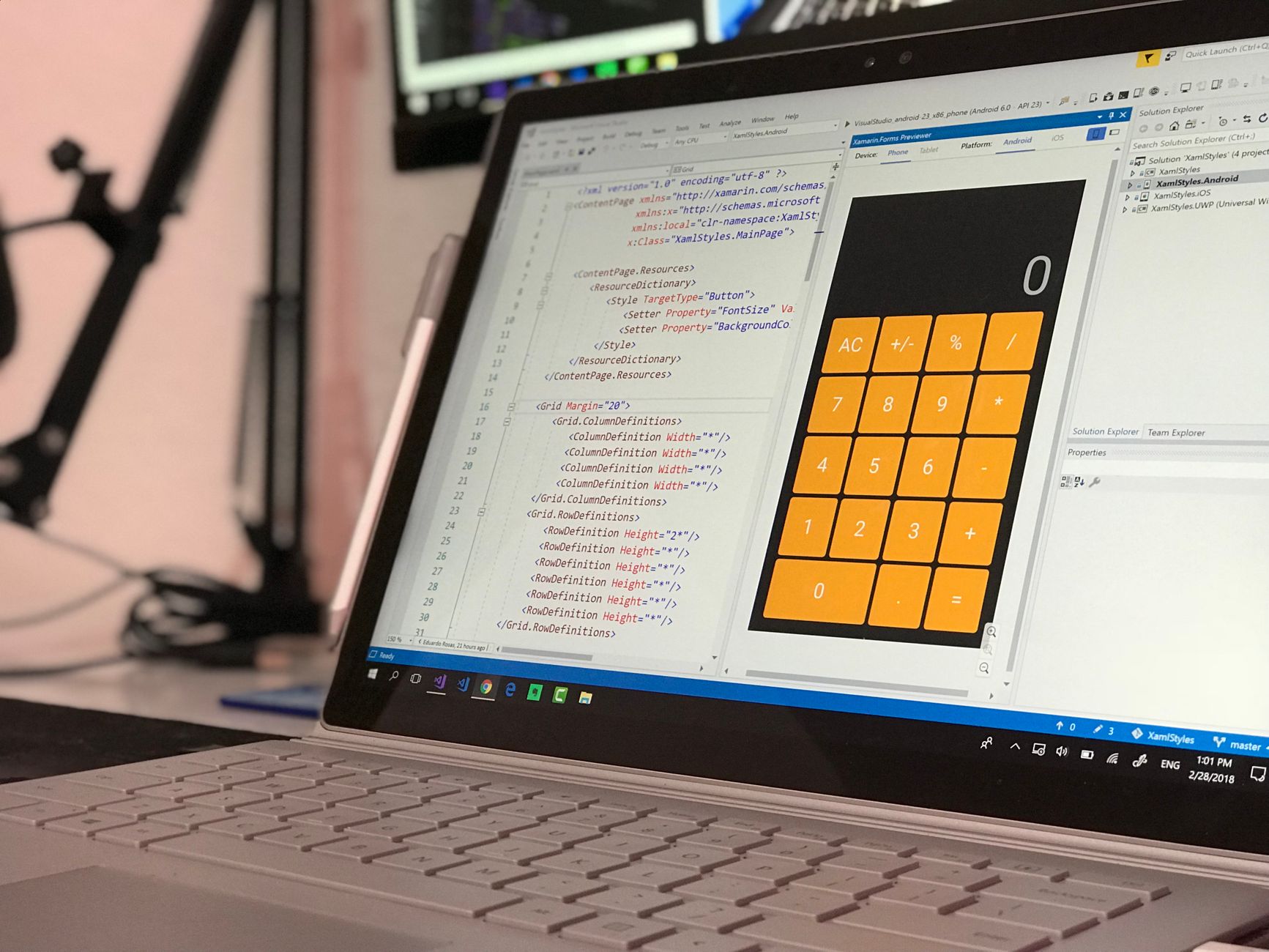
What Is Client Server Architecture In Web Development?
Client-server architecture in web development means the browser asks for something and a server answers through HTTP, usually in under 1 second on a fast connection. The browser acts as the client because it starts the request, and the server acts as the responder because it receives the request, checks it, and sends data back.
That model exists because browsers stay light while servers do the heavy work. A page might need 12 images, 3 scripts, and 1 form submission, but the browser does not need to store the whole site’s logic on your laptop. The server can pull data from a database, run permissions checks, and send back only what the page needs.
Reality check: A “page load” is not one magic event. The browser often makes several requests at once: HTML, CSS, JavaScript, fonts, and images can all travel separately, and each one follows the same request-response rule.
This structure shapes every form, login, search box, and checkout screen. If you click submit on a contact form, the browser sends field data to a server route, and the server decides whether to save it, reject it, or return a new page. That is why anyone learning HTML, CSS, and JavaScript should study the HTTP cycle early, not after they get lost in framework talk.
A lot of beginners think the browser “does” everything. It does not. The browser builds the page and runs client-side code, but the server still handles storage, authentication, and most business rules. That split keeps the web usable at huge scale, from a 5-page portfolio site to a system that serves millions of requests a day.
If you are reading a comprehensive guide to web client server architecture and form handling, this is the core idea: the client starts the conversation, the server answers it, and every useful web app depends on that pattern.
How Does A Browser Send Requests?
A browser sends a request by turning a URL, click, or script action into an HTTP message that names a method like GET or POST. The browser also attaches headers, cookies, and other details before it sends anything across the network, often in a few hundred milliseconds.
First, the browser reads the URL and asks DNS where that domain lives. Then it opens a connection, builds the request line, and sends headers such as Accept, Content-Type, and Cookie. Those little lines matter more than most students expect, because a cookie can carry a session ID while a header can tell the server what kind of response the browser wants.
What this means: A request already contains a lot of context before the server speaks, and that context often decides whether you see a page, a redirect, or a 401 error.
GET and POST do different jobs. GET usually asks for data, like a product page or search result, and POST usually sends data, like a sign-up form or comment. JavaScript can trigger both through normal navigation, through fetch, or by submitting a form that a script has not blocked.
A plain link click, a form action, and a fetch call all start differently, but they still end up in the same HTTP cycle. That is the part students miss when they jump straight to frameworks. The browser does not skip the network just because the code looks modern.
For hands-on study, a structured Introduction to JavaScript course can make this request flow easier to spot in real code, especially once you watch headers and methods change across 2 or 3 examples.
How Do Forms Collect And Validate Input?
Forms collect user input by turning text boxes, radio buttons, checkboxes, and selects into structured data the browser can send with 1 submit action. A form can gather a name, email, password, or payment field, then HTML and JavaScript can check that data before the browser sends it to the server. That matters because a bad email, a missing required field, or a broken pattern can waste a round trip and frustrate the user.
Client-side validation runs in the browser. Server-side validation runs after the request arrives. The browser can catch a 6-character password that should be 8 characters, but the server still needs to check it again because users can disable scripts or send bad data on purpose.
The catch: Browser checks feel fast, but they never replace server checks, and that gap matters in every form with login, payments, or private data.
- required blocks empty fields before submit.
- type="email" checks for an @ sign and basic email shape.
- pattern can enforce formats like 5 digits or 10 digits.
- JavaScript can show error text in under 100 milliseconds.
- Introduction to JavaScript helps you see how event listeners intercept a submit event.
A good form does more than collect data. It guides the user, catches obvious mistakes, and sends a cleaner payload to the server. That makes the whole request-response cycle less noisy, which is a nicer design than dumping raw input into the backend and hoping for the best.
For a broader view of page structure and data flow, Introduction to HTML and CSS shows how form fields, labels, and layout work together before JavaScript even touches the page.
Learn Introduction To Javascript Online for College Credit
This is one topic inside the full Introduction To Javascript course on UPI Study — a self-paced online class for college credit. Credit recommended by ACE and NCCRS; your college decides how credits transfer. Courses start at $250 with no deadlines and lifetime access.
See Introduction To JavaScript →What Happens After A Form Is Submitted?
After a form is submitted, the browser packages the field values into a request, sends them to the server, and waits for a response that can arrive in 200 milliseconds or 2 seconds. The exact path depends on the form method, the server route, and whether JavaScript intercepts the submit event.
- The user clicks submit or presses Enter, and the browser starts the request immediately unless code stops it.
- The browser collects the fields, adds headers and cookies, and sends the payload as GET or POST.
- The server reads the data, checks it again, and can reject bad input in 1 step if a field misses a rule.
- The backend saves the record, sends a success message, or returns a redirect to a new page.
- The browser shows the result, such as a confirmation screen, a 422 validation error, or a fresh page after login.
Bottom line: The browser never “finishes” the job by itself; it only starts the chain, and the server gives the form its meaning.
If the data passes, the server might insert a row into a database, send an email receipt, or create a session cookie. If the data fails, the server can return a 400-level response and point to the exact field that caused trouble.
That order matters because forms feel simple on the surface, yet they drive some of the most important parts of web apps. A search form, a checkout form, and a registration form all use the same 5-step rhythm, even if the UI looks different.
Students who want a stronger foundation often pair this topic with Introduction to JavaScript and a second course on requests or networking, because the flow makes more sense once you see both the browser side and the server side.
How Does JavaScript Fit Client Server Architecture?
JavaScript sits between the user and the network by listening for DOM events, stopping default form behavior when needed, and sending requests with fetch or async functions. In a 2024-style browser app, that can mean a click event updates the page without a full reload, while the server still handles the real data work.
Front-end JavaScript runs in the browser. It reads input values, validates them, and changes the DOM so the user sees errors or success states fast. Server-side JavaScript runs on the backend, often in Node.js, where it receives requests, talks to databases, and returns JSON or HTML. Those are not the same job, and beginners often blur them.
Worth knowing: Front-end code can hide a bad input field, but backend code decides whether the record gets saved, rejected, or rewritten.
A fetch call can send JSON with 3 fields, then handle a JSON response that includes a message, a status, or a redirect target. That makes the interface feel quicker because the browser can update just one part of the page instead of reloading all 120 KB of HTML again.
This is where JavaScript stops being “just buttons.” It becomes the glue that connects HTML forms, HTTP requests, and server responses. A student who can read a submit handler, a fetch block, and a JSON response already understands a big chunk of modern web work.
If you want to practice that stack in a structured way, an Introduction to JavaScript class gives you the browser-side skills, while a course like Introduction to Networking makes the request path less foggy.
Why Does Client Server Architecture Matter?
Client-server architecture matters because it separates the user interface from the data and rules, which makes web apps easier to build, test, and grow past 1 page or 10,000 users. The browser can focus on display and interaction, while the server can focus on storage, authentication, and business logic.
That split also makes form handling cleaner. You can reuse the same backend endpoint for a mobile app, a desktop browser, or a partner API, and each client can send the same data shape. That reuse saves time, and it avoids the mess of rebuilding one-off logic for every screen.
Reality check: A neat UI does not mean a solid system. If the server rejects weak data, logs errors, and answers with clear status codes, the app survives bad input much better than a form that only looks polished.
This is why the topic shows up in a comprehensive guide to web client server architecture and form handling, and why it connects naturally to an introduction to javascript course. Once you understand requests, responses, and validation, you can study online, move between tools, and carry the same ideas into APIs, HTML forms, and transferable credit pathways.
The payoff is practical. You stop treating web pages like magic and start reading them as systems with 2 sides and a clear contract between them. That view helps in class, on projects, and on the job, because the same architecture sits under login pages, chat apps, dashboards, and checkout flows.
How UPI Study Fits This Topic
90+ college-level courses give students a lot of room to build a web stack in pieces, not all at once. UPI Study offers NCCRS- or ACE-recommended courses, and that matters because those two bodies help US schools evaluate non-traditional college credit across cooperating colleges in the US and Canada.
UPI Study also keeps the pricing simple: $250 per course or $99 per month for unlimited access, with fully self-paced study and no deadlines. That setup works well for students who want to study online around jobs, family schedules, or a 15-hour course load elsewhere.
A student who starts with Introduction to JavaScript can use the same browser-and-server ideas from this article while also working toward college credit. UPI Study credits can be considered by the 2,100+ colleges that cooperate with ACE and NCCRS (final decision is with universities), and that gives the learning a concrete academic path instead of leaving it as loose practice.
Some students want skill first and transcript value second. Others want both from day one. UPI Study gives them a clean option either way, and the mix of self-paced pacing plus ACE NCCRS credit recommendation fits people who need flexibility without giving up structure.
Frequently Asked Questions about Client Server Architecture
The most common wrong assumption is that the browser does all the work; client-server architecture splits the job between a browser client and a server that handles requests, data, and responses over HTTP. In JavaScript, your code in the browser sends a request, and the server answers with HTML, JSON, or an error status like 404 or 500.
What surprises most students is that a form does not send fields one by one; the browser collects every named input, packages the data, and sends it in one request. A submit button can trigger GET or POST, and JavaScript can intercept that moment with event listeners.
If you get the cycle wrong, your form can look fine but never send data, or it can send the wrong data to the wrong route. You might see empty fields, broken validation, or a server error because the browser never built the request the way you expected.
A basic form request usually has 3 parts: the browser collects fields, JavaScript or built-in HTML validation checks them, and the server processes the submitted data. The request then carries a method like POST and a target URL such as /signup or /login.
This applies to anyone learning the client-server architecture in web development, especially if you're studying JavaScript, but it doesn't help much if you only want to style pages with CSS. If you build forms, logins, or contact pages, you need this flow.
Client-server architecture in web development means your browser sends a request to a server, and the server sends back a response that your page uses. In an introduction to javascript course, you'll see this with fetch(), form submissions, and JSON responses, not just with page reloads.
Start by making one HTML form with 2 or 3 fields, then add a submit event listener in JavaScript so you can see the request before it leaves the browser. After that, log the field values and compare them with what the server receives.
Most students memorize GET and POST and stop there, but what actually works is tracing the full path from input field to browser event to server route. That path matters in a comprehensive guide to web client server architecture and form handling, because one missing name attribute can break the whole submit.
The browser collects form fields by reading each input's name and value, then it builds a payload when you submit the form. Text inputs, checkboxes, radios, and selects all follow that rule, and JavaScript can read them with FormData or direct DOM access.
Validation runs before submission when HTML rules or JavaScript checks catch bad input like an empty email field or a password under 8 characters. That saves a server round trip, and it matters even more in an online course where you test forms many times.
The server reads the request body, checks the fields, and sends back a response such as a success page, redirect, or JSON message. In school projects, that response can support college credit work, transferable credit, or ace nccrs credit when the assignment asks you to build a working form.
Studying this online helps you build real web forms that show browser requests, server responses, and validation in one small project. That same skill often appears in an introduction to javascript course, where the form flow proves you understand client-server communication.
Final Thoughts on Client Server Architecture
Client-server architecture sounds technical, but the idea stays simple once you strip away the jargon. The browser starts the conversation. The server answers it. Forms sit right in the middle, turning human input into data that the server can read, check, store, or reject. That model explains a lot of web behavior that confuses beginners. Why a page reloads after submit. Why fetch feels faster. Why one field error can block a whole request. Why front-end JavaScript cannot replace backend validation. Those are not separate puzzles. They are all parts of the same HTTP loop. If you are learning web development, spend real time on the request path, not just on syntax. Read a form, inspect the network tab, watch headers change, and trace a POST from button click to server response. That habit pays off fast because it helps you understand HTML, CSS, JavaScript, and APIs as one system instead of four random topics. The best next step is simple: build one form, submit it once with plain HTML, then again with JavaScript and fetch, and compare the two request paths side by side.
How UPI Study credits actually work
Ready to Earn College Credit?
Credit recommended by ACE and NCCRS · Self-paced · Your college decides how credits transfer · $250/course or $99/month (US)